2-6 ASSEMBLY AND STAND OPERATION Biodex Medical Systems, Inc. © 2014
How to Change the Date/Time & Time Zone
The operating system of this panel is Windows Embedded Standard 7. The following procedure
of changing Date/Time is the standard change Date/Time process of any Windows operating
system (XP, Vista, 7).
Prerequisite:
In order to change the Date/Time or Time Zone, one needs to log-in with “Biodex” username.
(If you are currently logged in as any other user, log-off from that user, re-login to the system
as “Biodex”.)
NOTE: When performing this operation, we recommend connecting a USB mouse to the panel.
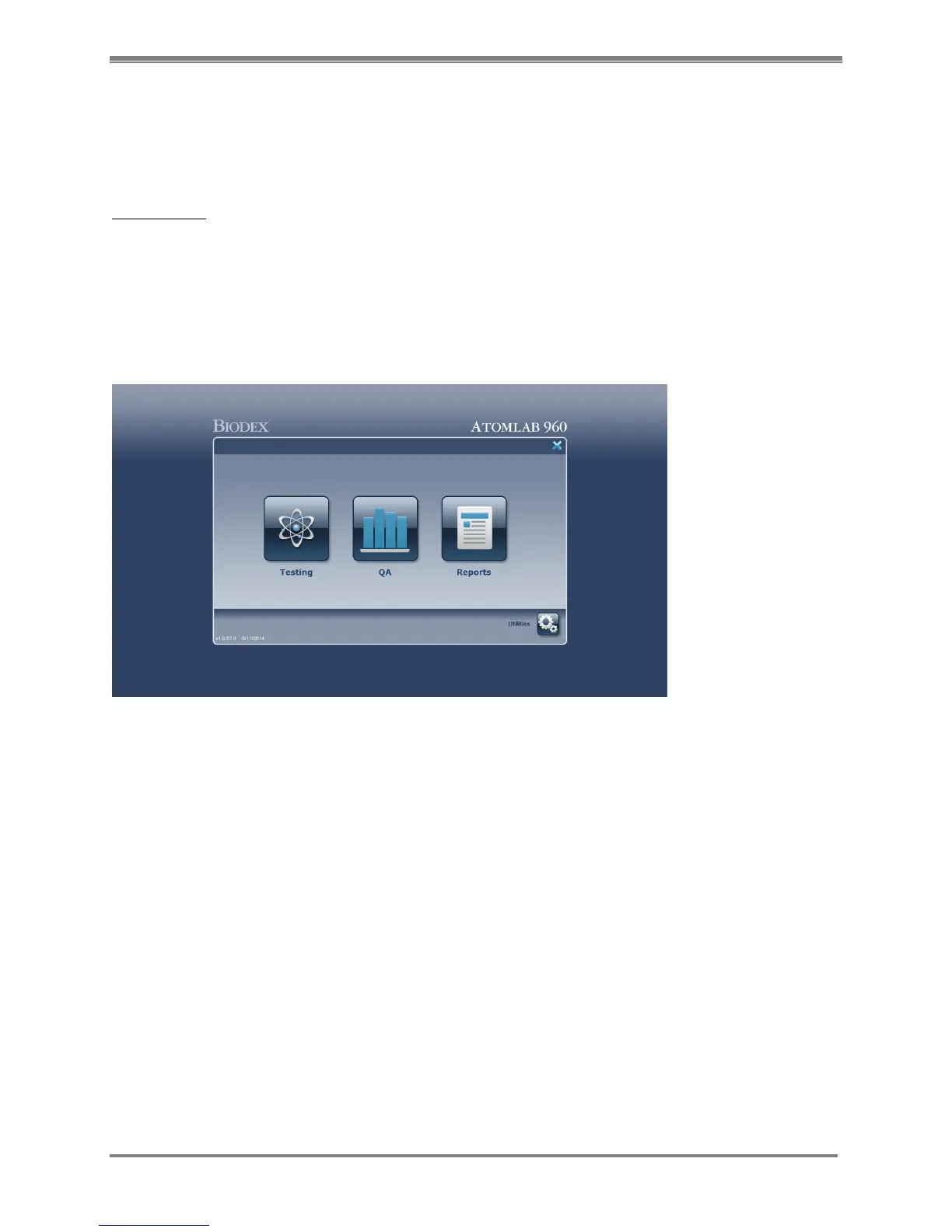
1. Exit out from the Atomlab 960 Application by selecting the (X) button from the Home
screen.
Figure 2.4. The Atomlab 960 Home page.
2. Select the <Exit to the Desktop> button.
3. Move the cursor to the bottom-right corner of the screen. The Hidden taskbar of the
windows will be visible. Now select on the Date/Time that is displayed on the taskbar. It will
pop-up a small window displaying the Analog clock and current month calendar.



 To Next Page