4-16 UTILITIES Biodex Medical Systems, Inc. © 2014
Staff Members
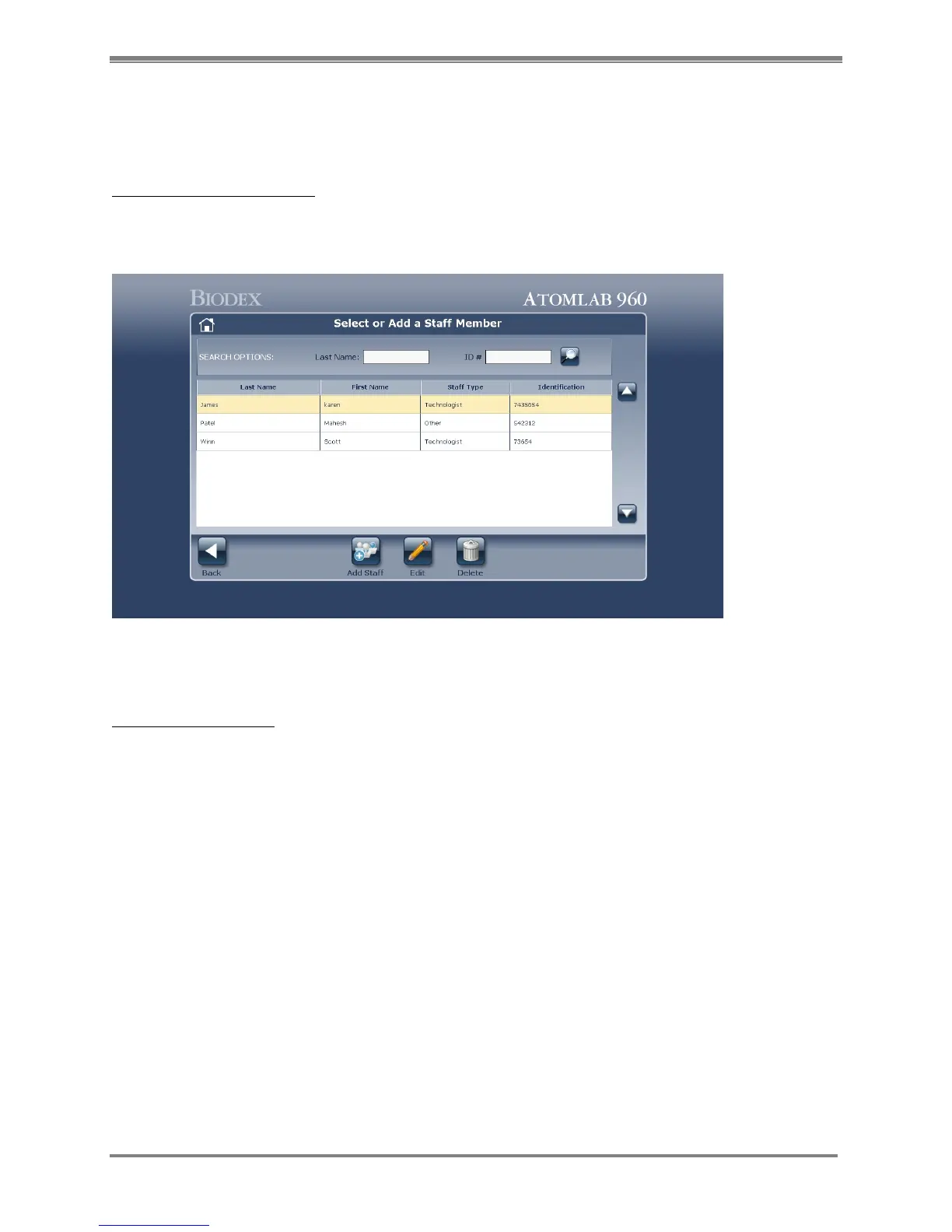
The Staff members option allows the user to add, delete or edit staff members information so
that it may be chosen for all procedures and reports.
Access The Staff Members:
1. From the <Home> Screen, select the <Utilities> icon. The Utilities Menu is now displayed.
2. Select <Staff Members>.
Figure 4.13. Select or Add a Staff Member screen.
Add a Staff Members:
1. At the Select or Add a Staff Member screen select <Add Staff>
2. At the Add Staff Member screen enter the First name, Last name, Identification number and
Staff type of the Staff member.
3. Select <Accept> to add the staff member and return to the Select or Add Staff Member
screen or <Cancel> to return to the Select or Add a Staff Member screen without adding
staff.



 To Next Page