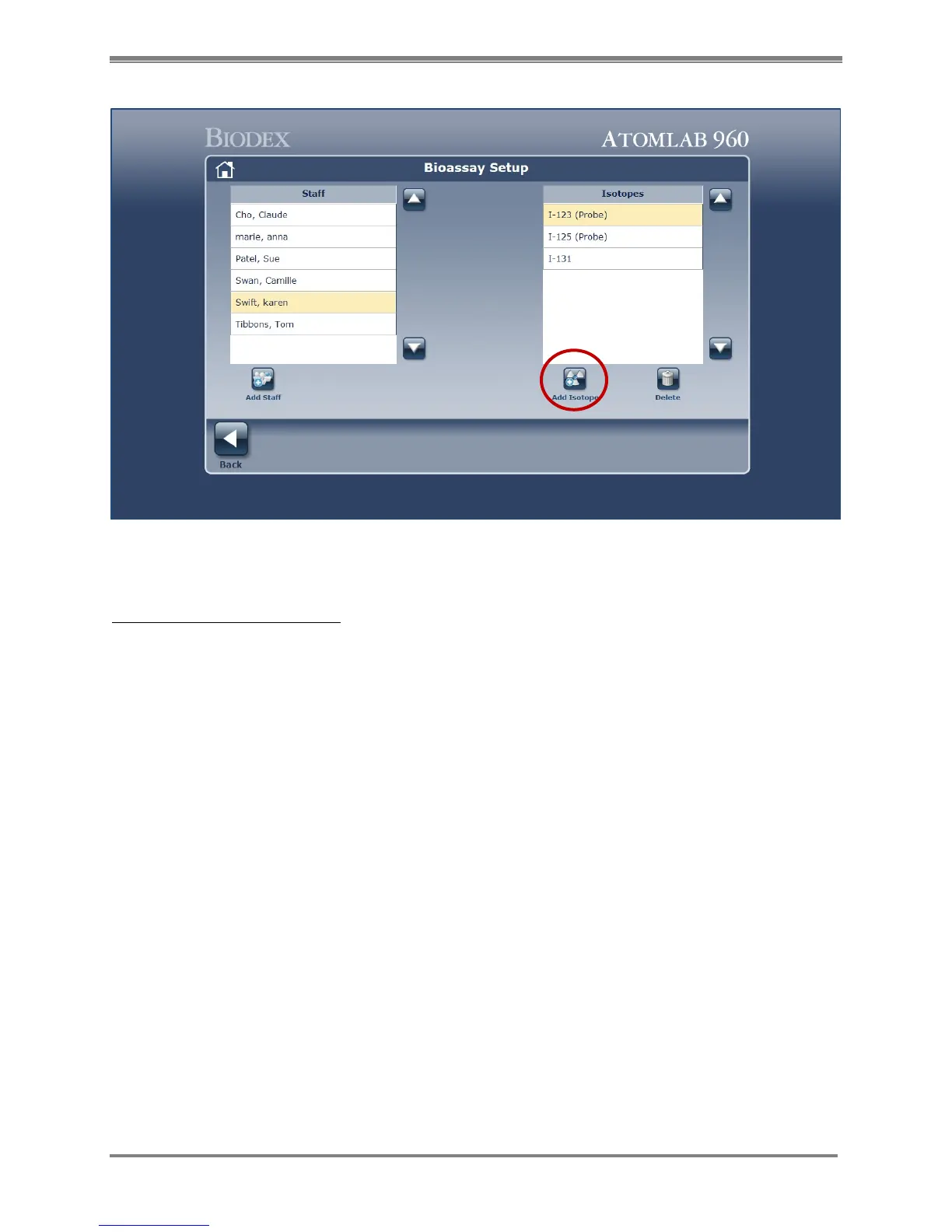
Figure 4.30. Isotopes For Bioassay Setup screen.
Add Isotope for Staff Member:
1. Highlight Staff Member’s name.
2. Select the <Add Isotope> icon from the Bioassay Setup screen. (See Figure 3.7.)
NOTE: The isotope list displayed shows only isotopes available for Bioassay.
3. Select the isotopes to be assigned to the staff member by clicking in the appropriate
checkboxes to the left of the Isotope name.
NOTE: Each staff member can be setup with different isotopes listed.
NOTE: You can chose multiple isotopes by selecting each isotope.



 To Next Page