Print Manual Mode Reports
1. To print Manual Mode Report from the Clinical Reports Screen, select <Manual Mode>.
2. Select the “from/to” date ranges that you wish to use. Use the arrows to adjust the date.
3. When you have entered the date range, select <accept>.
4. Select <detector> you wish to view or print report.
5. Select <accept>.
6. The screen now displays the report. If you select the <printer> icon, it will print the report.
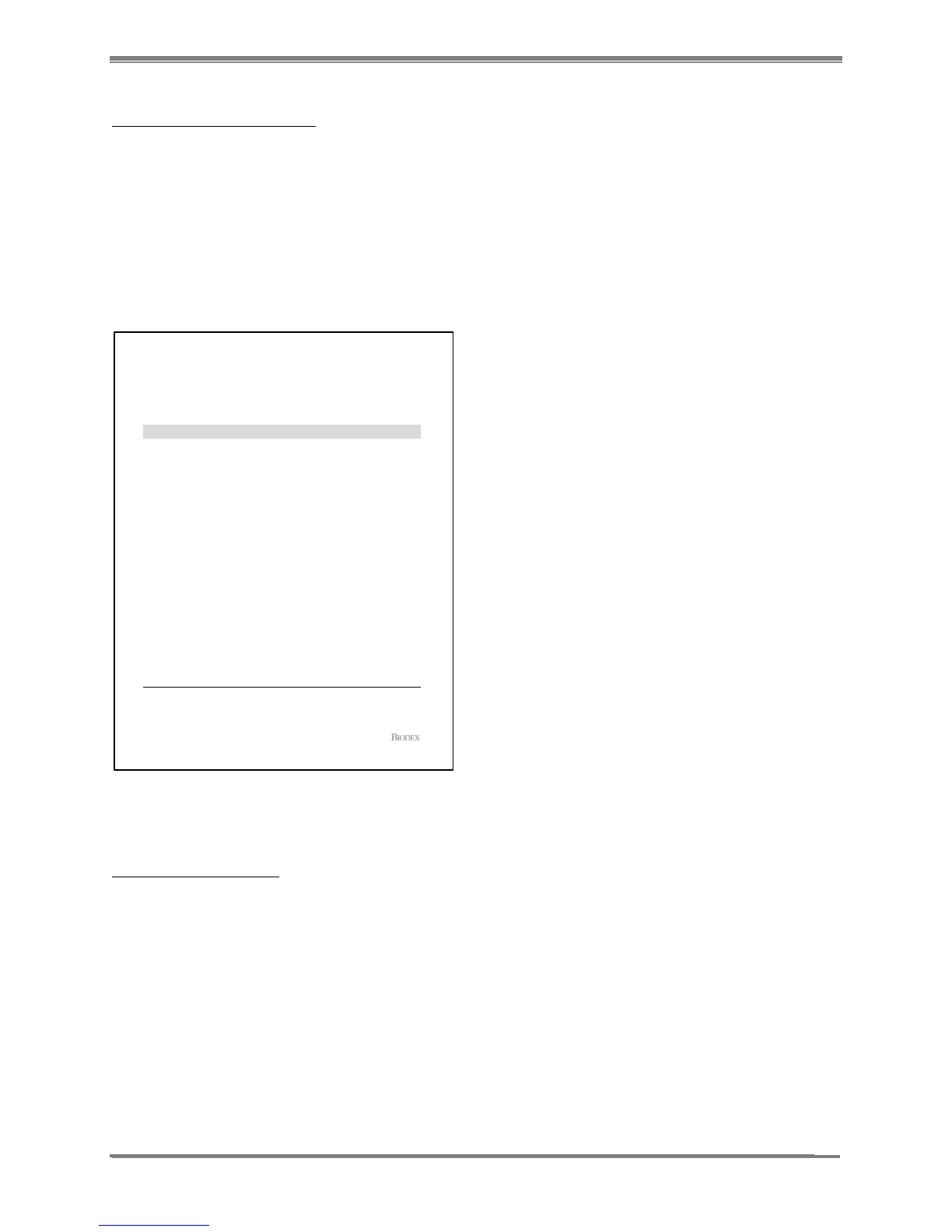
7. Select <back> to return to the Clinical Reports screen. (See report below.)
Figure 11.25. Manual Mode Report.
Print Bioassay Reports
1. To print Bioassay Reports from the Clinical Reports Screen, select <Reports>. Select
<Clinical>. Select <Bioassay>.
2. Choose from <Single Detail>, <Summary History> or <Detail History> as follows:
Printed on: 1/26/2013 2:55:07 PM
Manual Mode Report
Probe (Probe)(S/N: 121)
Date Performed Isotope ROI (keV)
Count Time
(secs)
ROI Counts ROI CPM
1/26/2013 2:54 PM Cs-137 561 - 761 20 15,544 46,632
1/26/2013 2:53 PM Cs-137 561 - 761 20 15,541 46,623
1/26/2013 2:51 PM Cs-137 561 - 761 20 15,789 47,367
1/19/2013 1:01 PM Cs-137 561 - 761 14 16,465 70,564
Detector
:
JOHNSON MEMORIAL CLINIC
NUCLEAR MED DEPT.
123 HOSPITAL ROAD,
PORT JEFFERSON, NY 11778
+1(631)-924-4455
Page 1 of 1Software Ver: 1.0.56.0
Comments :
Signature : Date Signed :



 To Next Page