4-26 UTILITIES Biodex Medical Systems, Inc. © 2014
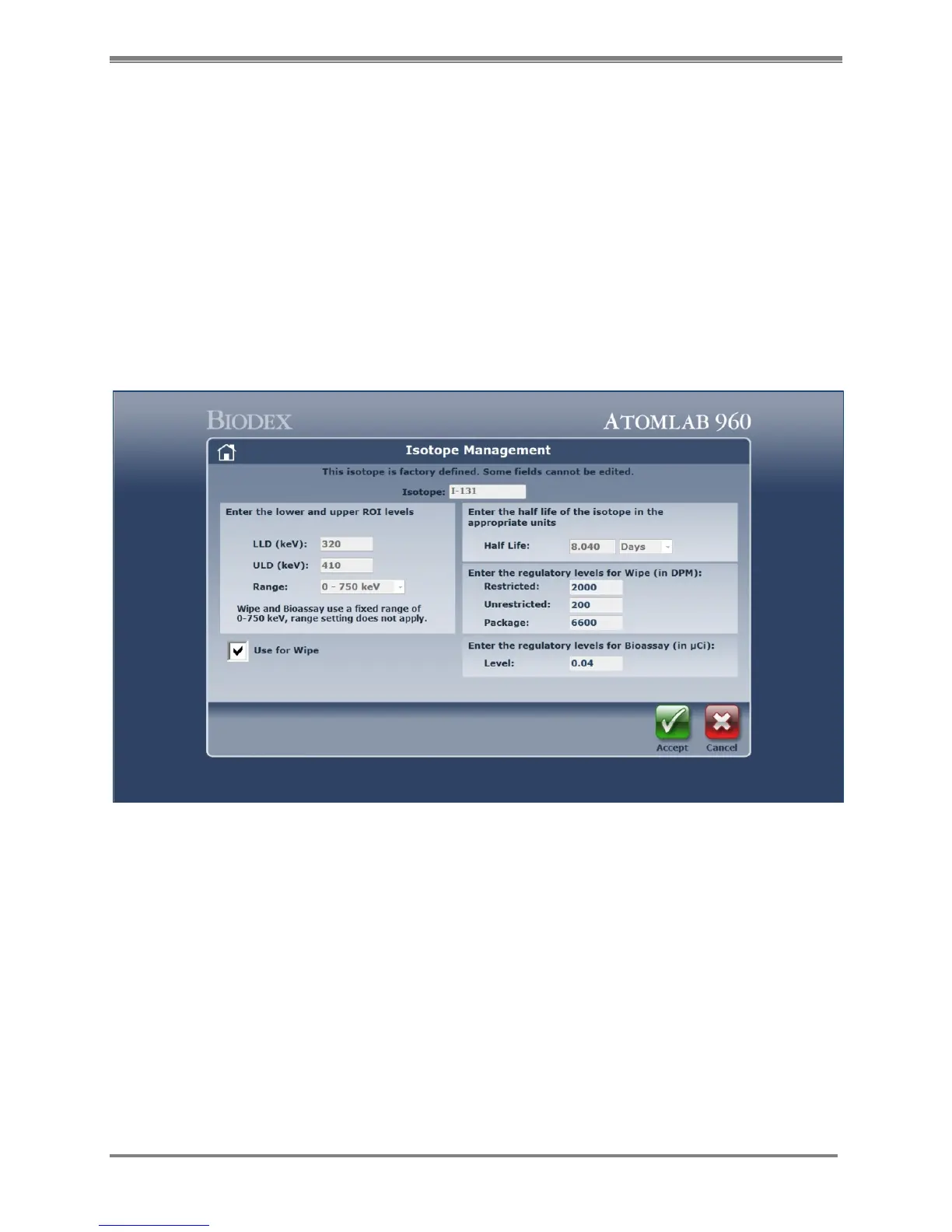
Bioassay Isotope Setup
Before selecting Bioassay function, the following must be performed:
1. Following the steps detailed in the Detectors section, ensure that the required detector
has been selected. If not, select the required detector now.
2. Following the steps detailed in this chapter ensure that the required isotope(s) have
been properly set up and selected. If not, perform the set up function for each isotope
now.
NOTE: When adding a new isotope, it must be made available for Bioassay or it cannot be used
in the Bioassay program.
NOTE: I-123, I-125 and I-131 are automatically available for Bioassay. You must still enter the
Isotope Efficiencies and set the Trigger Level for each of these isotopes.
NOTE: When setting up the isotope, the keV range for Bioassay is determined at 0-750 keV.
Figure 4.21. The Isotope Management screen.



 To Next Page