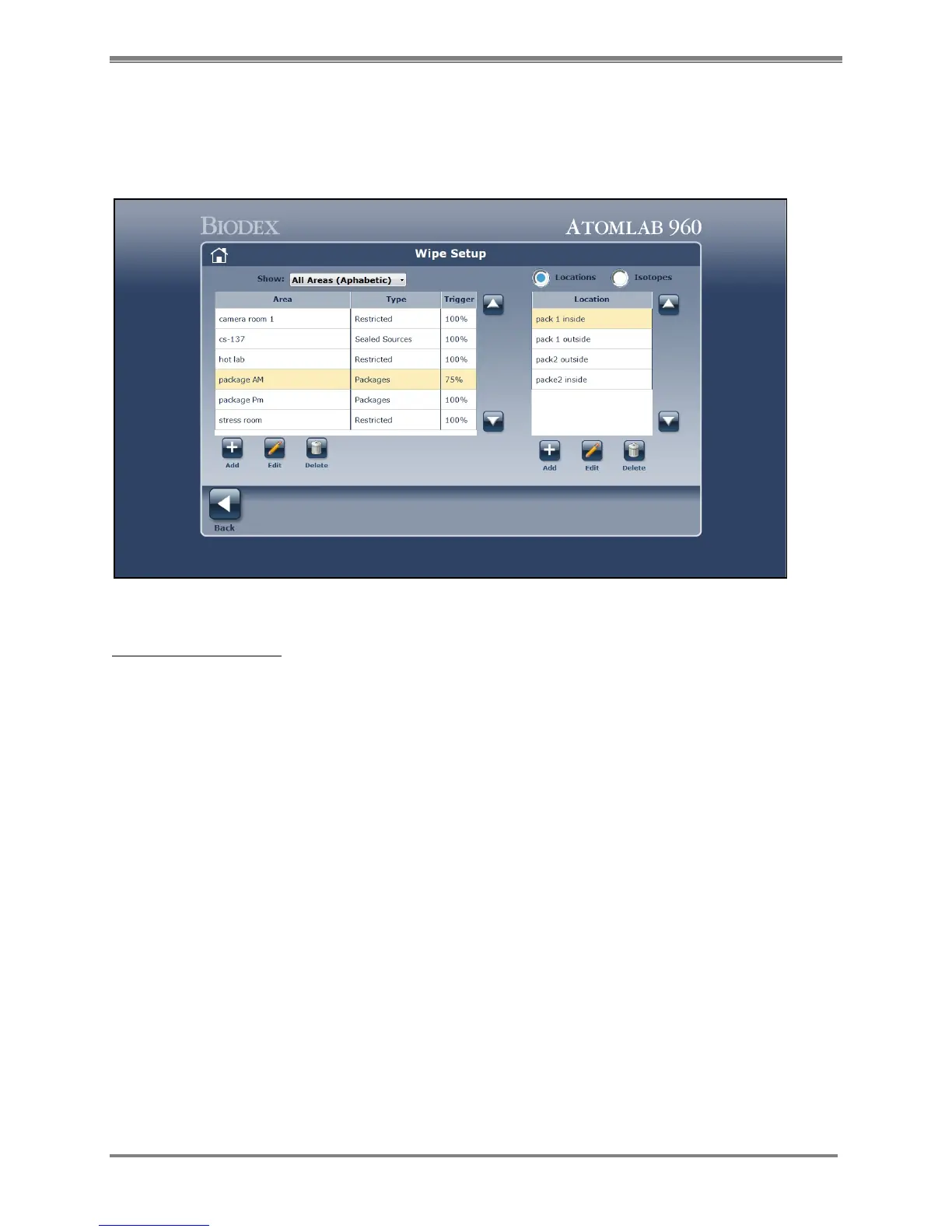
Wipe Setup
There are certain functions that must be set in the system setup section of utilities. These are
selecting the detector for wipe, setting the wide window isotope and efficiency, the background
count time, the wipe sample count time, and the default display units.
Figure 4.22. A sample Wipe Setup screen.
Create Your Wipe Area
1. From the Utilities Window select <Wipe Setup> to advance to the Wipe Setup screen.
2. To add a wipe area, select <Add> under the Areas Section. The Add Wipe Area screen is now
displayed.
3. Enter an Area Name and select the area type: Restricted, Unrestricted, Sealed Source or
Packages.



 To Next Page