4-28 UTILITIES Biodex Medical Systems, Inc. © 2014
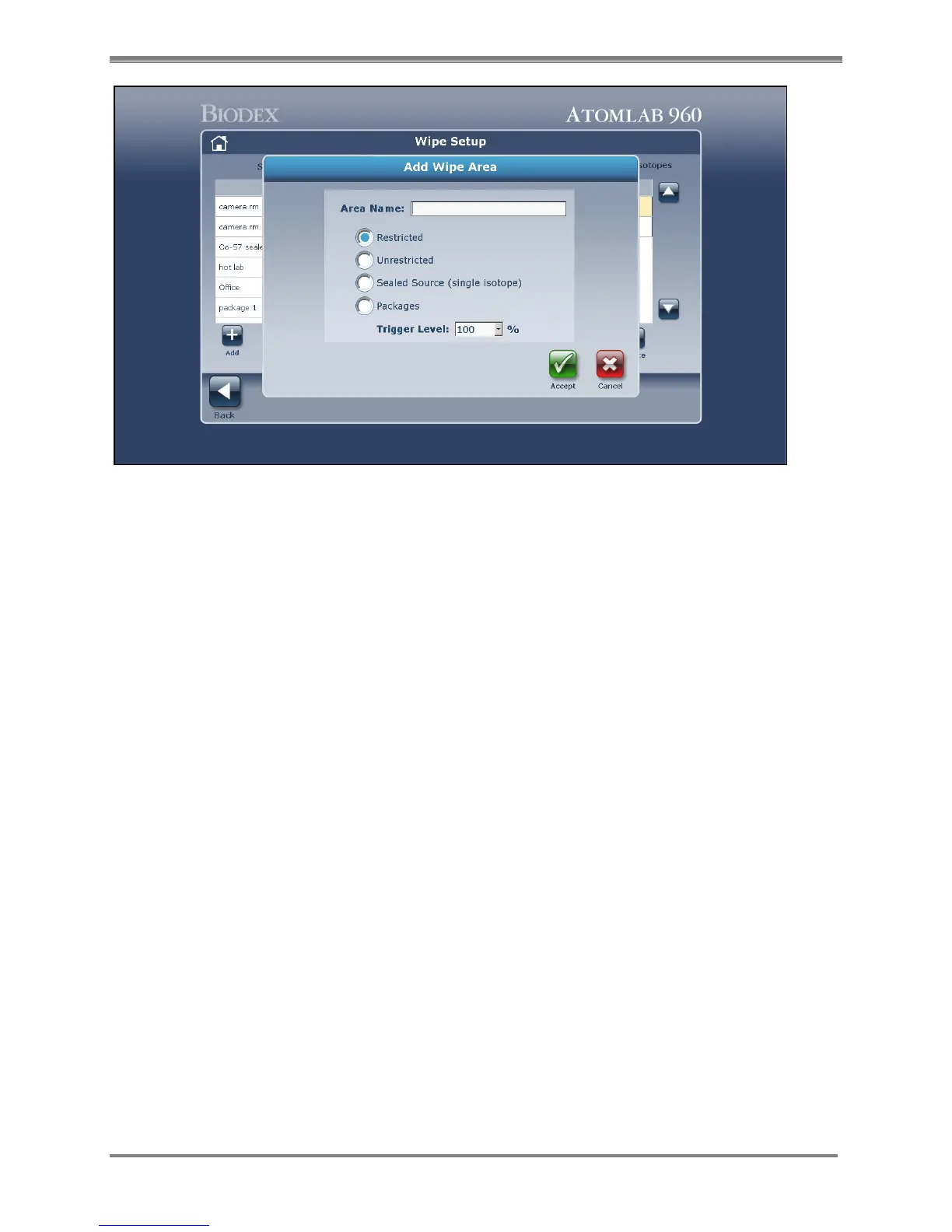
Figure 4.23. Wipe Area Setup screen.
4. The Trigger Level is preset to 100%. This is a percentage of the regulatory level for each
isotope. If you wish to change the trigger level, use the pull-down list and select the desired
level. Select <Accept> to confirm the new trigger level.
5. Under the Location field, select <Add> to advance to the Wipe Location screen. Enter the
desired location name and select <Accept> to choose it. Continue to enter all locations
needed in this wipe area. Selecting <Accept> adds the currently displayed location to the
Locations list.
NOTE: To edit a location, highlight the location to edit, then select <Edit> and make the
desired change on the Wipe Location screen displayed. To delete any location, simply
highlight the desired entry in the Location field and select <Delete>. The selected location will
be removed from the Location list.



 To Next Page