3. Computer Preliminaries
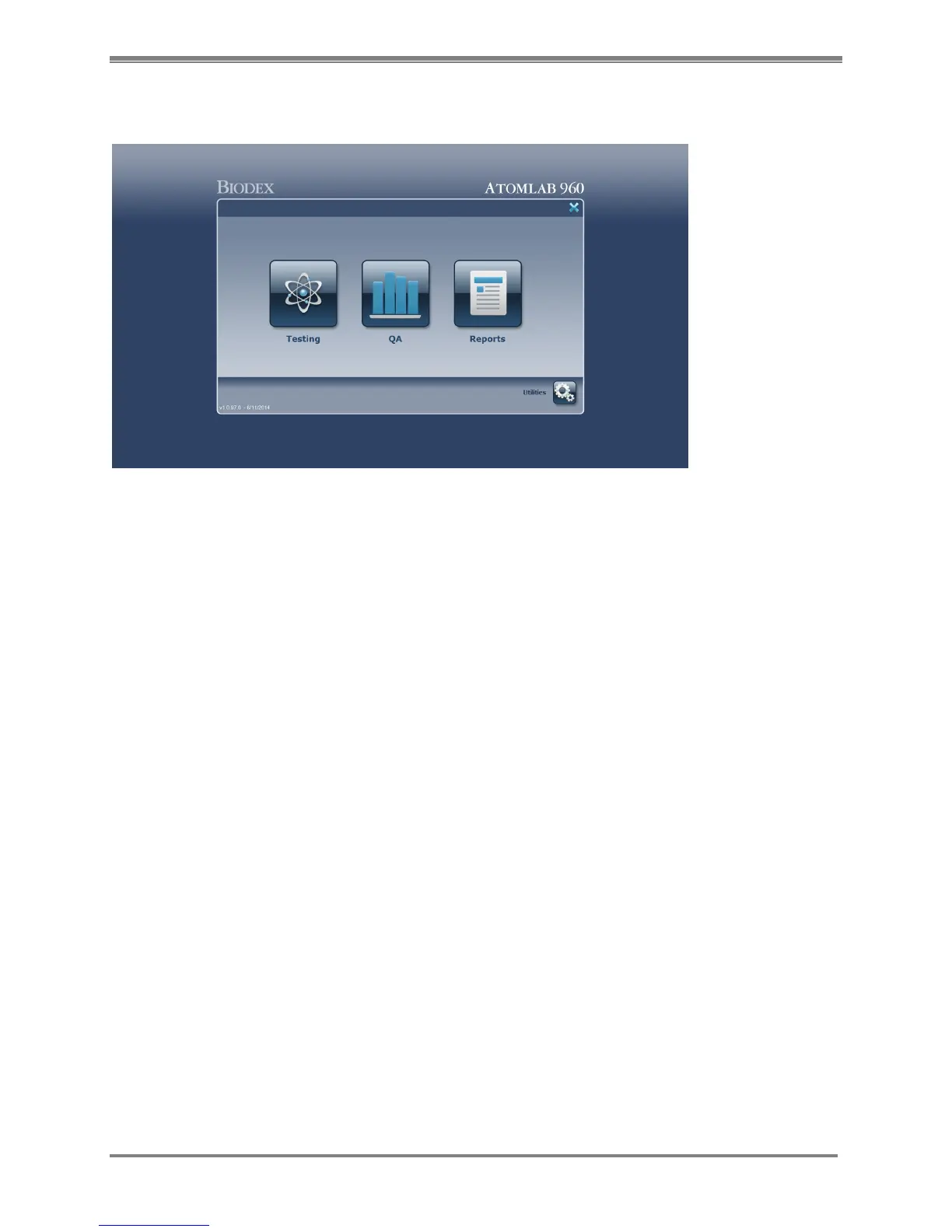
Figure 3.1. The Atomlab 960 allows users to select options using both the keyboard and touch screen operation.
Data is generally entered in appropriate fields via the keyboard.
Windows Format
The Atomlab 960 is a personal computer based system. All menus and screens function in
standard Windows fashion. Each screen alerts the user, either through screen prompts or icons,
as to all available options. As you begin to explore the Atomlab 960 menus, you’ll quickly learn
that some options are available from every screen, others are offered only on selected screens
and some are specific only to the operation being performed.
Touch Screen And Keyboard Operation
While numeric “data” is entered into the system by simply typing on the keyboard, options,
menus and pages can be selected via the touch screen display or optional, user supplied
mouse. For touch screen operation, simply touch the icon you wish to select. For mouse
operation, locate the cursor over the desired icon or field and click to select.
The Atomlab 960 Home Page
(See Figure 3.1.)
From the Windows Desktop page, select the <Atomlab 960> icon to access the Atomlab 960
Home page. Once the Atomlab 960 program is activated, the system immediately performs a
self-test and displays the Home screen. It is from this screen where access to the individual
Atomlab 960 functions begins. Simply select the appropriate icon to advance to the Testing,
QA, Reports or Utilities pages. Each page is described in detail in the chapters that follow.



 To Next Page