4-18 UTILITIES Biodex Medical Systems, Inc. © 2014
Isotopes
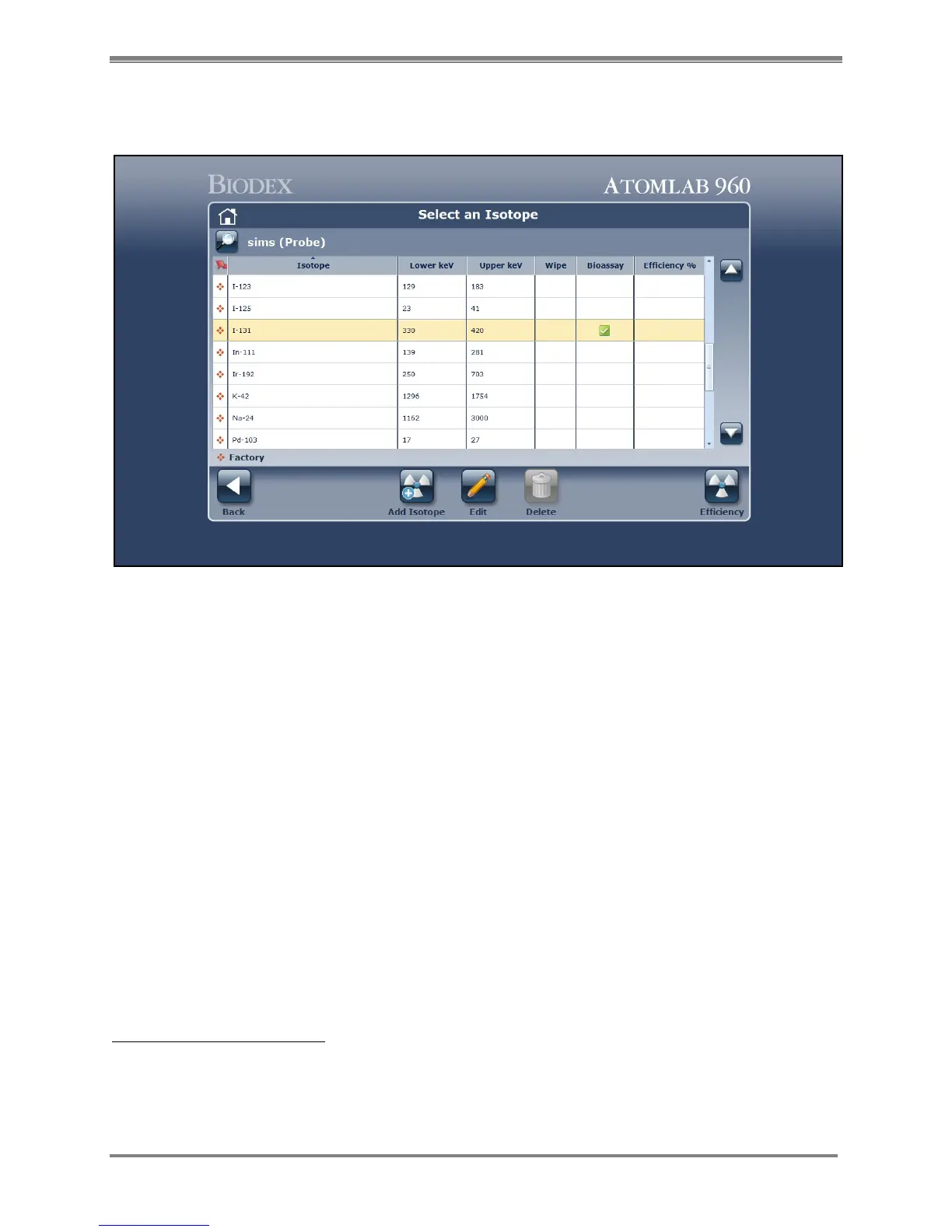
(See Figure 4.15.)
Figure 4.15. The Select an Isotope screen.
This option allows the user to select and view a preset isotope, add a new isotope to the
isotope list, edit an existing user-entered isotope, select a factory defined efficiency, measure
and determine an efficiency, or enter an efficiency. The user also selects if a specific isotope
can be used for Wipe testing.
The Atomlab 960 isotope list comes with 29 preset isotopes. For these factory isotopes, Lower
Level Discriminator (LLD), Upper Level Discriminator (ULD), and Range are factory preset and
cannot be changed. The Regulatory Alarm levels and package level can be changed for factory
isotopes. For all user entered isotopes, LLD, ULD and Range can be edited. Placing a
checkmark in the <Use For> fields at the bottom left of the screen allows the selected isotope
to be used for Wipe. If you do not check the <Use For> fields the isotope will be unavailable for
these functions. Once you have checked the appropriate function(s), add a detector efficiency
as described later in this chapter.
NOTE: The Wipe program and Bioassay program use a fixed KeV Range of 0-750 KeV for all
isotopes. The Uptake and Manual Modes use KeV shown in the isotope list.
Access The Isotopes Screen:
1. From the Home Page, select <Utilities>. The Utilities screen is now displayed.
2. Select <Isotopes>. The Isotopes screen is now displayed. From this screen you can view,
<Add>, <Edit> or <Delete> isotopes, and set Isotope Efficiency.



 To Next Page