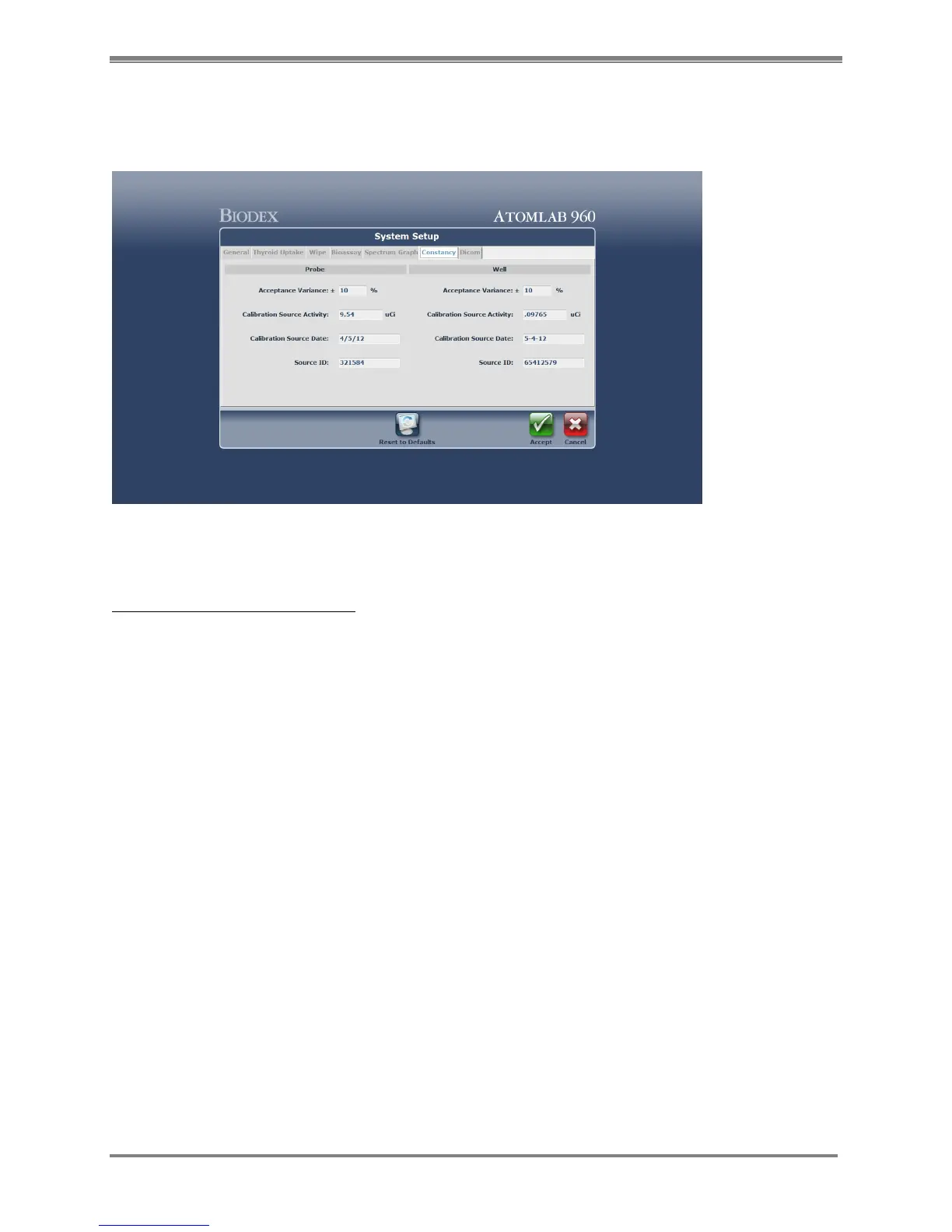
Constancy Screen
(See Figure 4.8)
Figure 4.8. System Setup Constancy screen.
System Setup-Constancy Screen:
1. From the <System Setup> screen select the <Constancy> tab. The System Setup Constancy
screen is now displayed. Here you can enter the Acceptance Variance, Calibration Source
Activity, Calibration Source Date and Source ID for the selected well and/or probe.
2. Enter data in the appropriate fields and select <Accept> to save, or choose another tab at the
top of the System Setup screen to enter additional information before selecting <Accept> to
save all data. Select <Cancel> to return to the System Setup screen without saving the
constancy information entered.



 To Next Page