4-34 UTILITIES Biodex Medical Systems, Inc. © 2014
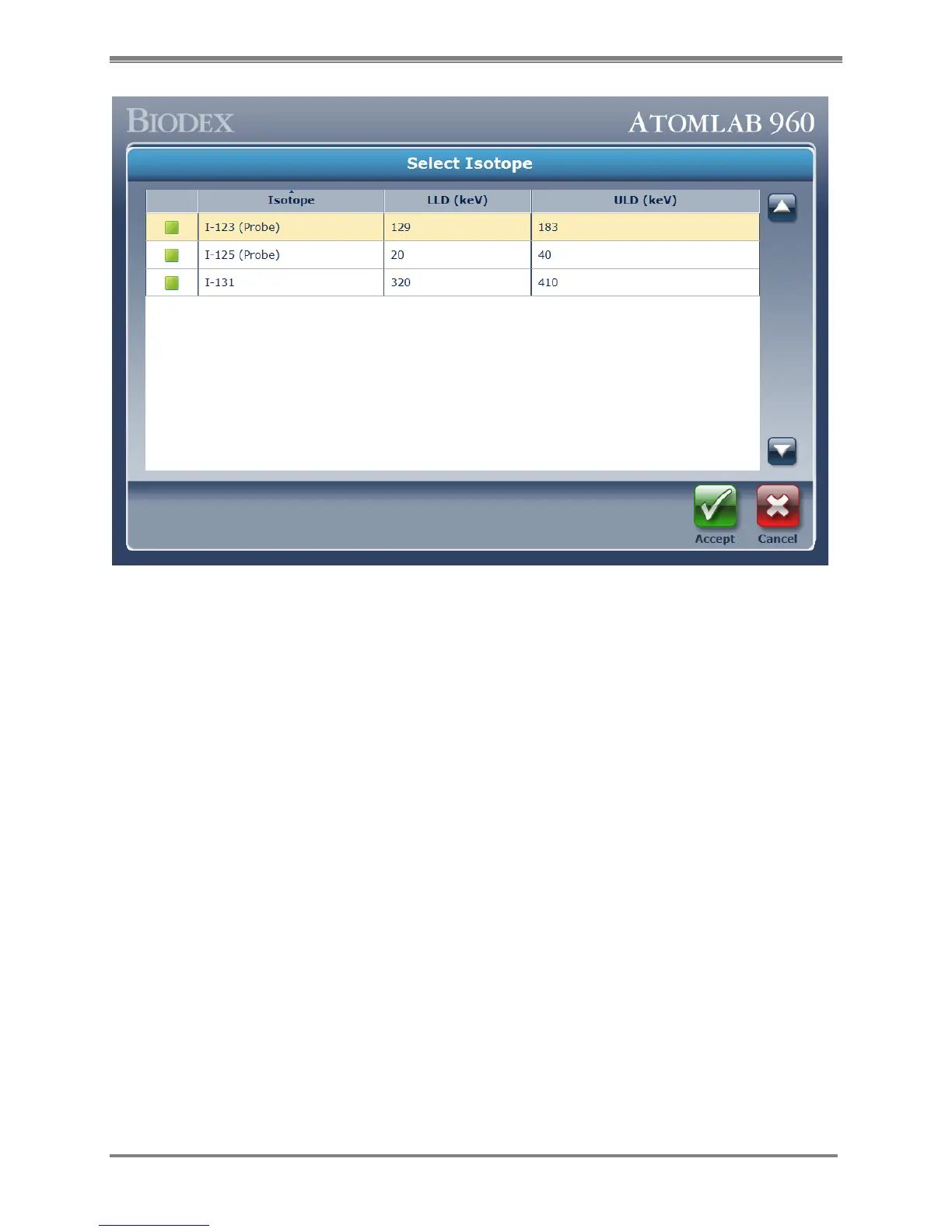
Figure 4.31. The Select Isotope screen showing available isotopes for Bioassay.
4. Click the <Accept> icon to assign the selected isotopes to the staff member.
5. Click the <Cancel> icon to exit back to the Bioassay Setup menu without assigning
any isotopes to the staff member.
6. The system returns to the Bioassay Setup screen displaying the selected isotopes
that have been established for the staff member.



 To Next Page