5-6 QUALITY ASSURANCE Biodex Medical Systems, Inc. © 2014
Print A High Voltage History:
1. Select <High Voltage History> from the Quality Assurance Page. The High Voltage History is
now displayed. The most recent high voltage is at the top of the screen.
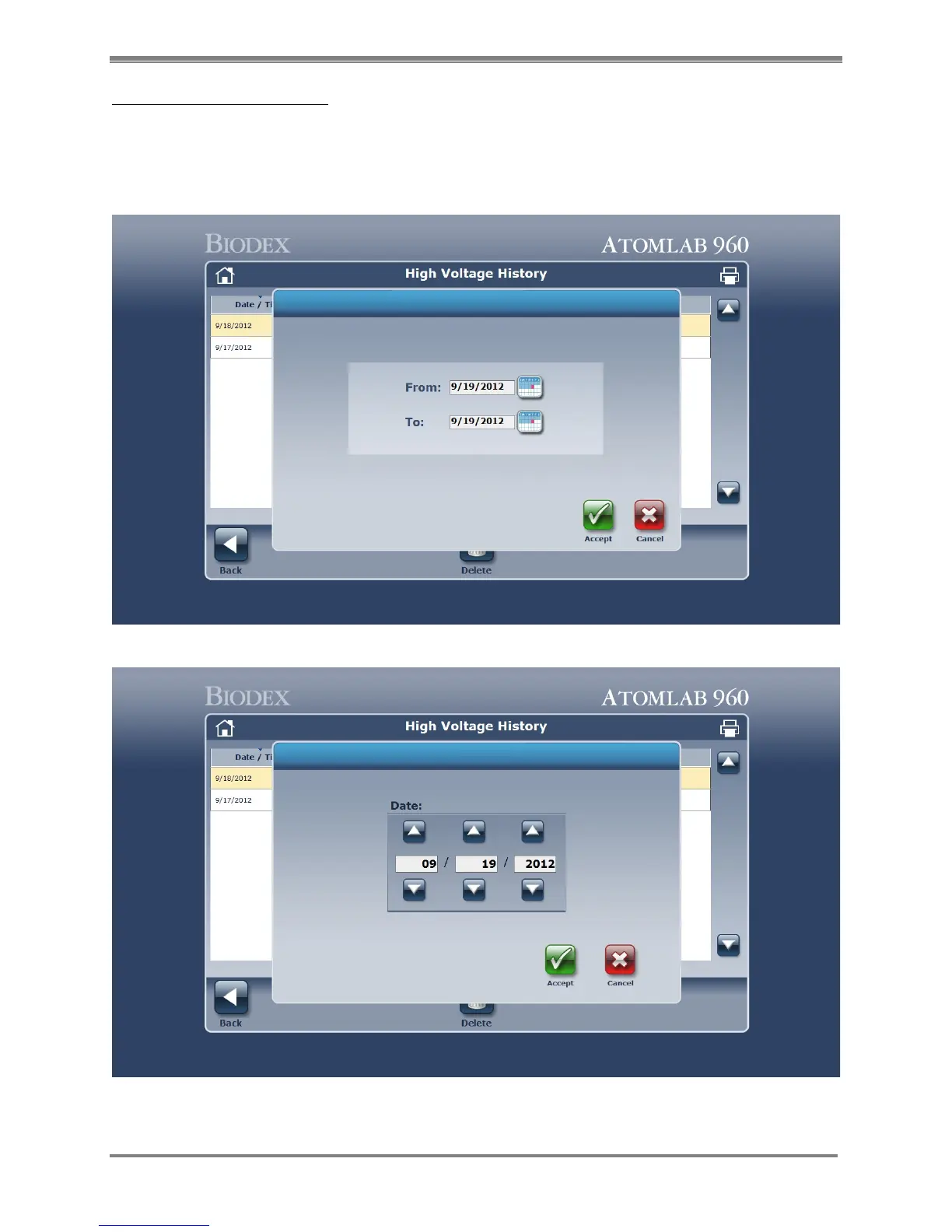
2. Select the printer icon at the top of the screen to open a print range selection screen. You
can adjust the date range that you wish to print using the two calendars “from” and “to”.
Figure 5.6. Calendar “from” and “to” screen.
Figure 5.7 Date screen.



 To Next Page