4-30 UTILITIES Biodex Medical Systems, Inc. © 2014
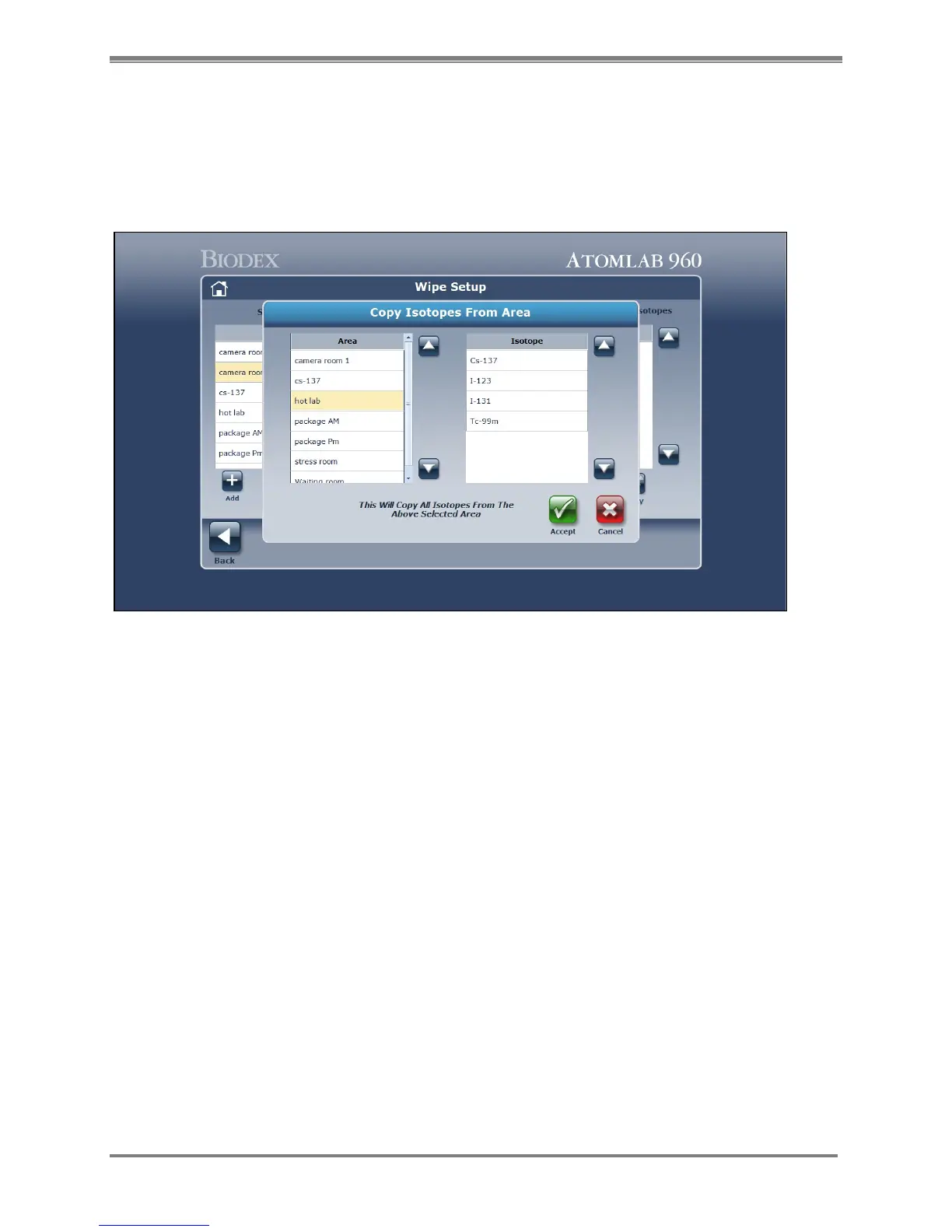
8. If you would like to copy the isotopes available from a previously created wipe area to a
new wipe area, highlight the new Wipe Area and select <Copy> under the Isotope section.
The Copy Isotopes From Area window opens to display the wipe areas previously created
and the isotopes for the highlighted area. Choose the area which contains the isotopes you
want to copy and select <Accept>. You can copy then edit the list of isotopes using the
<Add> and <Delete> functions.
Figure 4.26. The Copy Isotopes From Area screen.
9. When you have finished adding all the wipe locations, select <Back> to return to the Utilities
menu. Select <Back> again to return to the <Home> screen.
NOTE: You can also select the Home icon in the upper left corner of the screen to return to
the <Home> screen.



 To Next Page