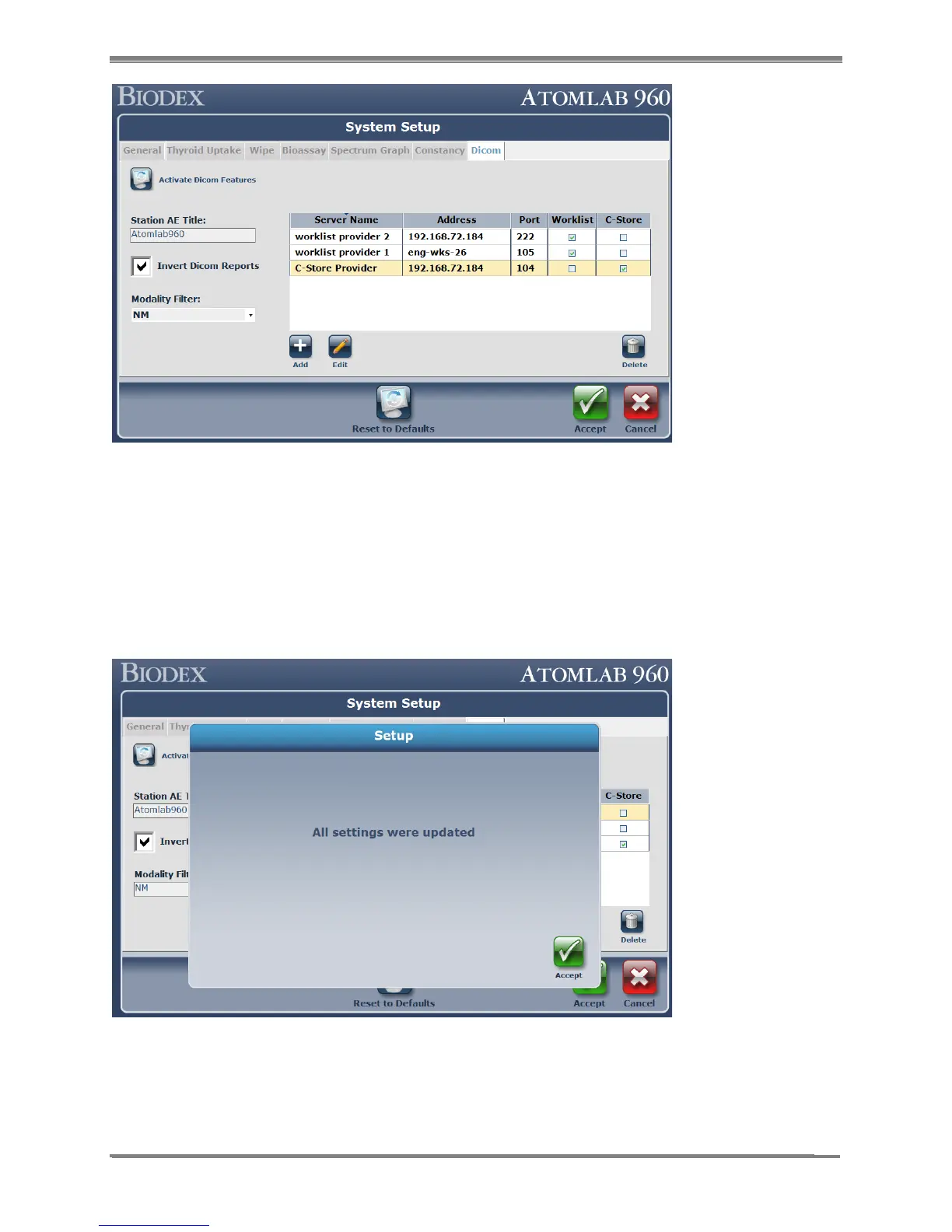
Figure 10.9.
9. If changes to the configured servers are required, select the row from the list and then
select <Edit> or < Delete>.
a. Edit will bring up the “DICOM Server Management” screen which will allow editing
of the existing values.
b. Delete will prompt the user with a confirmation message to that item.
10. Once everything mentioned above is complete, select the <Accept> button to save to the
database.
Figure 10.10.



 To Next Page