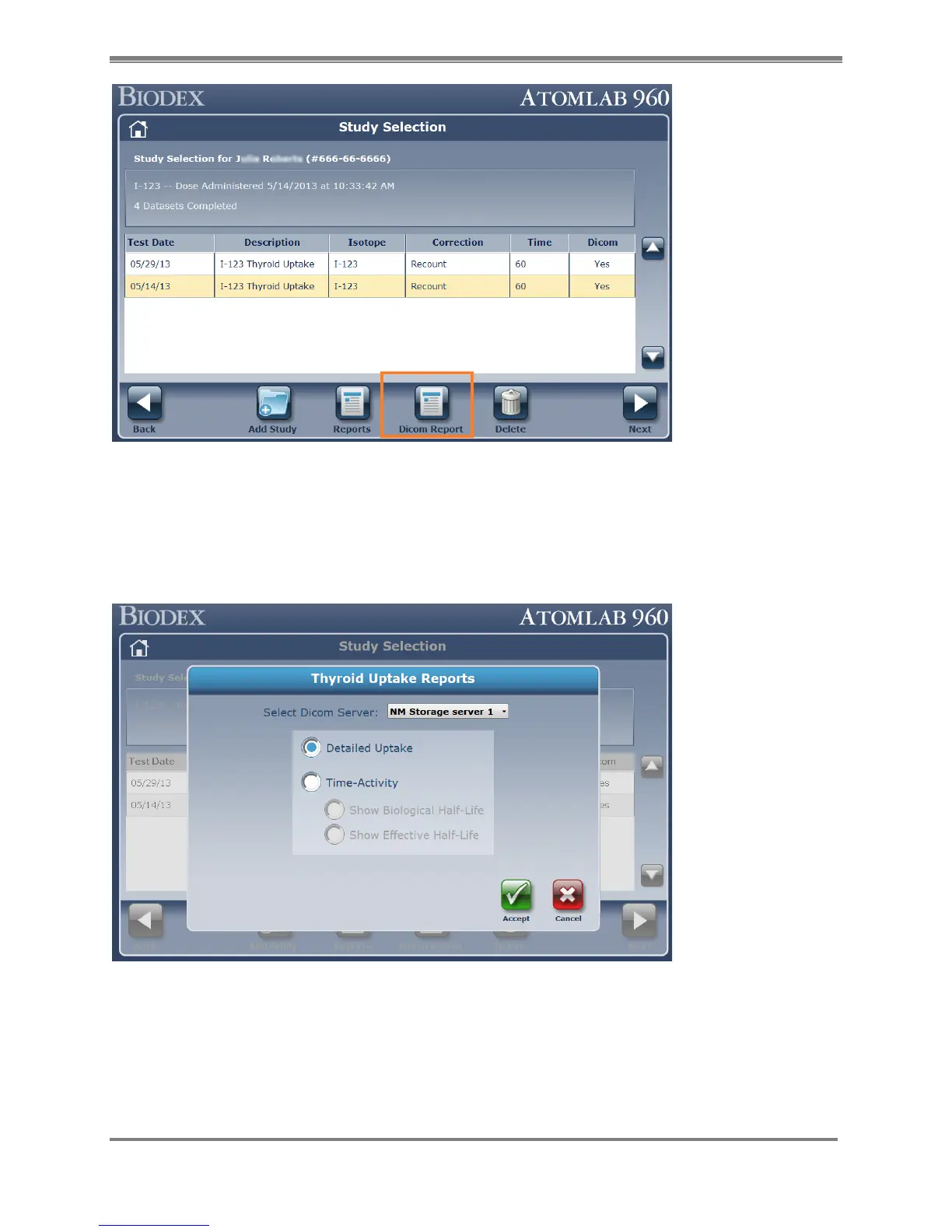
Figure 10.18.
4. Select the DICOM Server to where you would like the results to be loaded. If more than one
storage server is configured, choose the server from the drop-down list. Choose the type
of report needed to be uploaded- Detail Uptake report or Time Activity report. Then select
the <Accept> button. This will display the preview of the thyroid uptake report in DICOM
format.
Figure 10.19.
5. Confirm the report on the DICOM Report preview. Then select the <Send to DICOM >
button to send it to the DICOM system.



 To Next Page