FAQ
DICOM not activated
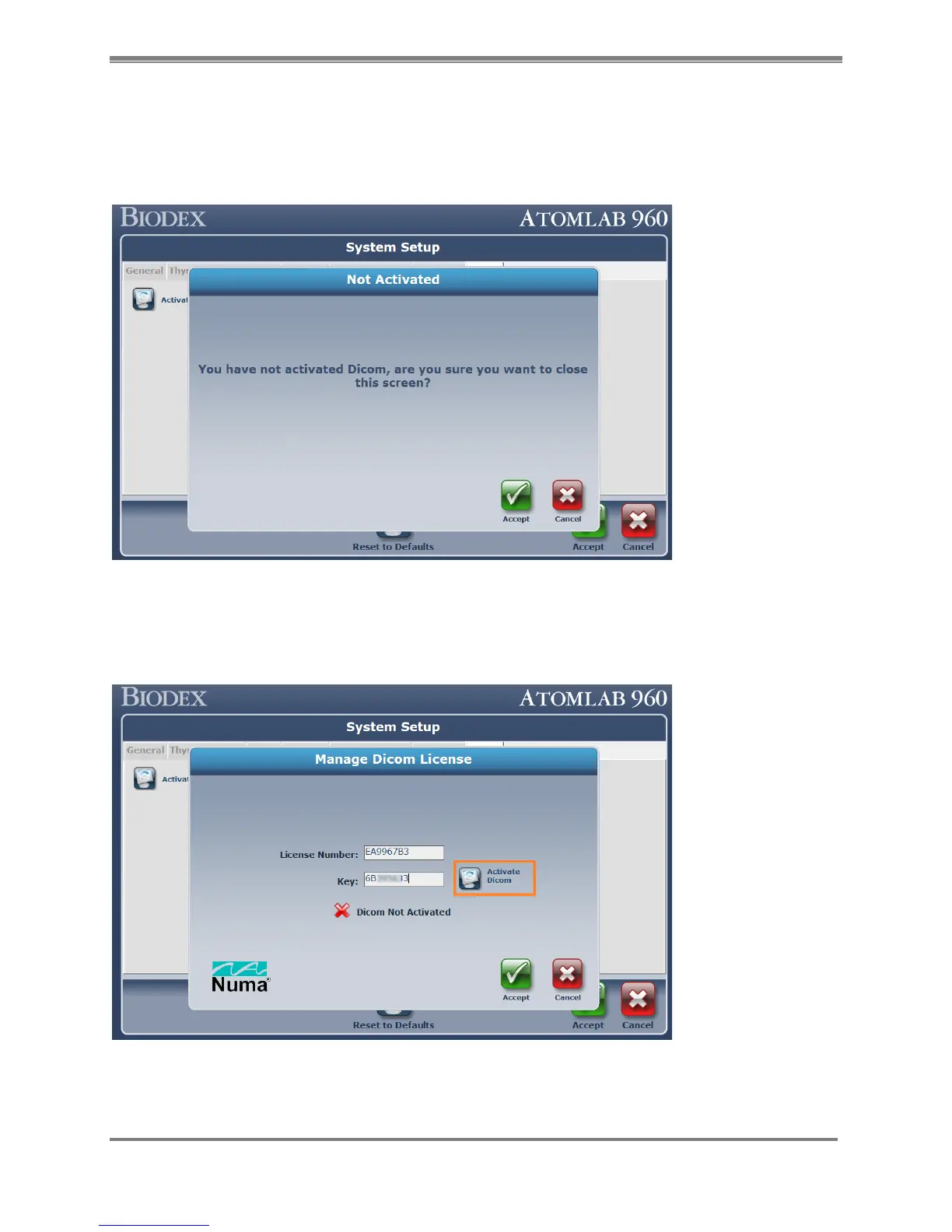
Upon entering the “Key” value on the screen, if the <Accept> button is pressed before selecting
<Activate DICOM > button, Atomlab 960 software will display the following error message
stating that “You have not activated DICOM, are you sure you want to close this screen?”
Figure 10.21.
To correct this issue, first select the <Cancel> button to close the error message screen. Then
select the <Activate DICOM > button. It will display a message “DICOM Activated”. Then select
<Accept> to finish the licensing process.
Figure 10.22.



 To Next Page