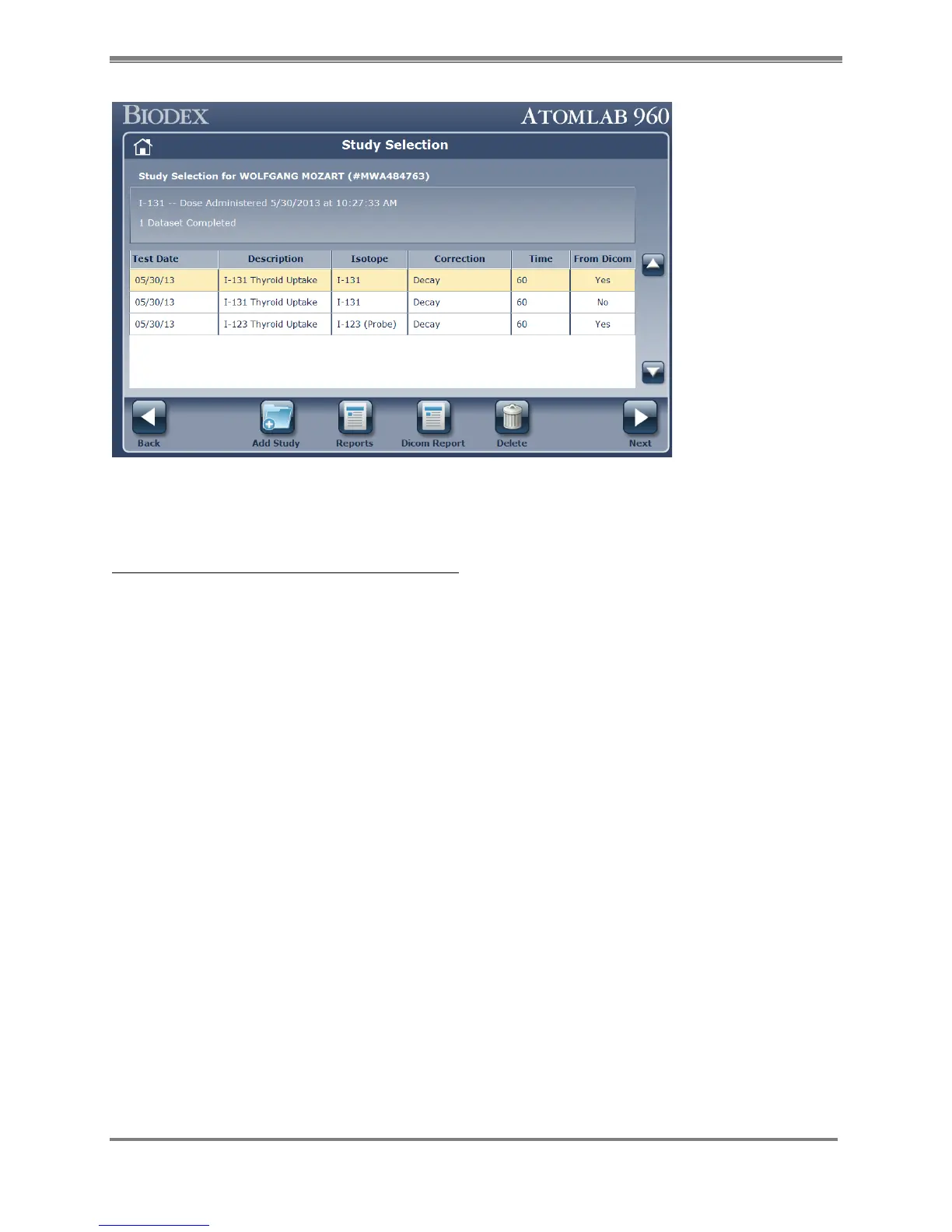
Figure 10.23.
Nothing shows on Worklist Patient Search
Check the DICOM settings/configuration first.
1. Go to <Utilities> <System Setup> < DICOM tab>.
2. Check for all the server configuration/connections. You can confirm the settings by
selecting any row, click on <Edit> button and then click on the <Test Server> button. It will
inform the user about the connection status.
3. Check the value in the Modality Filter. If its set to wrong value, Patient list will be filtered
accordingly.
Also, check the Search filter option on “Worklist Patient Search” Screen. Make sure Name,
Procedure Date, Worklist Provider, Accession Number are set accordingly.



 To Next Page