The battery plate included on your camera is a B mount plate designed for 24 volt B mount
batteries. Operating in the 24 to 34 voltage range is ideal for use with URSA Cine as the higher
voltage reduces thermal losses allowing for high frame rate recording and powering multiple
accessories from your camera.
NOTE When running URSA Cine with 12 to 18 volt power supplies or batteries, frame
rates above 60 frames per second will not be available and powering accessories via
the RS and EXT outputs is not possible.
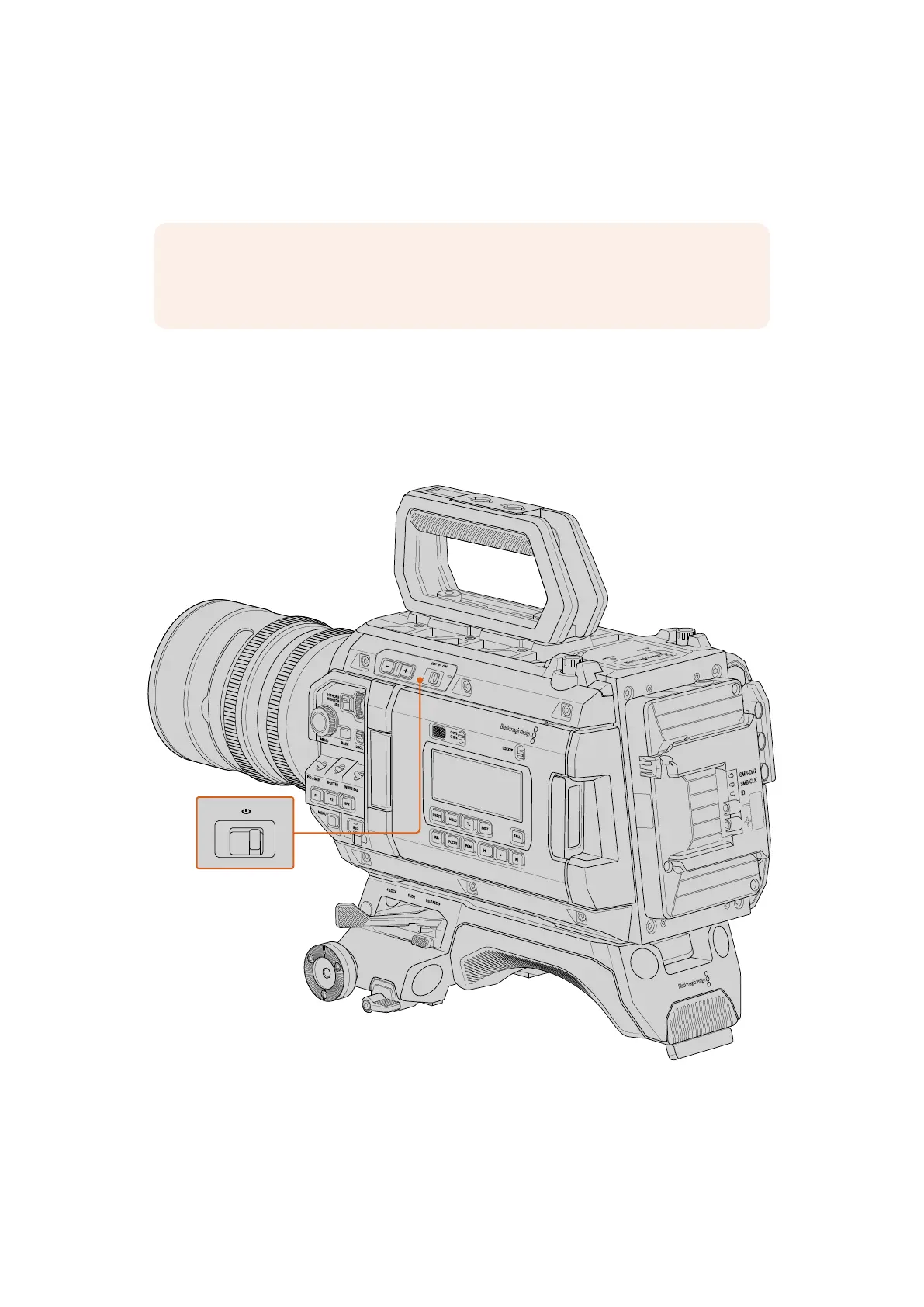
Turning on your Camera
To turn on your URSA Cine:
1 Move the switch at the top of your camera to the ‘on’ position.
2 To turn the camera off, move the switch to the ‘off’ position.
Move the power switch to ‘on’ to power your camera
URSA Cine also features a redundant power switch that allows the camera to be turned on
and off by briefly holding down the ‘rec’ and ‘forward skip’ buttons on the inside control panel
behind the fold out touchscreen. While you wouldn’t normally power your camera using this
method, it will allow you to turn the camera on and off while the switch is in the off position
which is useful if the switch is obscured.
10Getting Started



 To Next Page