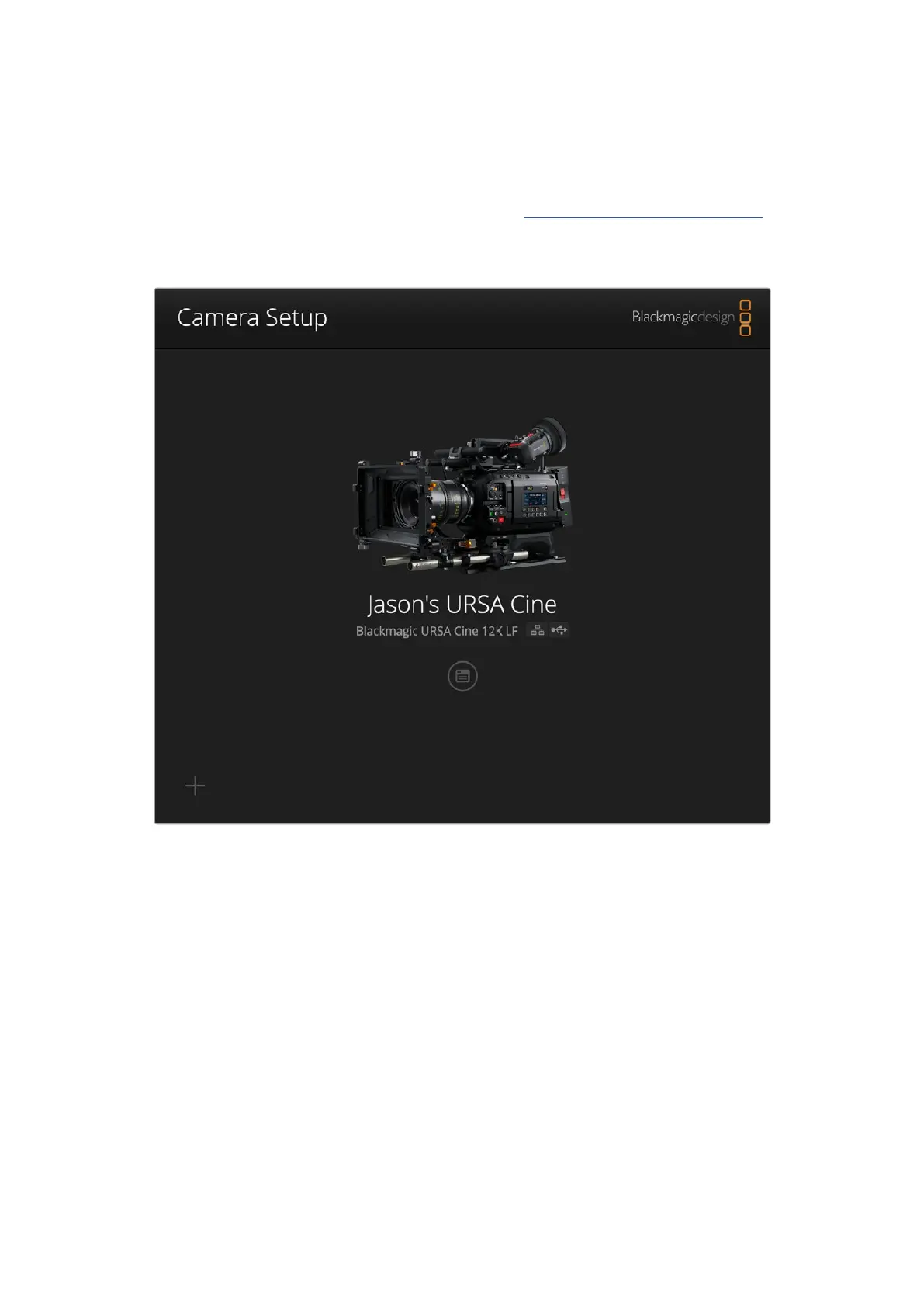
Blackmagic Camera Setup
The Blackmagic Camera Setup utility is an administration software application you can
download from the Blackmagic Design Support Center at www.blackmagicdesign.com/support
This software lets you update your camera with the latest features, so it is worth regularly
checking the Blackmagic Design website for new versions.
The Blackmagic Camera Setup utility lets you update your URSA Cine and change administration settings
Updating Camera Software for a Mac
After downloading the Blackmagic Camera Setup utility software and unzipping the
downloaded file, open the resulting disk image to reveal the Blackmagic Camera SetupInstaller.
Launch the installer and follow the on screen instructions. After the installation has finished,
goto your applications folder and open the Blackmagic Cameras folder where you’ll find this
manual, the Blackmagic Camera setup utility, plus a documents folder containing readme
files and information. You’ll also find an uninstaller for when updating to later versions of
BlackmagicCamera Setup.
175Blackmagic Camera Setup



 To Next Page