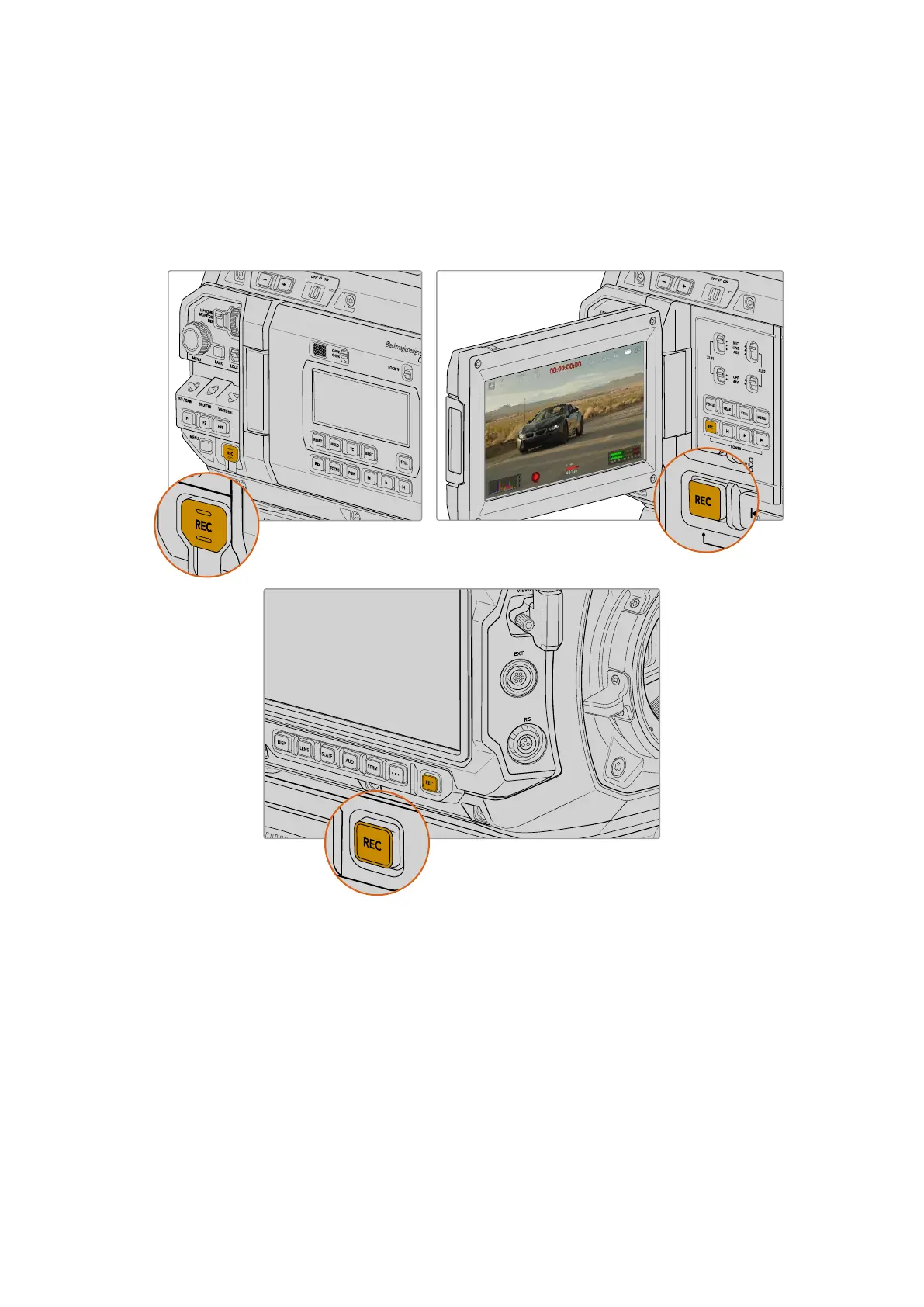
Recording
Start recording by pressing any of the red record buttons on your camera. Record buttons are
located on the forward control panel, the internal control panel behind the fold out touchscreen,
the assist station control panel and both LCD touchscreens. A record button is also featured on
the URSA Cine EVF. Press the record button again to stop recording.
Choosing the Resolution, Aspect Ratio and Codec
Your URSA Cine can record from 4K up to 12K open gate at high frame rates using Blackmagic
RAW. You can choose from a range of aspect ratios to meet the delivery requirements of your
project. For example, you could shoot 2.4:1 widescreen for cinema or 16:9 for episodic shows
that are likely to be viewed on a television. Squarer aspect ratios such as 3:2 open gate and 6:5
provide great options for shooting anamorphic and desqueezing to widescreen, or for providing
extra vertical recording that can be used for vertical reframing when shooting for 2:1 or 16:9
final delivery.
20Recording



 To Next Page