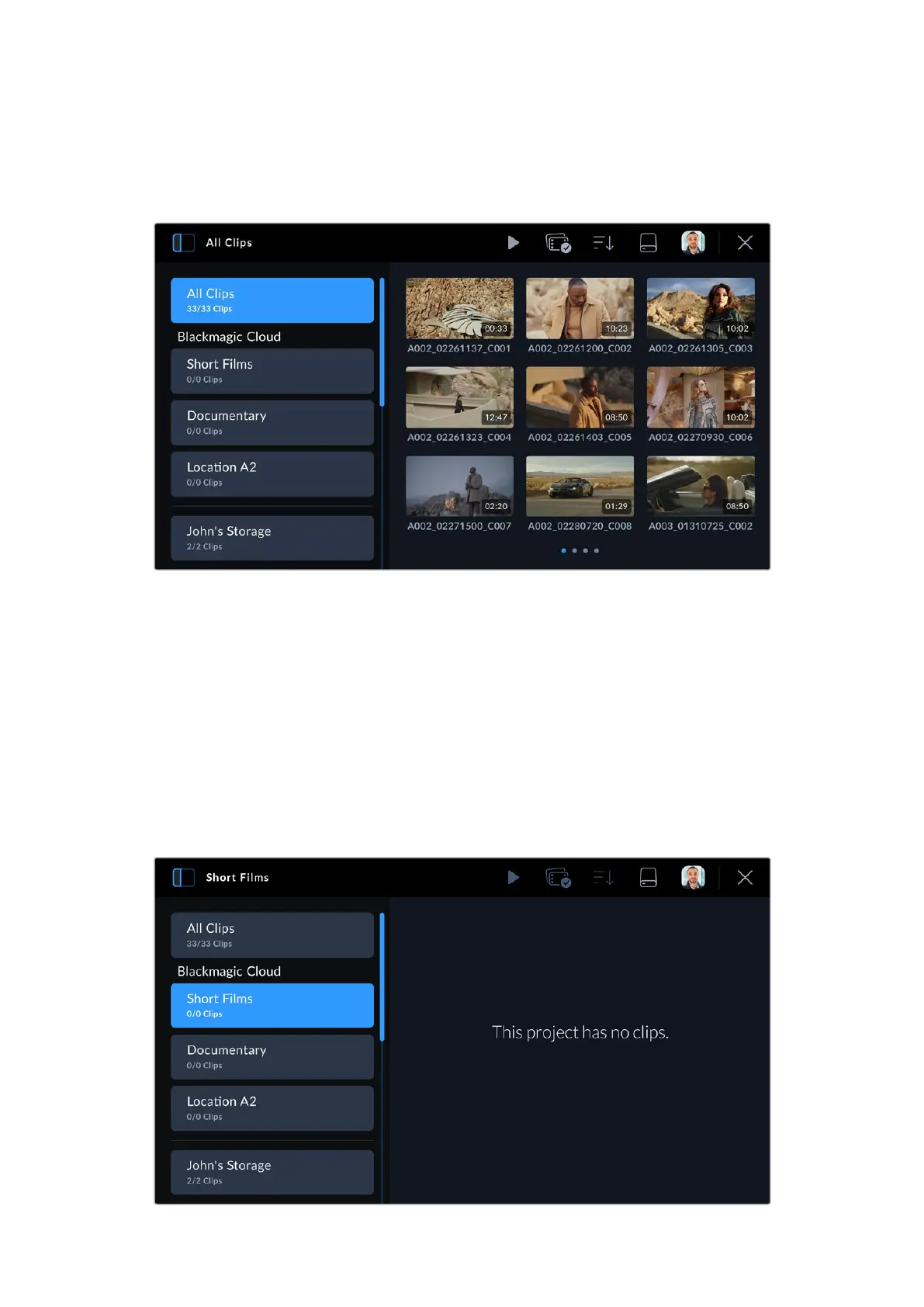
Blackmagic Cloud Projects Panel
Tap the sidebar icon at the top left of the touchscreen to open the Blackmagic Cloud
projects panel.
When you are signed into your Blackmagic Cloud account, projects that you can upload clips to
are listed in the ‘Blackmagic Cloud’ section of the viewer.
Uploading Clips to a Blackmagic Cloud Project
Selecting a Blackmagic Cloud project lets you upload proxy files, or both proxies and originals,
as you record clips to your camera’s media. When a project is selected in the projects panel,
aclip will be immediately uploaded as soon as you stop recording on your camera. This will
happen in the background as you continue recording clips for as long as your camera is
connected to the Internet and logged into your Blackmagic Cloud account.
To upload to a Blackmagic Cloud project:
1 Tap on a Blackmagic Cloud Project to select it.
34Uploading Clips to Blackmagic Cloud



 To Next Page