NOTE To set a static IP address and configure your Blackmagic Media Dock, it’s
important to update your media dock to Blackmagic Cloud Store 1.3.1 or later.
Loading and Unloading Blackmagic Media Modules
Blackmagic Media Dock features three media module bays for reading and writing files on three
modules simultaneously.
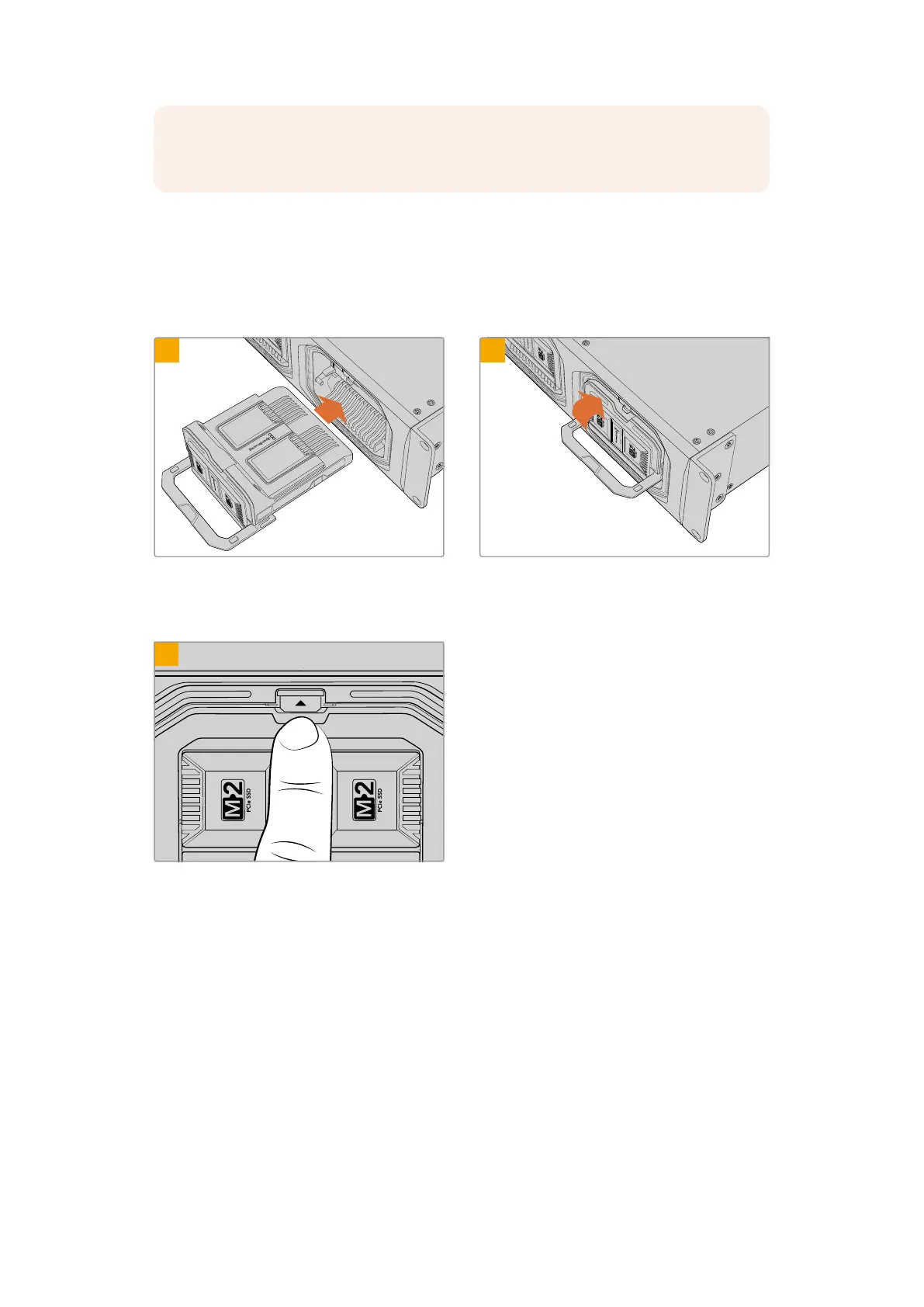
To load a module into a module bay:
1 2
Align the media module with the module bay
and gently push into the bay until you feel it rest
against the terminal.
Swing the module’s handle up to seat the
module into the terminal.
3
Press the top of the handle until the module release
button clicks into place. This secures the module to
the module bay.
46Blackmagic Media Dock



 To Next Page