Regulatory Information
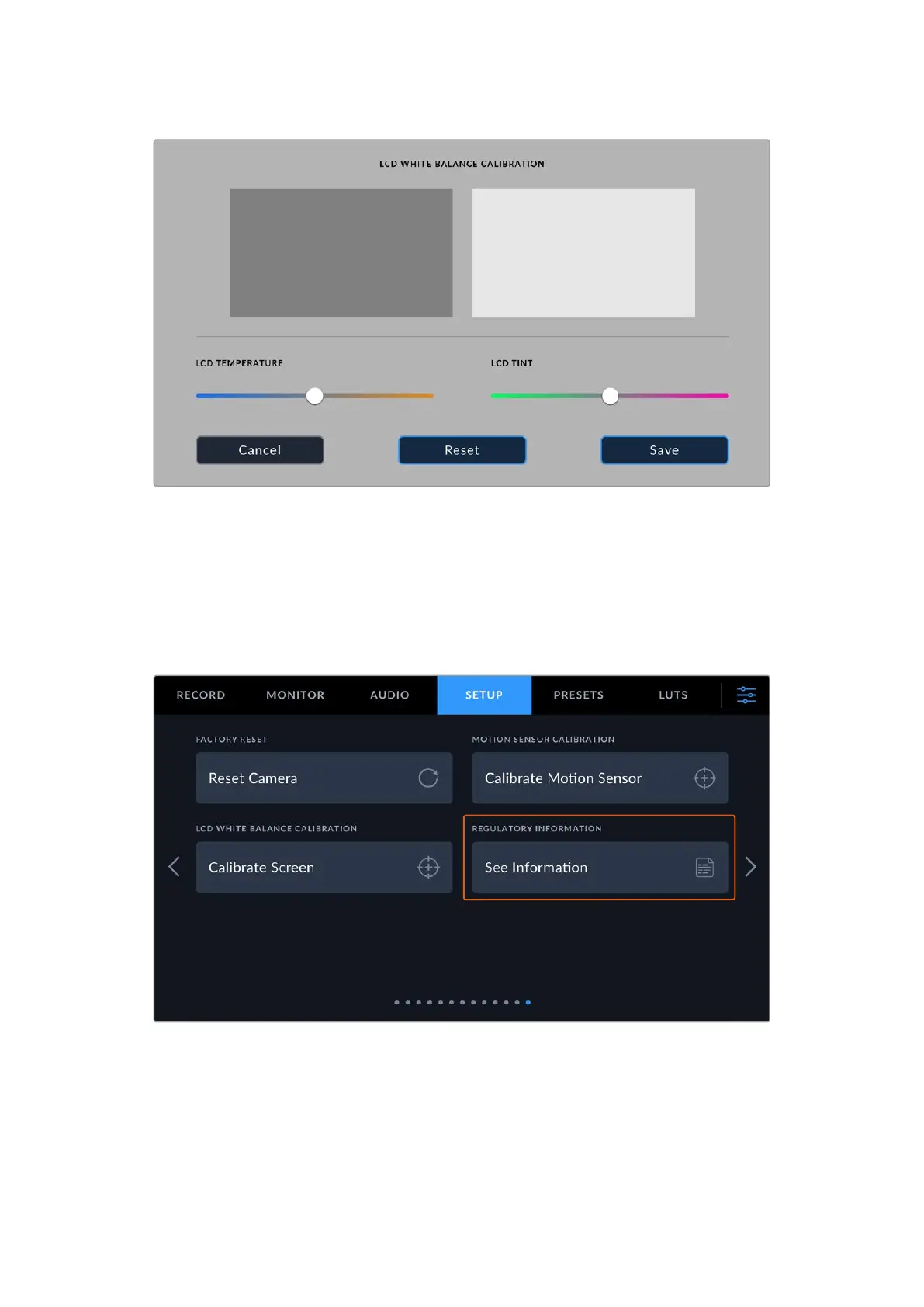
To see the regulatory information on your URSA Cine simply press the ‘see information’ button
in setup page 13. This will show a page containing the logos and IDs for regulatory compliance
that URSA Cine has been approved for. For the most up to date information please ensure that
your URSA Cine is updated and is running the latest software version.
For more information, refer to the regulatory notices and safety information sections near the
end of this manual.
151Settings



 To Next Page