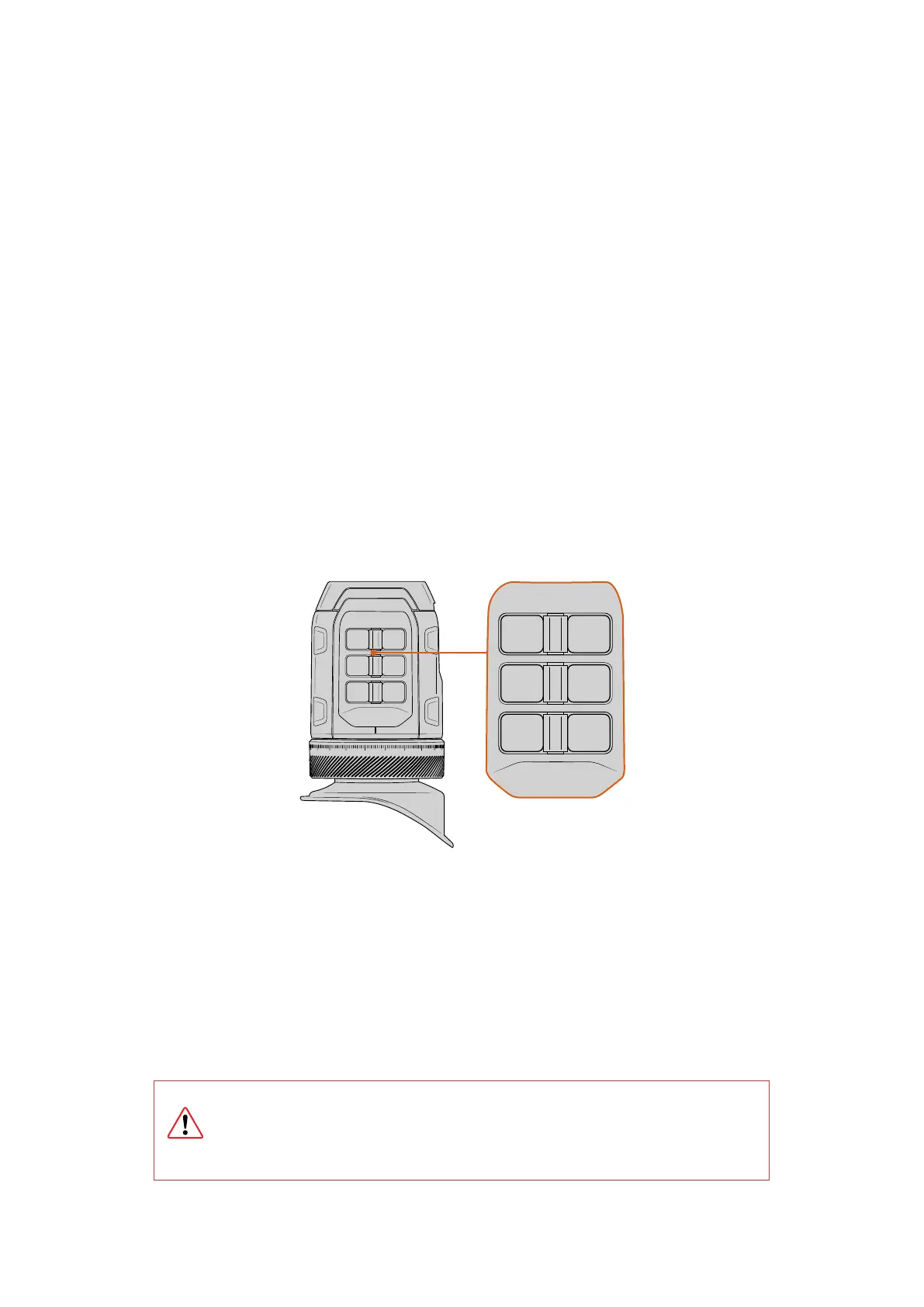
Viewfinder Function 1 Focus Assist.
Press to turn the focus assist on or off.
Viewfinder Function 2 Display LUT.
Press to turn the currently set display LUT on or off.
Viewfinder Function 3 Status text.
Press to hide or reveal the status head up display.
Record Button
The record button lets you start and stop recording. You can also customise the record button
to perform any of the available functions, similar to the viewfinder function buttons, or even
disable the button to avoid the potential of recording accidentally.
Exposure Button
This button lets you turn exposure assist features on or off. For example false color, zebras, or
even a combination of both. Set the function using the camera’s menu settings.
Zoom Button
This is a dedicated button for zooming into the image to check critical focus. Press to zoom in.
The zoom feature can also be set to display on the camera’s outputs, for example EVF + LCD1,
EVF + LCD2 or all outputs.
REC VF3
EXP VF2
ZOOM VF1
20 19
18
17
012
3
4
REC VF3
EXP VF2
ZOOM VF1
20 19
18
17
012
3
4
All the buttons on Blackmagic URSA Cine EVF can be
customizedusingyour camera’s ‘setup’ page ‘EVF’ settings
Motion Sensor
The motion sensor on your viewfinder automatically detects when you are near the eyepiece
and turns on the OLED display. If you are away from the viewfinder for over twenty seconds
in standby mode, the display turns off to conserve power and to extend the life of the OLED
display. While recording, the timeout sensor is extended to 5 minutes, at which point the OLED
display will be slowly dimmed. Any movement in front of the eyepiece will reset this timer. The
viewfinder will detect when you look into the viewfinder eyepiece. Pressing any button on the
viewfinder will also turn the display back on.
Deliberately blocking or covering the motion sensor could cause the viewfinder’s
display to remain powered for prolonged periods of time. This could decrease the
lifespan of the display and cause image retention if high contrast images or frame
guides are displayed on the viewfinder.
57Blackmagic URSA Cine EVF



 To Next Page