3
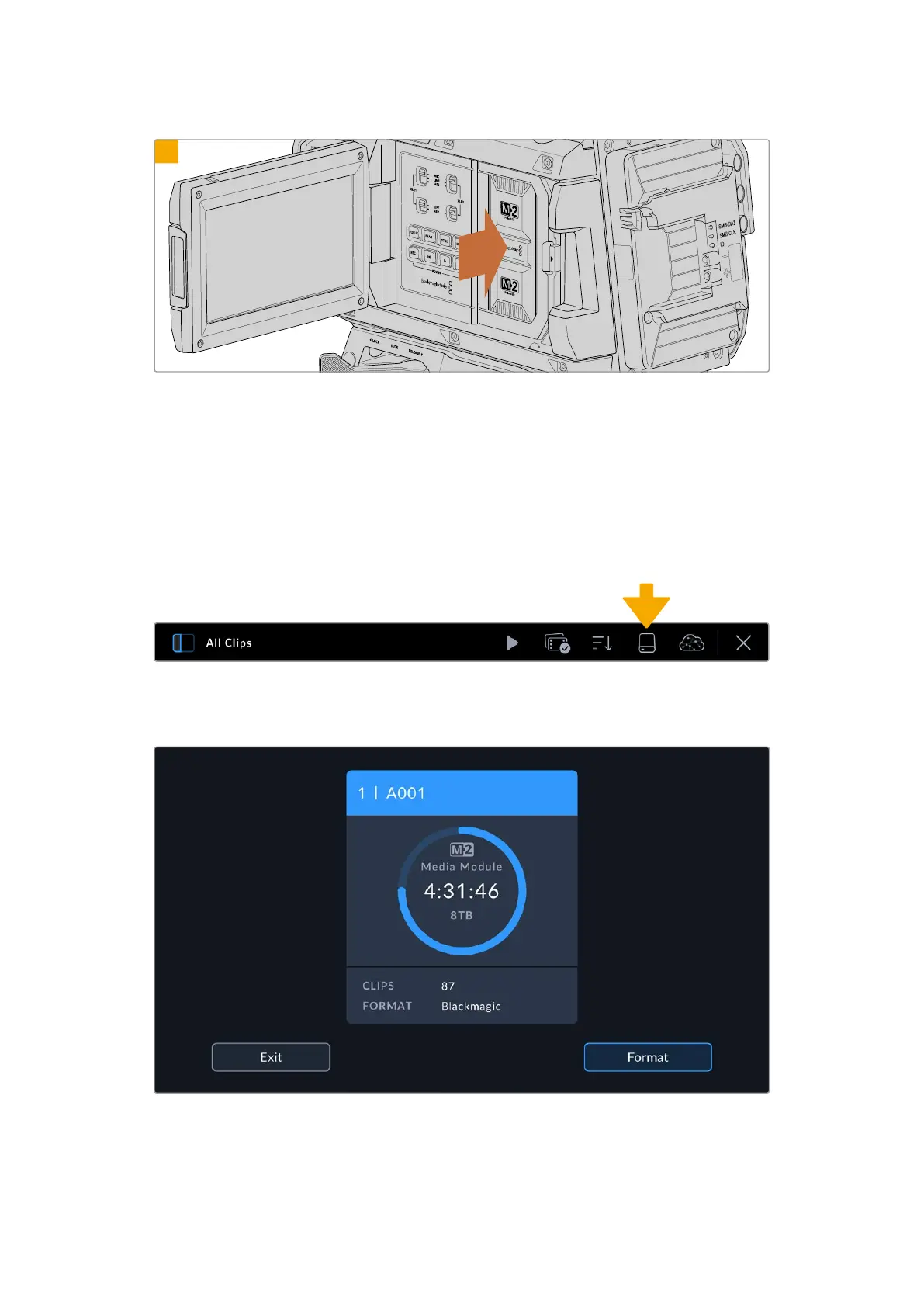
Swing the module’s handle towards the camera then press the handle firmly into the camera body to
mount it in place. You will hear the latch click when the module is fully mounted.
Preparing Media for Recording
Format your Media Module using Blackmagic URSA Cine’s storage manager.
To format:
1 Tap the storage indicator at the bottom of the LCD touchscreen to open the media pool,
then tap the media storage icon at the top of the touchscreen to enter the storage manager.
Tap the media storage icon to open the storage manager
2 Tap the ‘format’ button at the bottom of the touchscreen.
Use your URSA Cine’s storage manager to format the media module
43Blackmagic Media Module



 To Next Page