Getting Started
Getting started with your Blackmagic URSA Cine is as simple as mounting a lens and powering
your camera. URSA Cine is shipped with a PL mount already attached and a separate EF mount
is included if you want to use EF lenses. The EF mount has a locking mechanism to secure
EFlenses to the camera.
Blackmagic Media Module 8TB is loaded into the camera’s module bay, formatted and ready to
record clips straight away!
Attaching a Lens
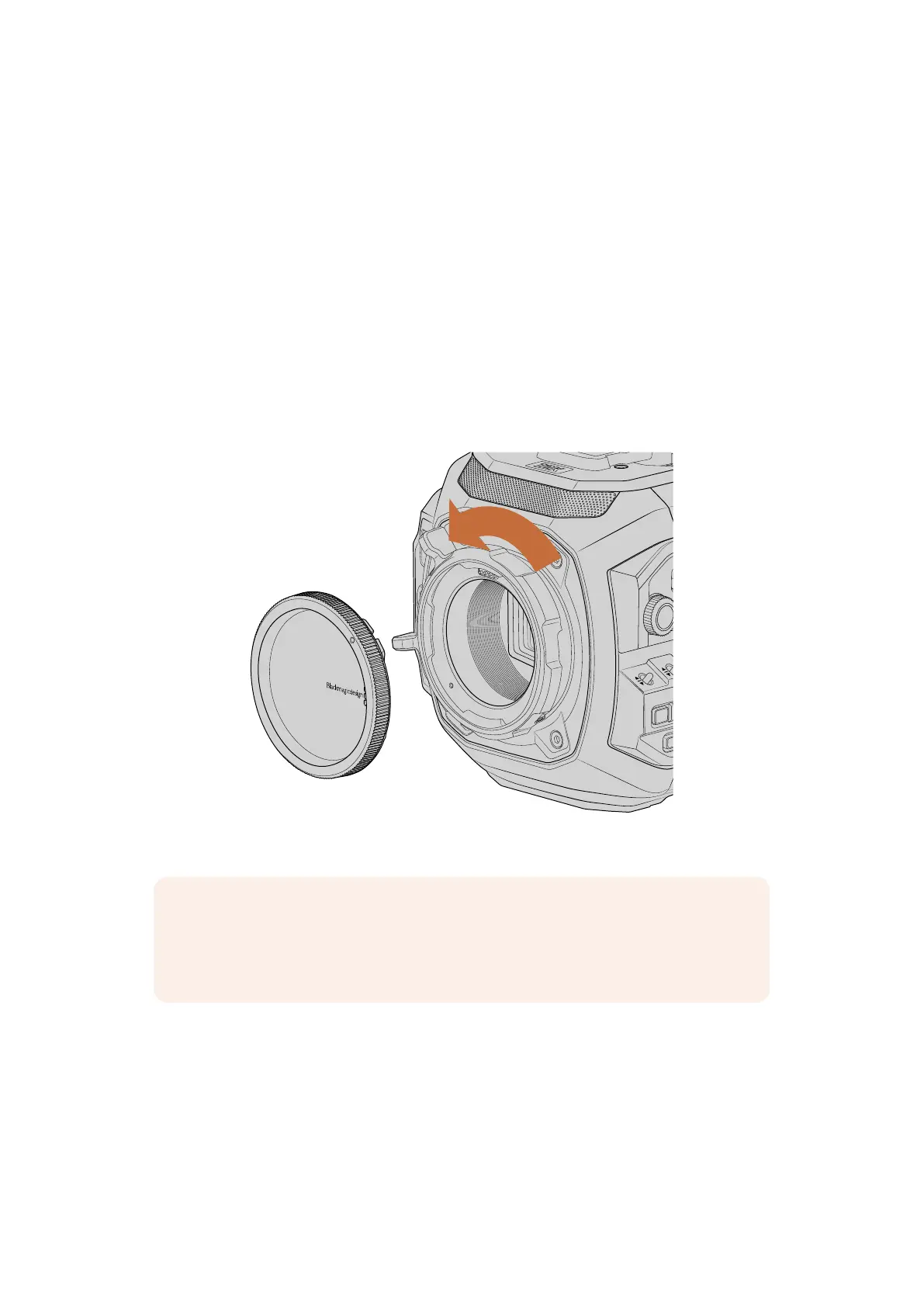
The first step in getting started is to remove the protective dust cap from the PL lens mount.
Hold the cap and rotate the PL locking ring counterclockwise to release it, then gently remove
the cap from the mount.
HOLD
CH1/2
OFF
ON
CH3/4
RESET
IRIS
FOCUS
TC
PGM
BRGT
STILL
–
+
LOCK
H PHONE
MONITOR
IRIS
MENU
MENU
ISO / GAIN
F1
F2
HFR
SHUTTER
WHITE BAL
BACK
LOCK
Rotate the locking ring to release the dust cap from the PL mount
NOTE Blackmagic URSA Cine features an interchangeable lens mount capable of
accepting EF, PL and LPL mount lenses. For more information on switching between
mount types on URSACine, refer to the ‘interchangeable lens mount’ section in
thismanual.
7Getting Started



 To Next Page