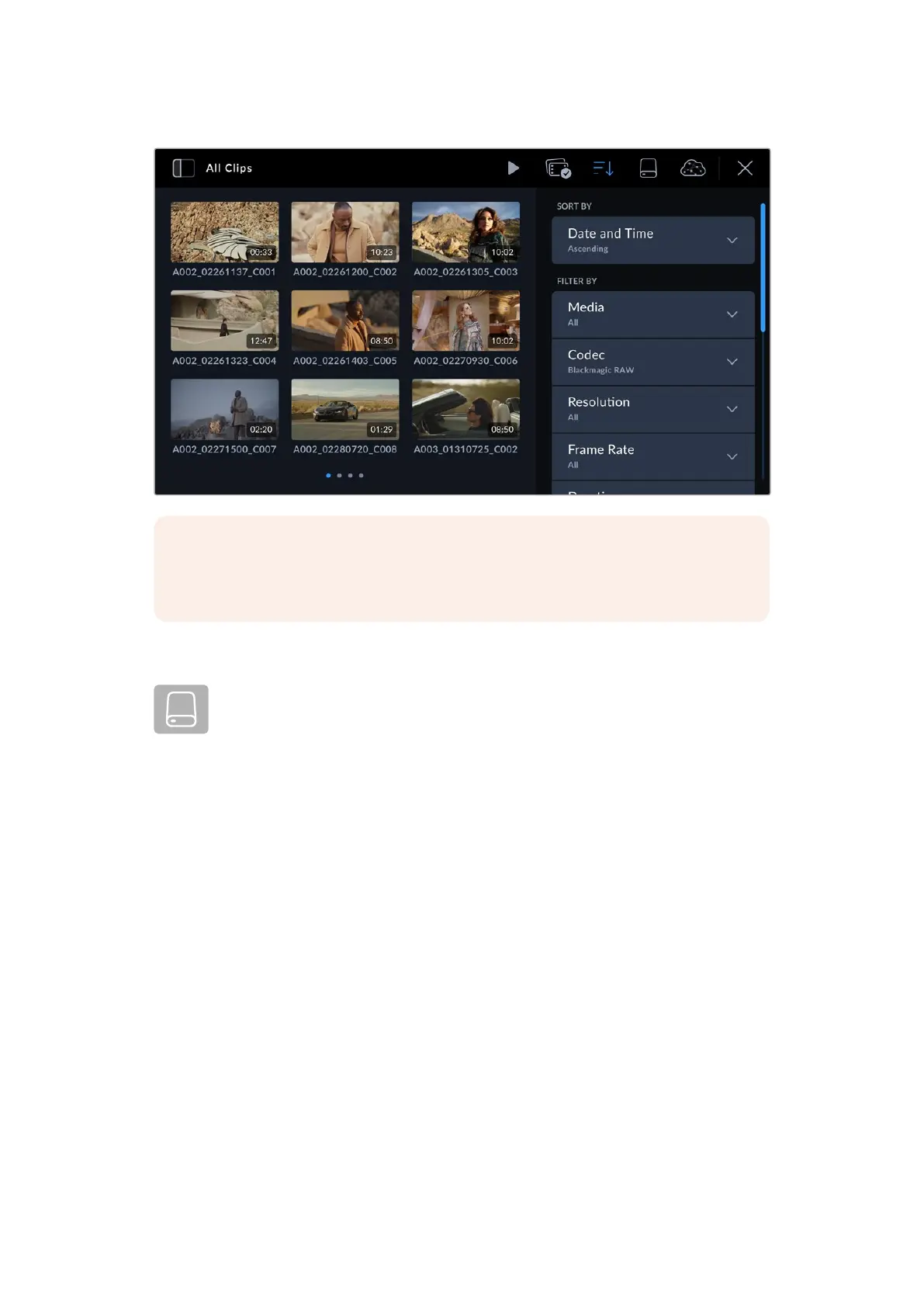
NOTE If you only ever want to play back or review one clip at a time then you can
go to the eighth page of your camera’s ‘setup’ menu and select ‘single clip’ for your
playback preference.
Storage
Tap the media storage icon in the media library to enter the storage format page.
This page lets you format Media Module 8TB and CFexpress cards connected to
your camera. For information on how to format media, refer to the ‘Blackmagic Media
Module’ section later in this manual.
31Media Pool



 To Next Page