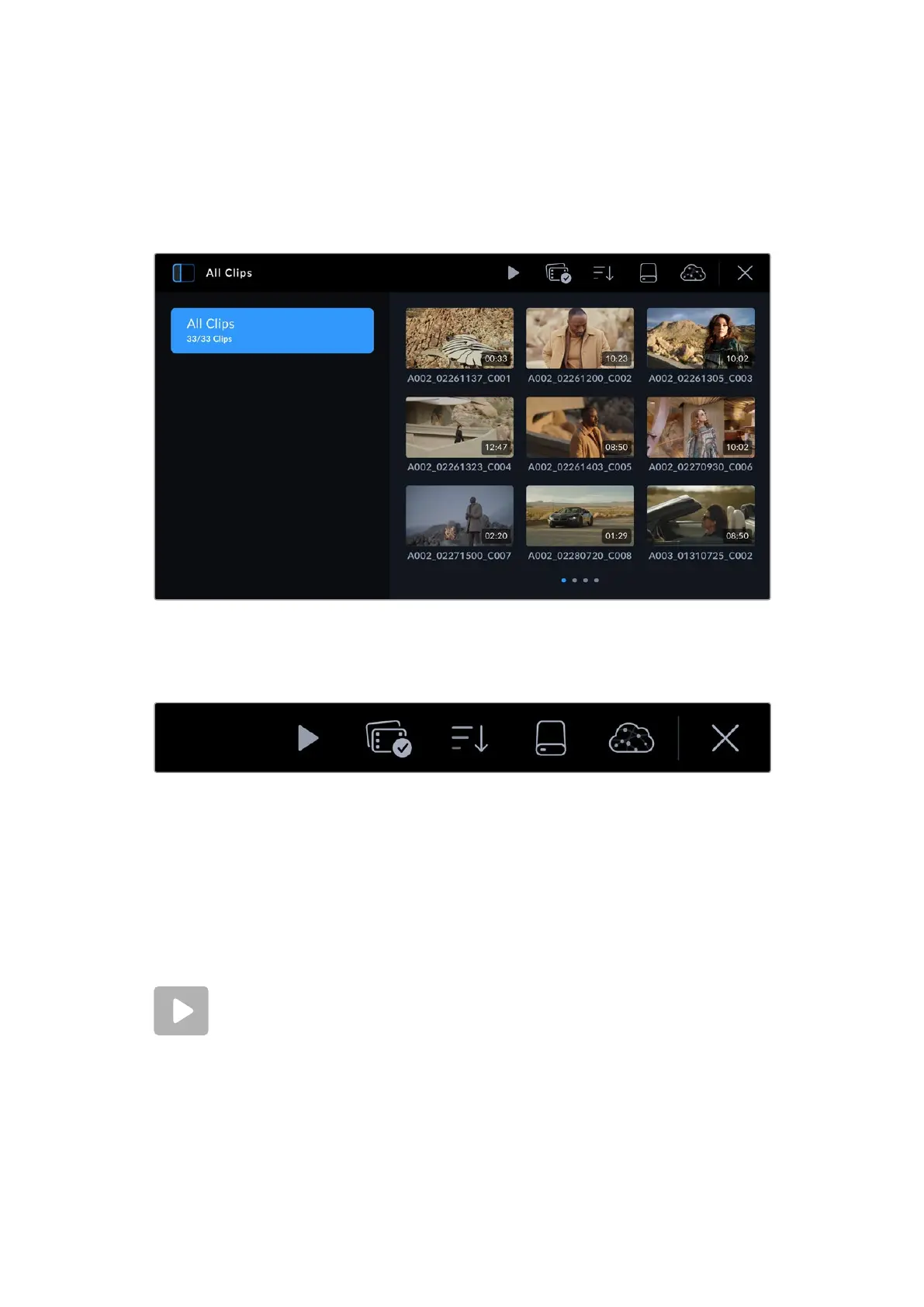
Sidebar
The sidebar icon at the top left corner opens or closes the media pool side bar. Here, you
can select which Blackmagic Cloud projects you want to upload clips to, or to upload clips
directly to your personal Blackmagic Cloud storage. More information about uploading clips to
Blackmagic Cloud projects and storage is provided later in this section.
Tap the sidebar icon to open or close the media pool sidebar
Controls
The control menu icons in the browser page of the media pool
The control menu icons at the top of the media pool browser page feature playback, group
selection, media filter, media storage and Blackmagic Cloud log in status. When you select a
single clip, multiple clips or a filtered clip list the control menu icons will change to display the
relevant control options.
The next section describes how to use each control.
Playback
The playback control lets you play back clips recorded on your camera’s media
storage. You can play back a single clip, a sequence of selected clips, a list of clips
filtered by a particular parameter or even play back all the clips on your connected
media in one complete sequence.
28Media Pool



 To Next Page