For information on how to configure a function button as ‘focus zoom’, see the ‘Function Button
Behaves as Preset or Toggle’ section.
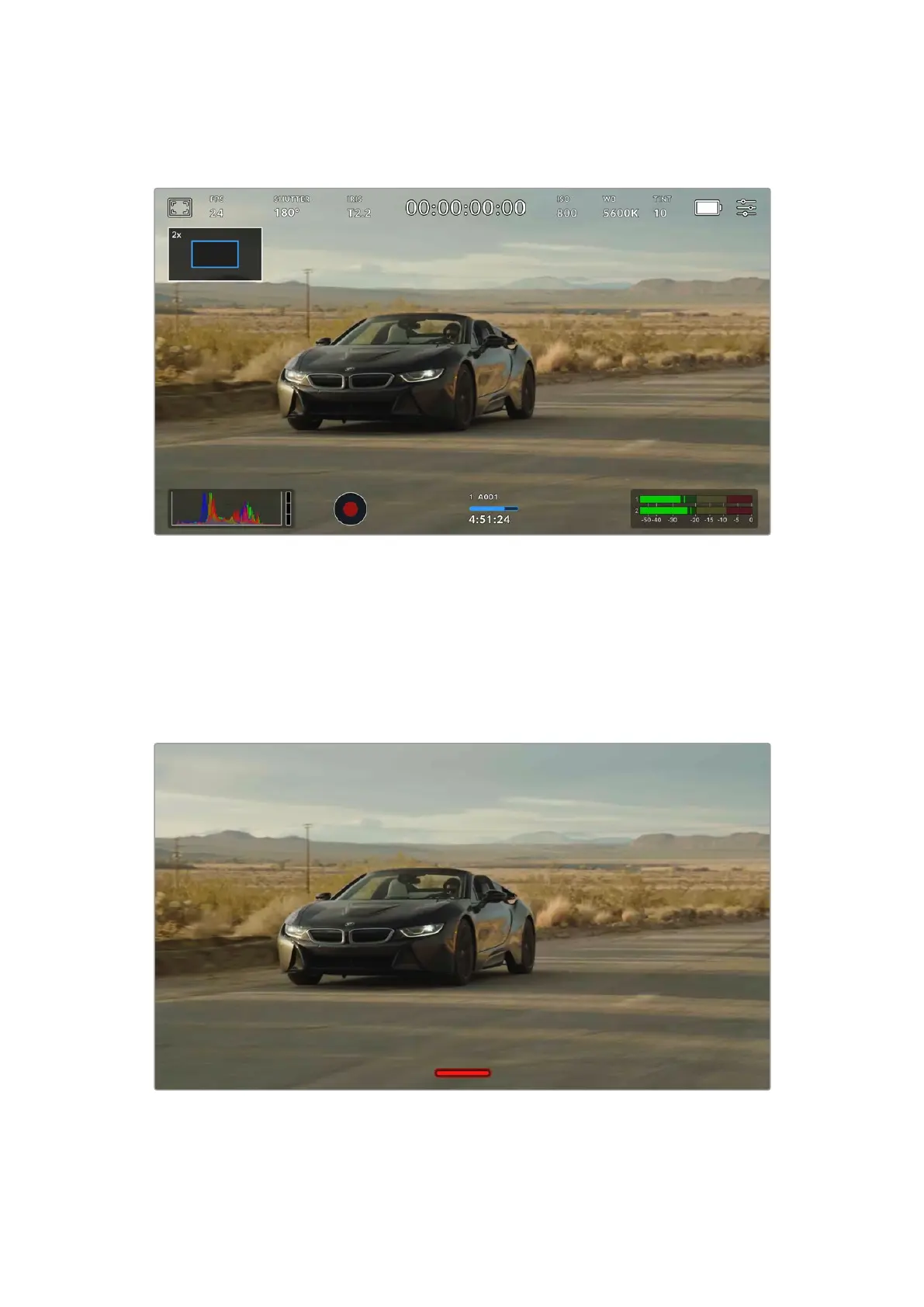
While zoomed in, an indicator in the top left of your LCD touchscreen will show which part of the image you are
viewing. You can move around the image using the menu wheel or by dragging your finger around the screen.
Full Screen Mode
It can be useful when framing or focusing a shot to temporarily hide your touchscreen’s
statustext and meters. Simply swipe up or down on URSA Cine’s touchscreen, or press the
‘display’ button on the assist station, to hide these. Therecord indicator, frame guides, grids,
focus assist and zebra will remain visible.
Swipe up or down to hide all status indicators on your URSA Cine’s LCD touchscreen
101Touchscreen Controls



 To Next Page