Presets
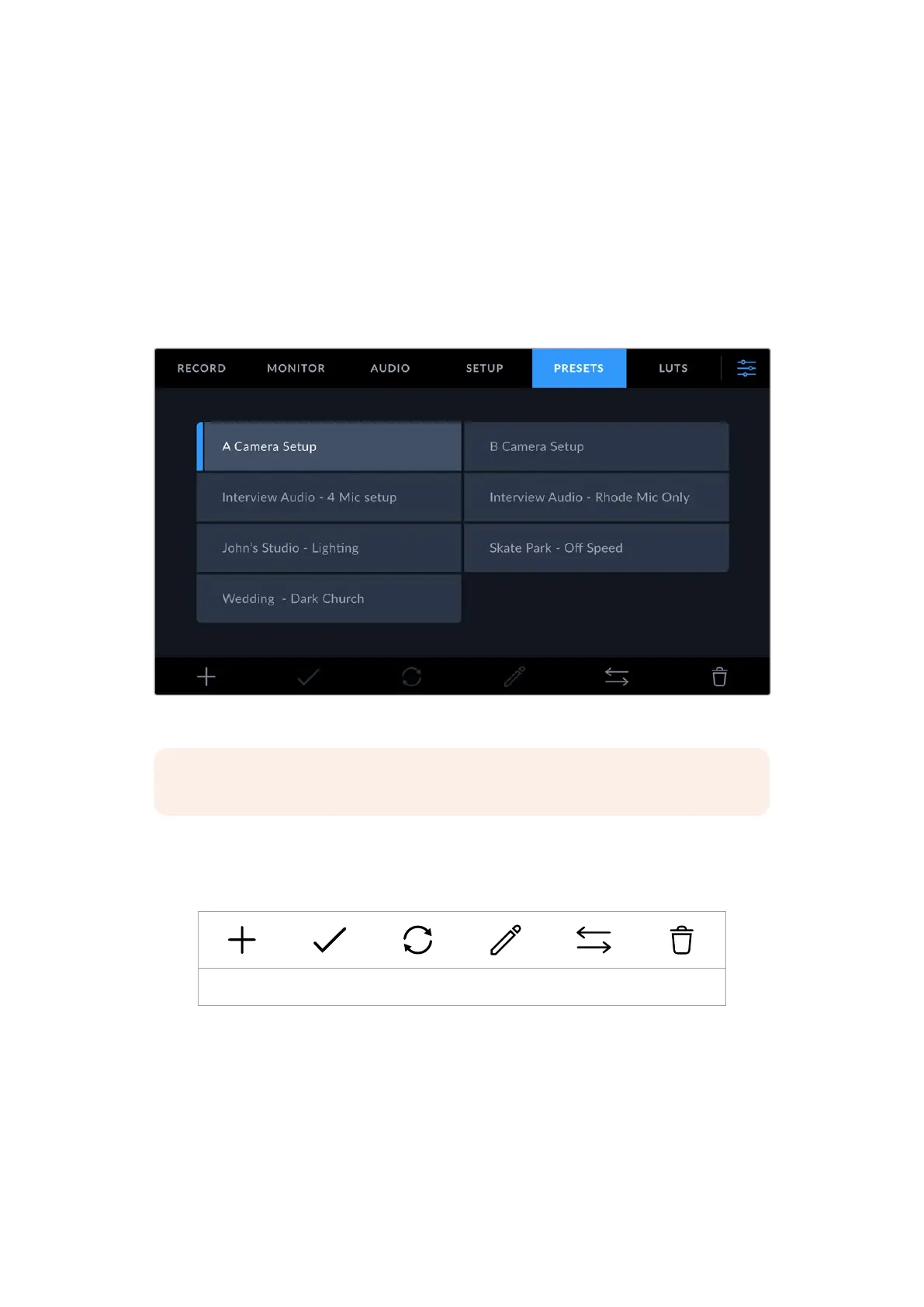
The ‘presets’ tab lets you save and recall a complete collection of settings for your URSA Cine.
This is very useful when one camera is used for multiple projects or different lens setups. For
example, you may have a preset for anamorphic lenses, one for spherical lenses, or other
presets for different frame rates. All settings are saved in each preset and you can easily switch
between them.
You can also import and export presets, which is very useful for setting up a multi camera
shoot. Simply set up one URSA Cine to suit your project, then export that preset for all the other
URSA Cine cameras on set.
Your URSA Cine’s ‘presets’ tab
NOTE Your URSA Cine can save up to sixty presets to its internal memory.
Preset Buttons
The button icons along the bottom of your URSA Cine’s ‘presets’ menu correspond with the
following functions.
Add Load Update Edit Manage Delete
Saving and Loading Presets
To create a new preset, tap the ‘add’ icon. This will open a touch keyboard on your
LCDtouchscreen where you can name your preset. Once you’ve typed in the name, tap
‘update’ tosave all of your URSA Cine’s current settings to that preset.
If your camera already has a preset loaded with the same name, you will be prompted to
overwrite the existing preset or keep both.
152Settings



 To Next Page