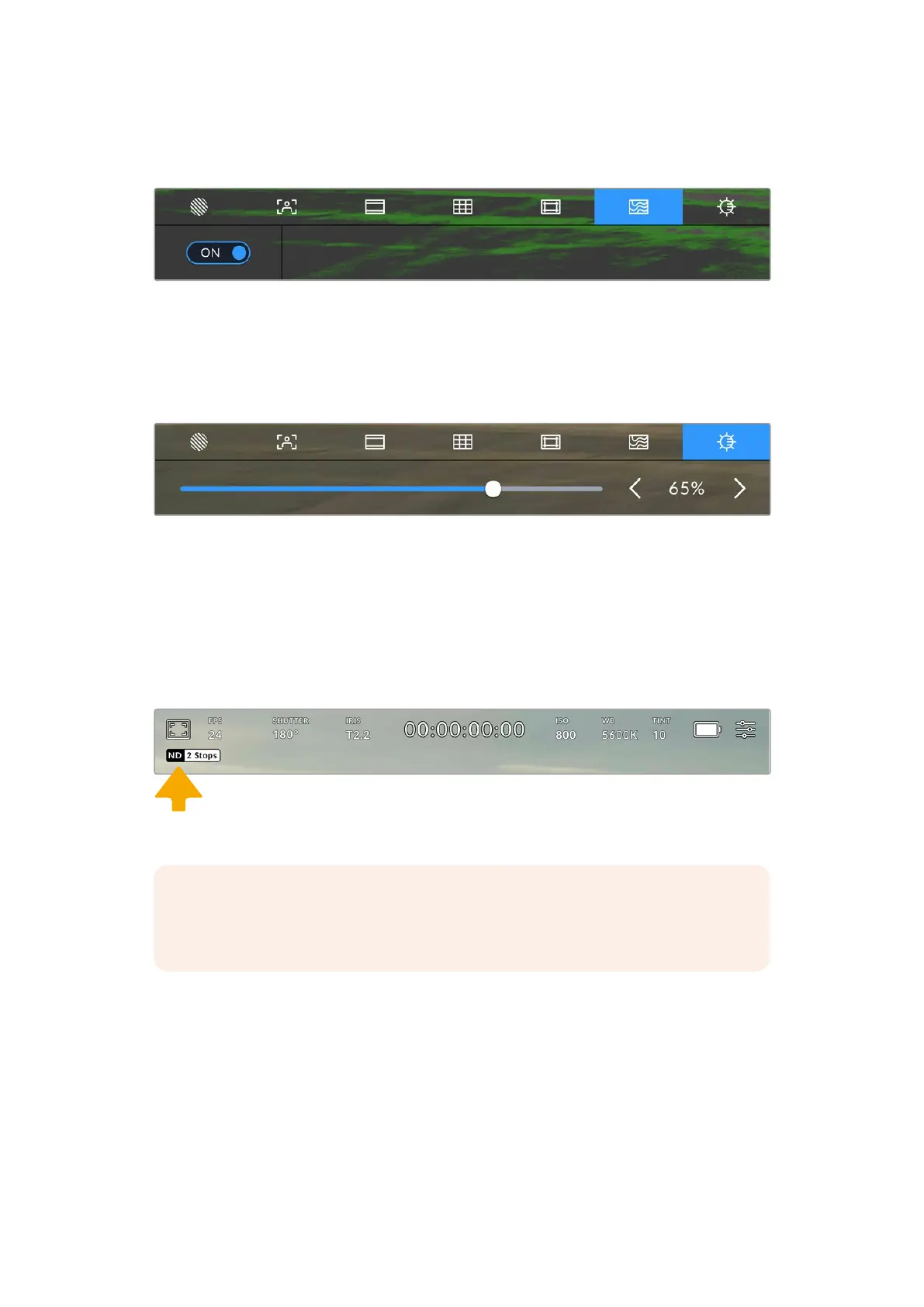
To toggle false color for the LCD touchscreen, tap the switch icon in the bottom left of the
screen while in the ‘false color’ tab.
The ‘false color’ exposure assistance tab
Touchscreen Brightness
Adjust the brightness of the touchscreen by dragging the percentage slider right to increase
the brightness and left to decrease.
Tap the screen brightness icon to access the touchscreen brightness setting
ND Filter indicator
When adjusting your URSA Cine’s ND filter, it will be displayed via the indicator in the top left
of the LCD touchscreen and any outputs set to show status text. This indicator will remain on
in your ‘status text’ when you have an ND filter engaged. When you have it set to the position
where there is no ND filter, the ‘clear’ text will disappear after four seconds.
Adjusting your URSA Cine’s ND filter setting will reveal the ND filter indicator
NOTE You can adjust the terminology used by the ND filter indicator to reflectthe
conventions you’re used to. The options are ND number, stops and fractions. You can
set your preferred format in your URSA Cine’s ‘setup’menu.
87Touchscreen Controls



 To Next Page