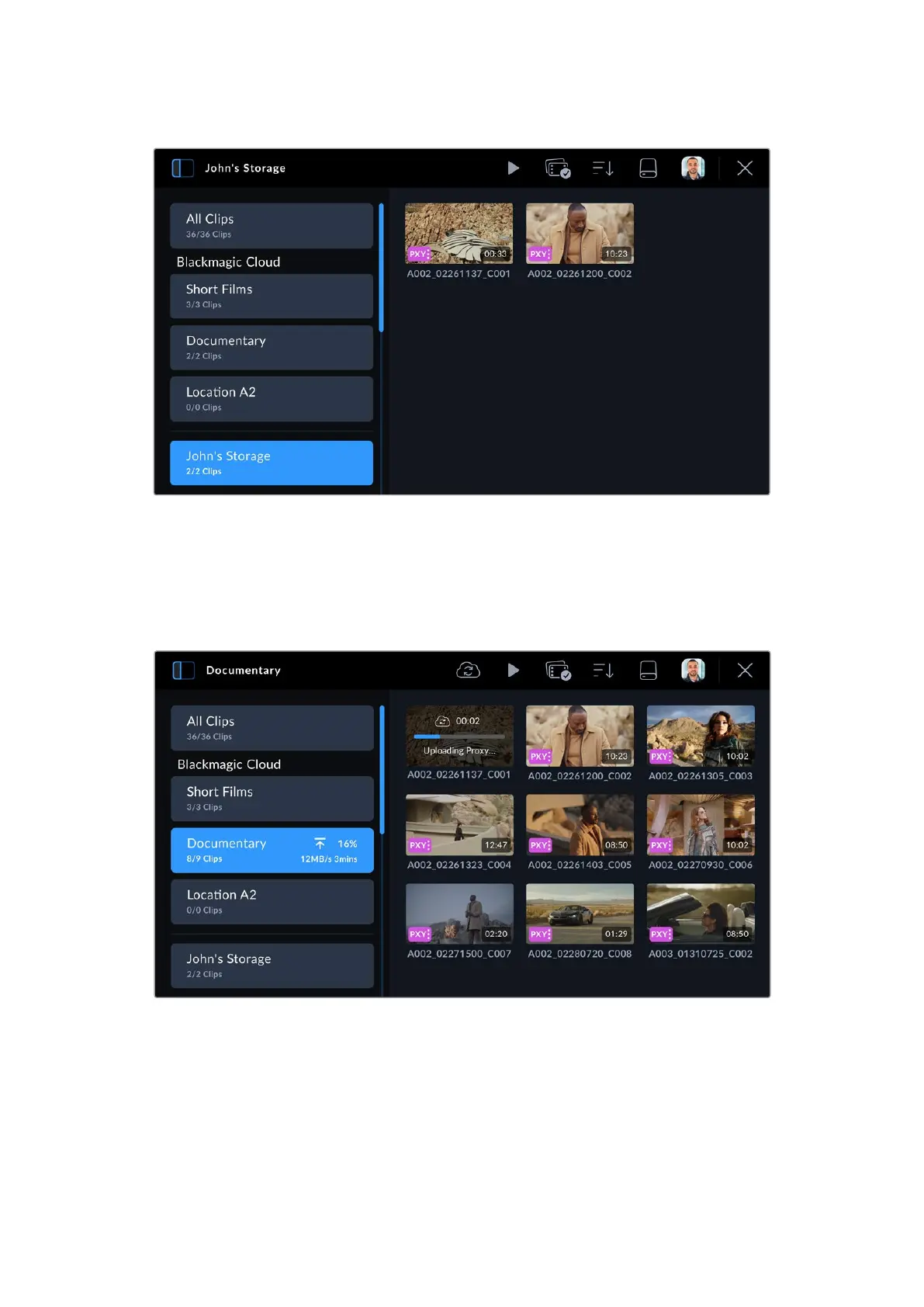
3 Tap your private Blackmagic Cloud storage to select it.
Clip Upload Status Indicators
When you have chosen to upload clips to a Blackmagic Cloud project, you can check the
upload status by selecting the project from the Blackmagic Cloud projects panel.
Next to the cloud project name the overall upload status is displayed including number of clips,
completed percentage, upload speed and estimated time remaining.
38Uploading Clips to Blackmagic Cloud



 To Next Page