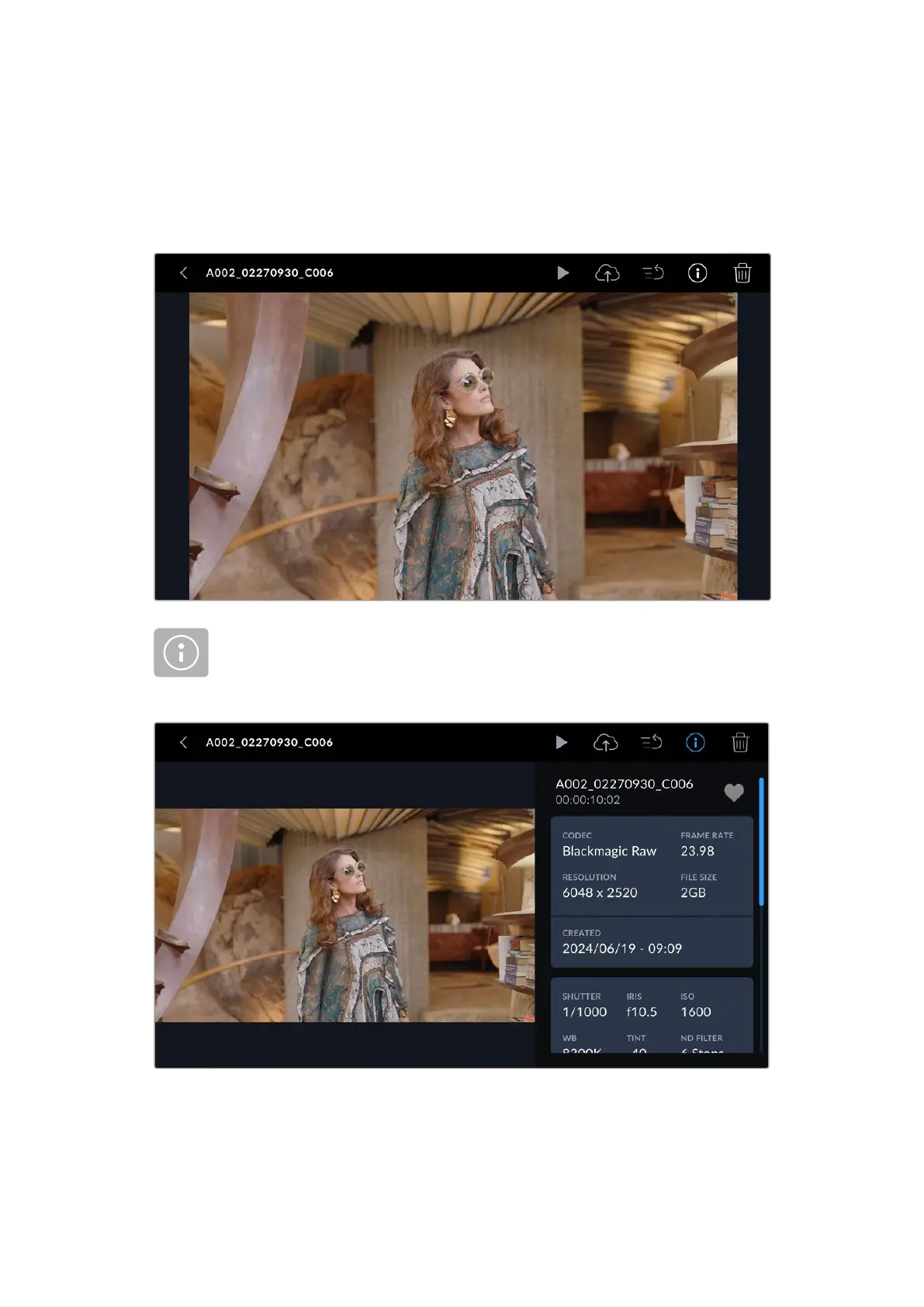
Playing a Single Clip
Tap on a clip’s thumbnail to enter the clip viewer. This displays the clip thumbnail larger on
the LCD, lists the clip’s file name and provides playback, upload, priority tagging, clip info
and deletion controls. Swiping left and right on your camera’s touchscreen lets you select a
different clip.
If you want to view the clip’s metadata, tap on the information icon. This opens
metadata that you can scroll through by dragging up and down. The heart icon lets
you add a ‘good take’ tag to the clip’s metadata, similar to marking a good take using
your camera’s slate feature.
Tap the ‘play’ icon to play your chosen clip.
29Media Pool



 To Next Page