3 If you want to change the reel number, tap on the pencil icon to open the keyboard.
Type the new reel number and tap ‘update’.
NOTE For CFexpress cards, choose OS X Extended or exFAT format.
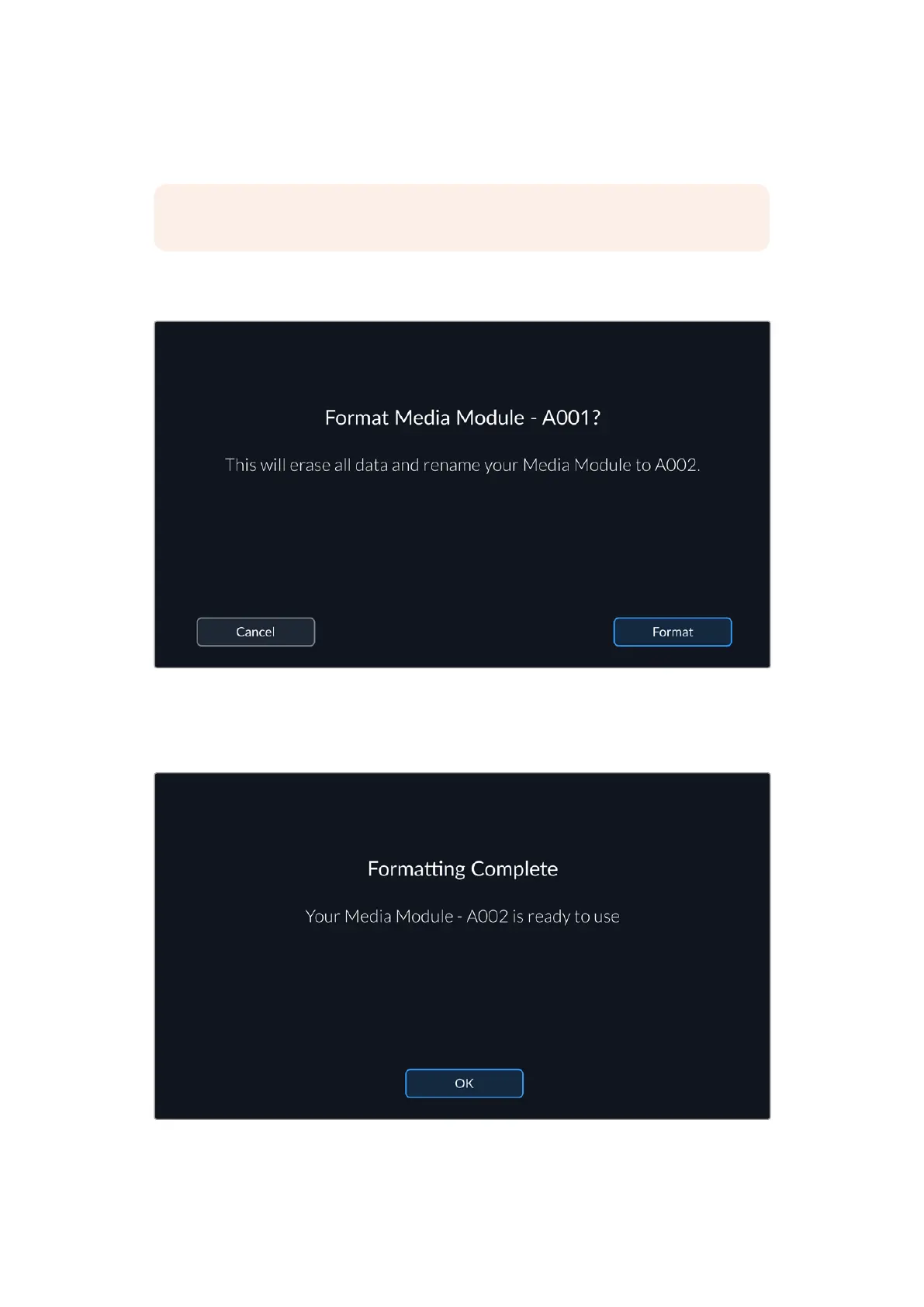
4 You will be asked to confirm your selection. Tap the format button again to continue
or‘cancel’ to cancel the format.
A warning will appear to make sure you have copied all needed clips before formatting
5 You will be prompted to press and hold the ‘format’ button for 3 seconds. The camera will
notify you once formatting is complete.
When formatting is complete your media module is ready to use
6 Tap ‘ok’ to return to the storage manager and ‘exit’ to return to the media pool.
44Blackmagic Media Module



 To Next Page