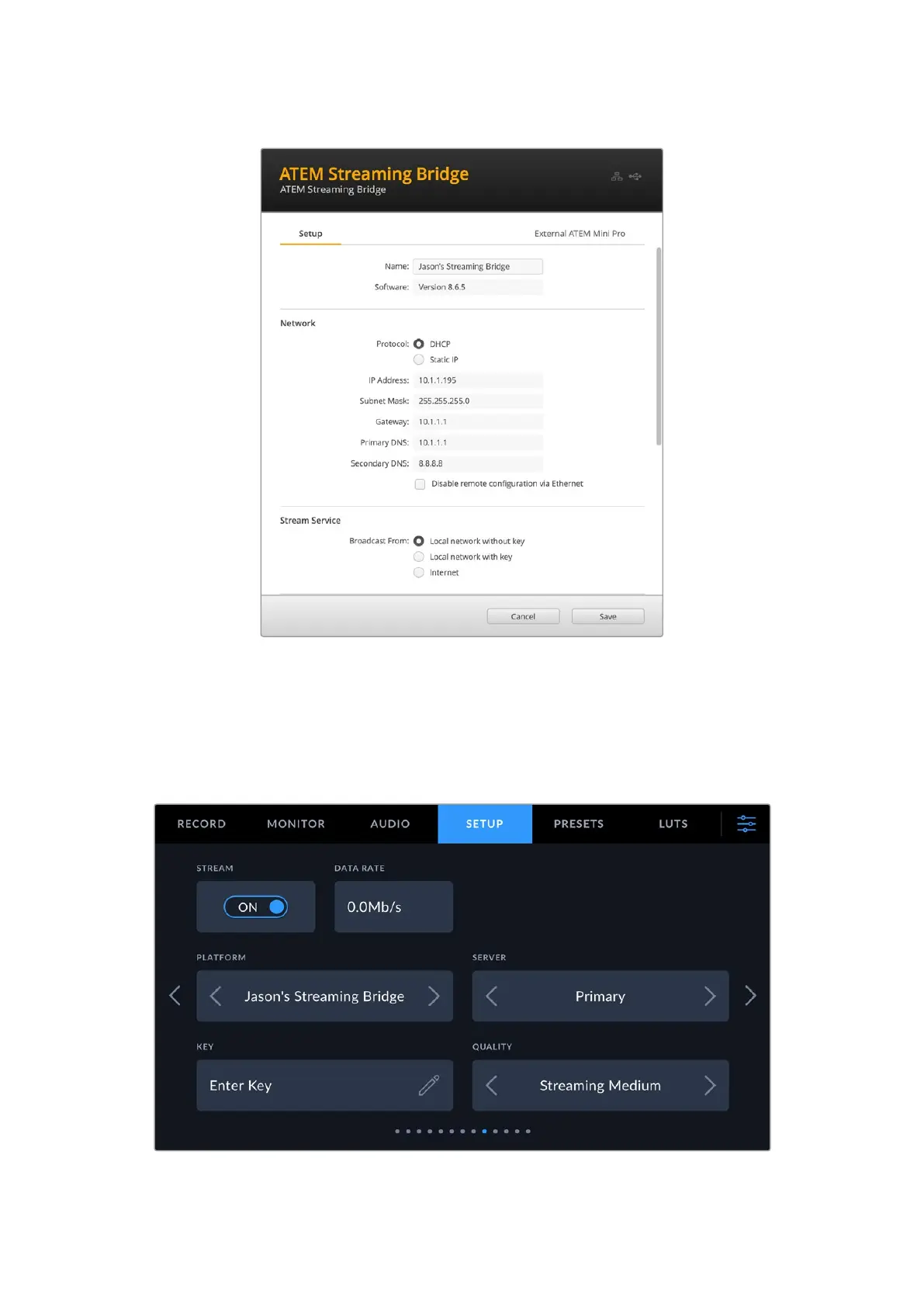
Once this is done, provided both are on the same network URSA Cine will be able to detect the
streaming bridge and show it as a streaming platform in page 9 of your camera’s setup settings.
Simply select the streaming bridge as a platform and begin streaming to it by toggling the
‘stream’ button.
You will know streaming is active because the stream encoding data rate box will indicate data is
being sent and an image will appear on the display connected to your ATEM Streaming Bridge.
141Settings



 To Next Page