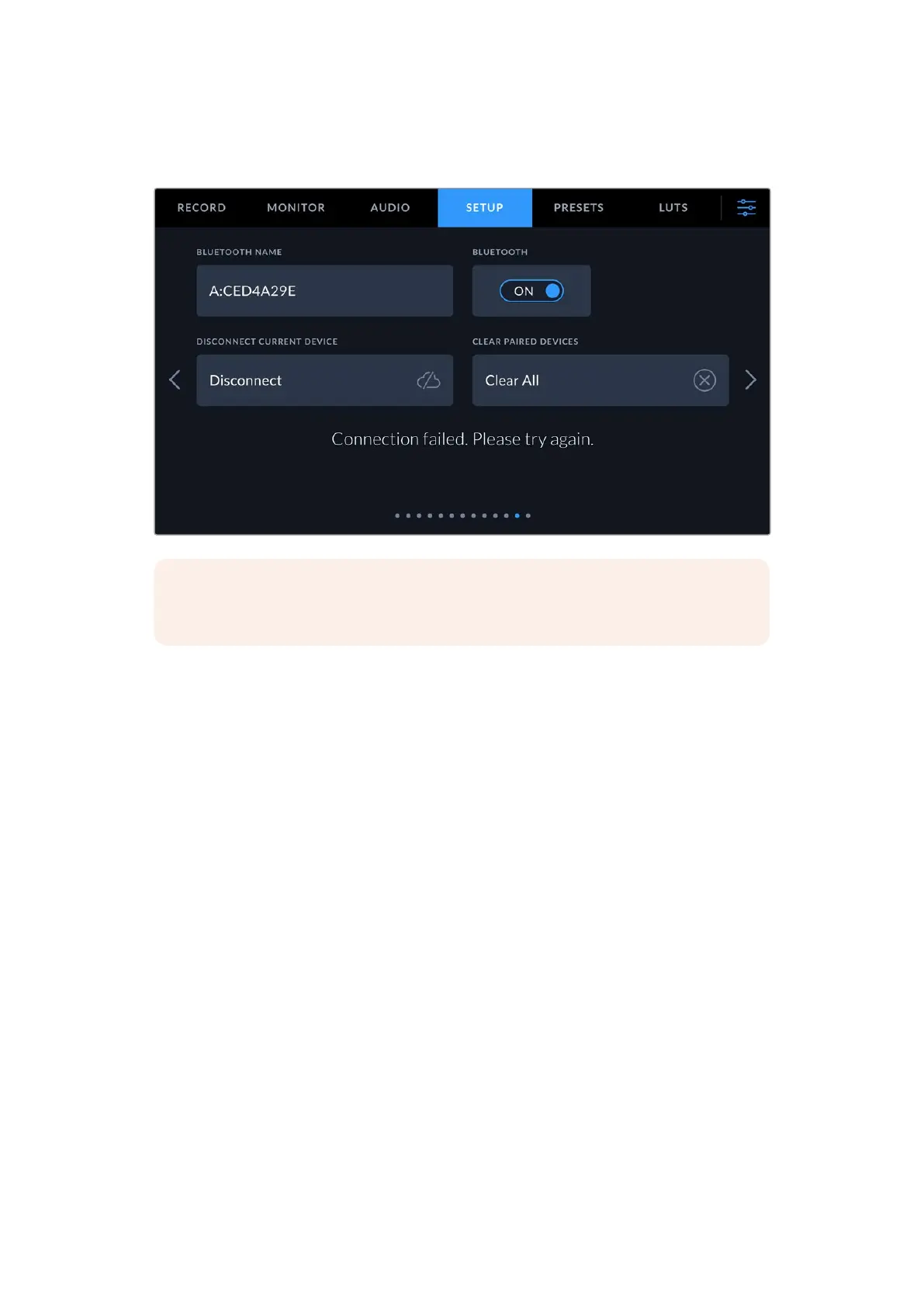
5 If there is a problem pairing the camera to your iPad you will see the following
error message:
NOTE If you are not using Bluetooth to control your URSA Cine, it is a good idea to
turn Bluetooth off for the purpose of security.
Disconnect Current Device
Use this setting to disconnect your URSA Cine from the iPad it is currently paired with.
Clear Paired Devices
Use this setting to clear the list of devices that your URSA Cine has been paired with.
Controlling your Camera using Blackmagic Camera Control
Once you have successfully paired your URSA Cine to your iPad, you can power the camera on
or off, change settings, adjust metadata and trigger record remotely using the iPad app.
147Settings


 To Next Page
 Loading...