88 S850 Operation & Maintenance Manual
STOPPING THE ENGINE AND LEAVING THE LOADER
Procedure
Stop the loader on level ground.
Fully lower the lift arms and put the attachment flat on the
g
round.
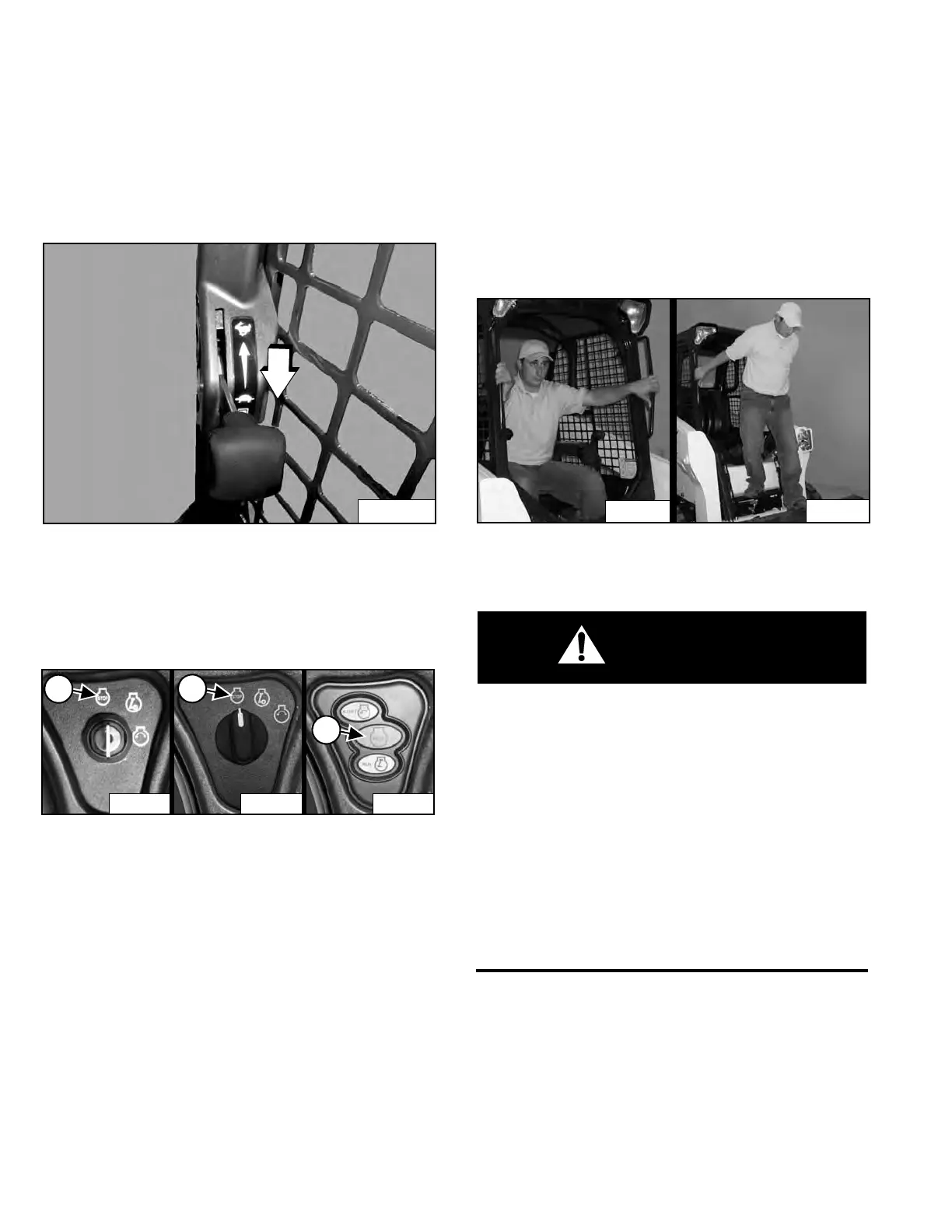
Figure 121
Push the engine speed control fully down [Figure 121] to
decrease the engine speed.
Engage the parking brake.
Figure 122
Turn the key switch to the STOP position (Item 1) or
p
ress the STOP button (Item 2) [Figure 122].
NOTE: If the loader lights are ON, they will remain ON
f
or approximately 90 seconds after turning
the loader OFF.
Raise the seat bar and make sure the lift and tilt functions
a
re deactivated.
Unbuckle the seat belt.
Remove the key from the switch (St
andard Key Panel) to
prevent operation of the loader by unauthorized
personnel.
NOTE: Activating the Password Lockout Feature on
ma
chines with the Keyless Start Panel or the
Deluxe Instrumentation Panel allows
operation of the loader without using a
password. (See Password Lockout Feature on
Page 177.) or (See Password Lockout Feature
on Page 179.)
Figure 123
Exit the loader using grab handles, safety tread and steps
(
maintaining a 3-point contact) [Figure 123].
AVOID INJURY OR DEATH
Before you leave the operator’s seat:
• Lower the lift arms and put the attachment flat on
the ground.
• Stop the engine.
• Engage the parking brake.
• Raise the seat bar.
• Move all controls to the NEUTRAL / LOCKED
position to make sure the lift, tilt and traction
drive functions are deactivated.
The seat bar system must deactivate these functions
when the seat bar is up. See your Bobcat dealer for
service if controls do not deactivate.
W-2463-1110
Dealer Copy -- Not for Resale



 To Next Page