To verify the software of a processor
card, select SEND HUB S/W. Hub refers
to a type of processor (UN4873 or
UN5221) in the mixer. The hub processor
is on a different unit to the main console
processor. The main processor is referred
to as the CORE processor.
The PC does not have a connection to
the hub processors, so the software is
sent to the core processor. To program
the hub processors press ‘PROGRAM
HUBS IN DESK’, this will request the core
processor to program the hub processors
on our behalf. After selecting ‘PROGRAM
HUBS IN DESK’ check the reports
window on the right, to ensure the system
has detected all the hub processors and
successfully programmed them.
To verify the core processor software
select SEND CORE S/W.
To verify all the files in the secondary
/ back-up console processor, go to the
Console 2 page and repeat the above.
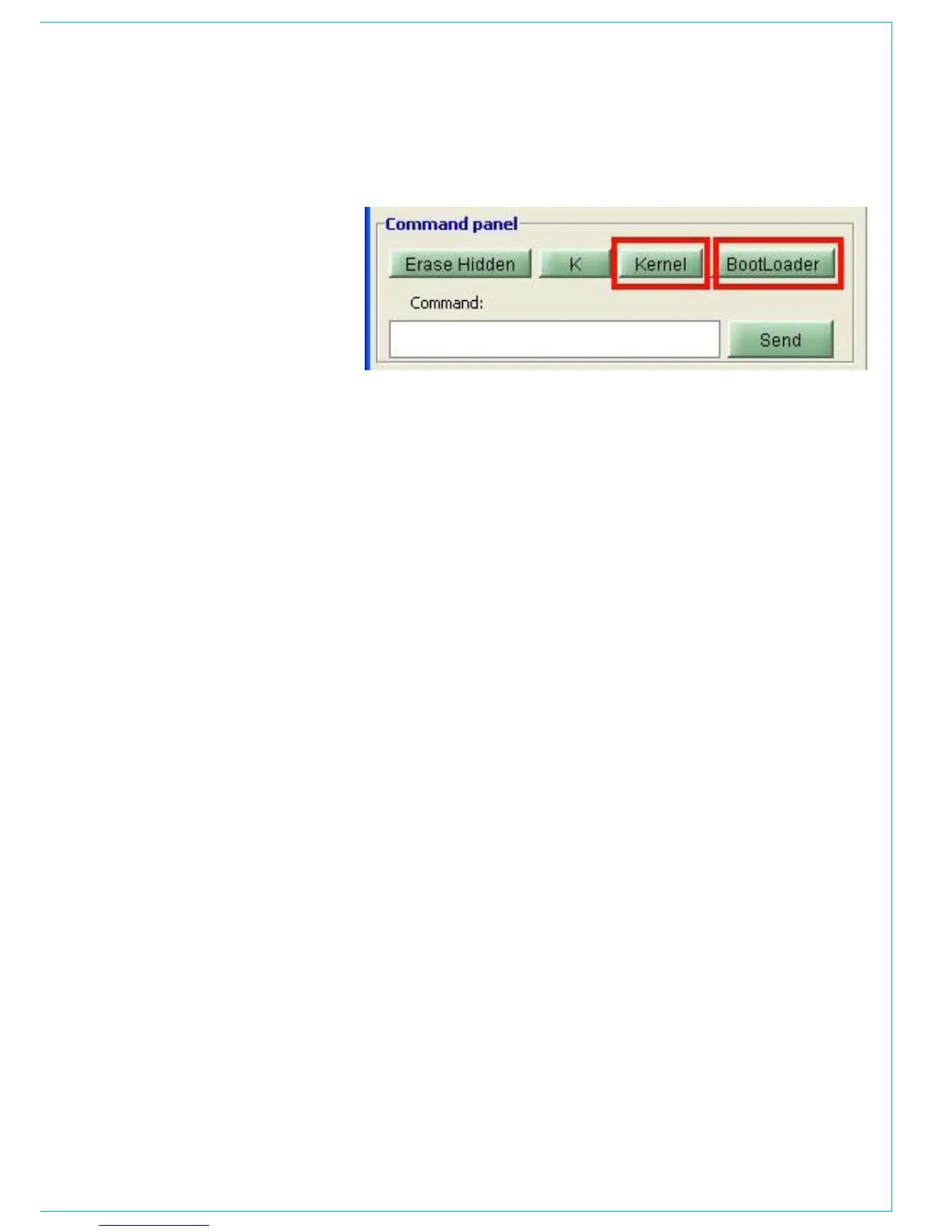
The kernel and bootloader buttons, shown
in the red boxes above, can be ignored.
These are only used by Calrec engineers
and the engineers of Calrec distributors,
during software upgrades. Software
upgrades can only be carried out by
Calrec engineers and the engineers of
Calrec distributors due to the complexity
and the need for testing on completion.
Erase hidden – The hidden memory, also
referred to as the ‘hotbak’, is automatically
saved by the mixer control system,
approximately every three seconds. This
memory is loaded on boot up. This allows
the mixer to recover the current settings.
If the hidden memory was to become
corrupt, the mixer would be unable to
boot up. Erasing the hidden memory will
overcome this problem.
Command: - The command line, shown
on the picture above, can be ignored. The
command will is only ever required to be
used by Calrec engineers or engineers of
Calrec distributors.



 To Next Page