Forcing a processor into Kernel
mode
If after repeated attempts a processor will
not enter kernel mode, please carry out
the following, to force the card into kernel
mode. You may need a colleague to assist
you:-
On the front edge of each processor
1.
card is a reset button, which should be
pressed.
The processor will start to re-boot, but
2.
during the boot up there is a pause.
During this pause the processor
waits to receive a command to enter
kernel mode. During this pause --!!-- is
displayed in the text window on the
right of the screen. When you see
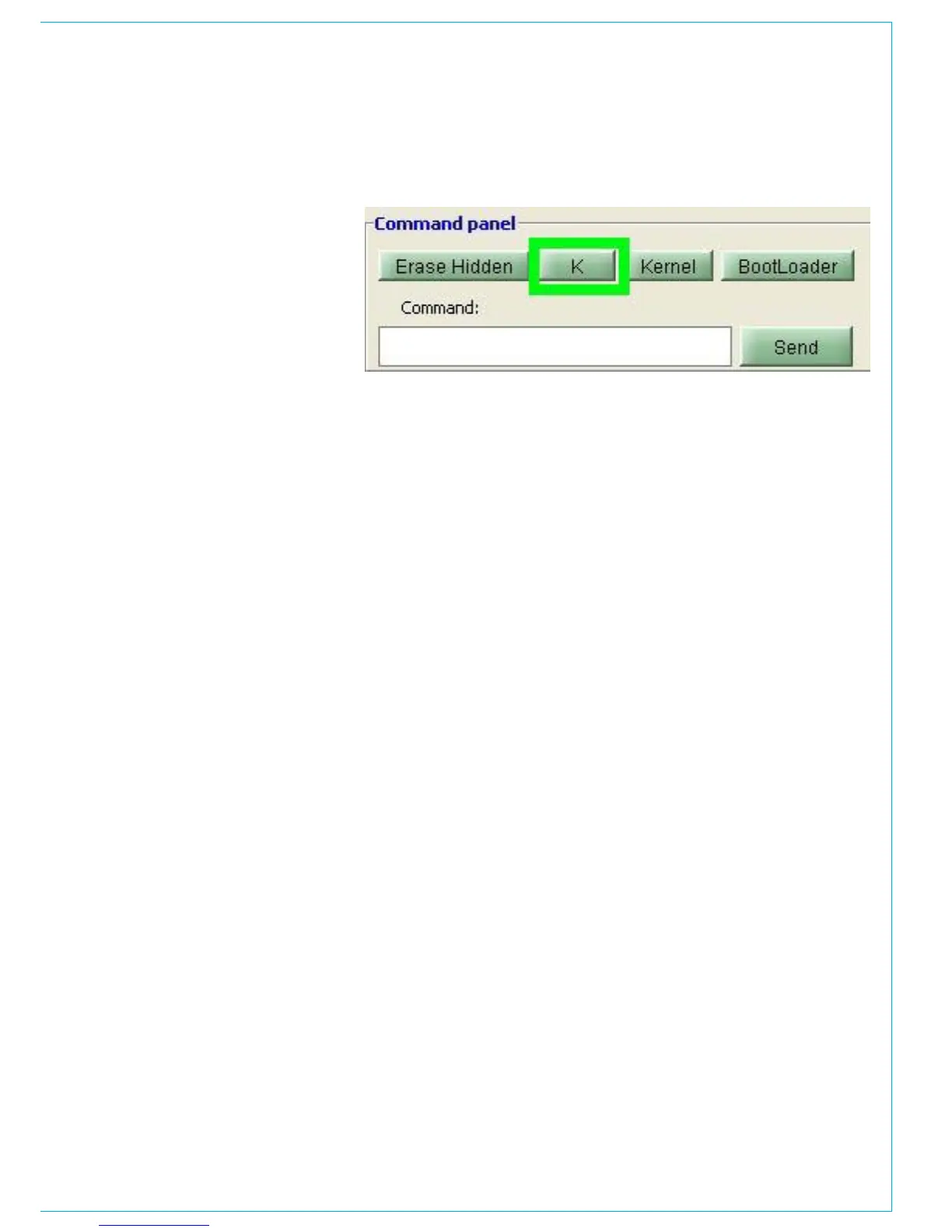
this symbol press the K button on the
programming utility, shown highlighted
with a green box below.
If the process has been successful, the
3.
kernel message will be displayed in the
text window.



 To Next Page