Registering Destinations in the Address Book (D1180/D1170/D1150)
5-4
Storing/Editing One-Touch Keys
For information on how to enter characters, see
“Entering Characters,” on p. 1-16.
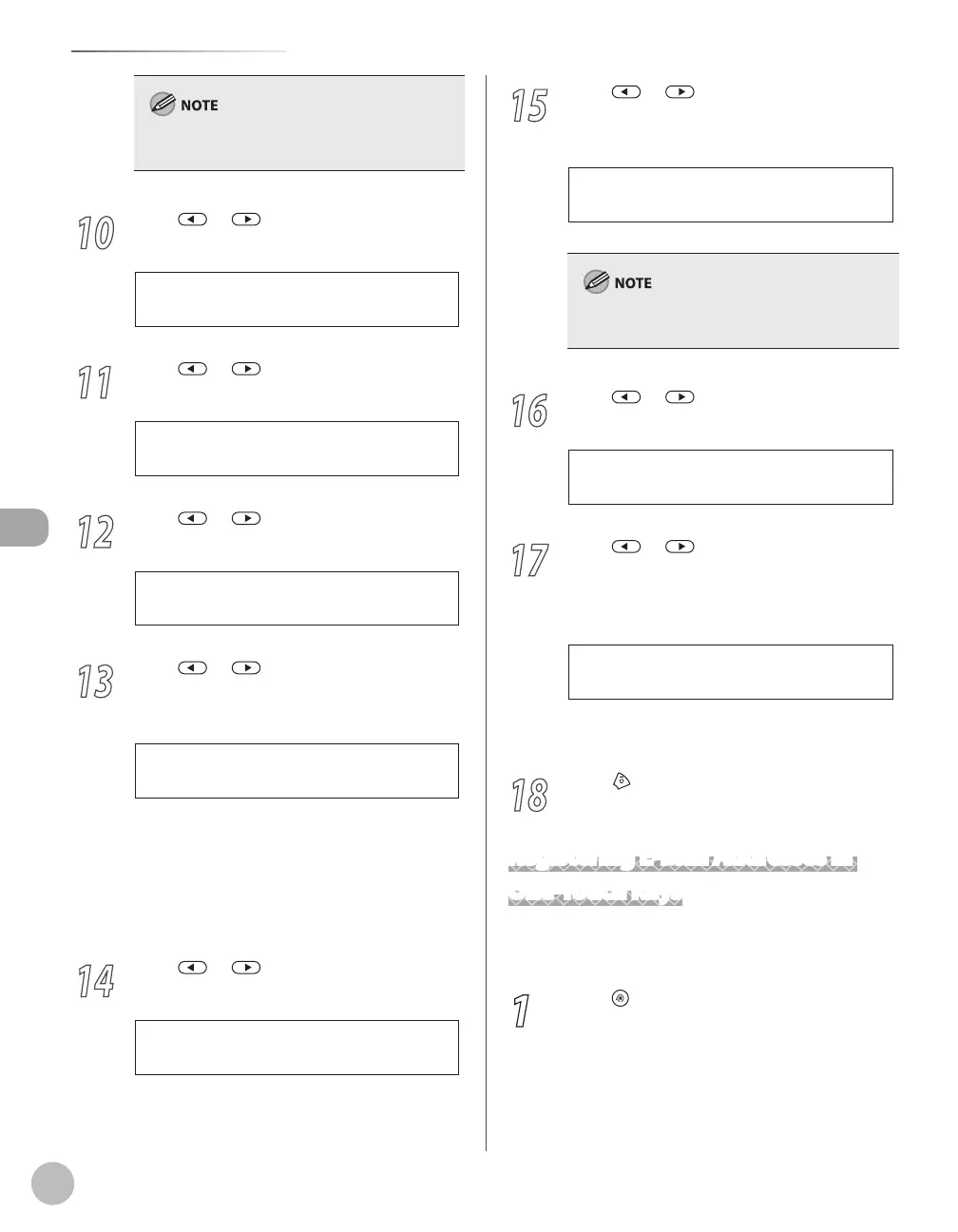
10
Press or to select <OPTIONAL
SETTING>, then press [OK].
3 . O P T I O N A L S E T T I N G
1 - T O U C H S P D D I A L
11
Press or to select <ON>, then
press [OK].
O N
O P T I O N A L S E T T I N G
12
Press or to select <LONG
DISTANCE>, then press [OK].
1 . L O N G D I S T A N C E
O P T I O N A L S E T T I N G
13
Press or to select the most
effective transmission option, then press
[OK].
D O M E S T I C
L O N G D I S T A N C E
<DOMESTIC>: Normally select this option.
<LONG DISTANCE 1-3>: Select one of these
options when you make an international call.
If errors occur during fax transmissions, try the
setting from <LONG DISTANCE1 > through
<LONG DISTANCE 3>.
14
Press or to select <TX SPEED>,
then press [OK].
2 . T X S P E E D
O P T I O N A L S E T T I N G
–
–
15
Press or to select the sending
speed (33600bps, 14400bps, 9600bps, or
4800bps), then press [OK].
3 3 6 0 0 b p s
T X S P E E D
If transmission errors occur frequently, lower the
speed.
16
Press or to select <ECM>, then
press [OK].
3 . E C M
O P T I O N A L S E T T I N G
17
Press or to select <ON> to reduce
system and line errors while sending to or
receiving from other machines that
support ECM, then press [OK].
To register another one-touch key, repeat the
procedure from step 4.
18
Press [Stop/Reset] to return to the
standby mode.
Registering E-Mail Addresses in
One-Touch Keys
This section describes the procedure for registering
e-mail addresses in the one-touch keys.
1
Press [Menu].















 To Next Page