Copying
3-31
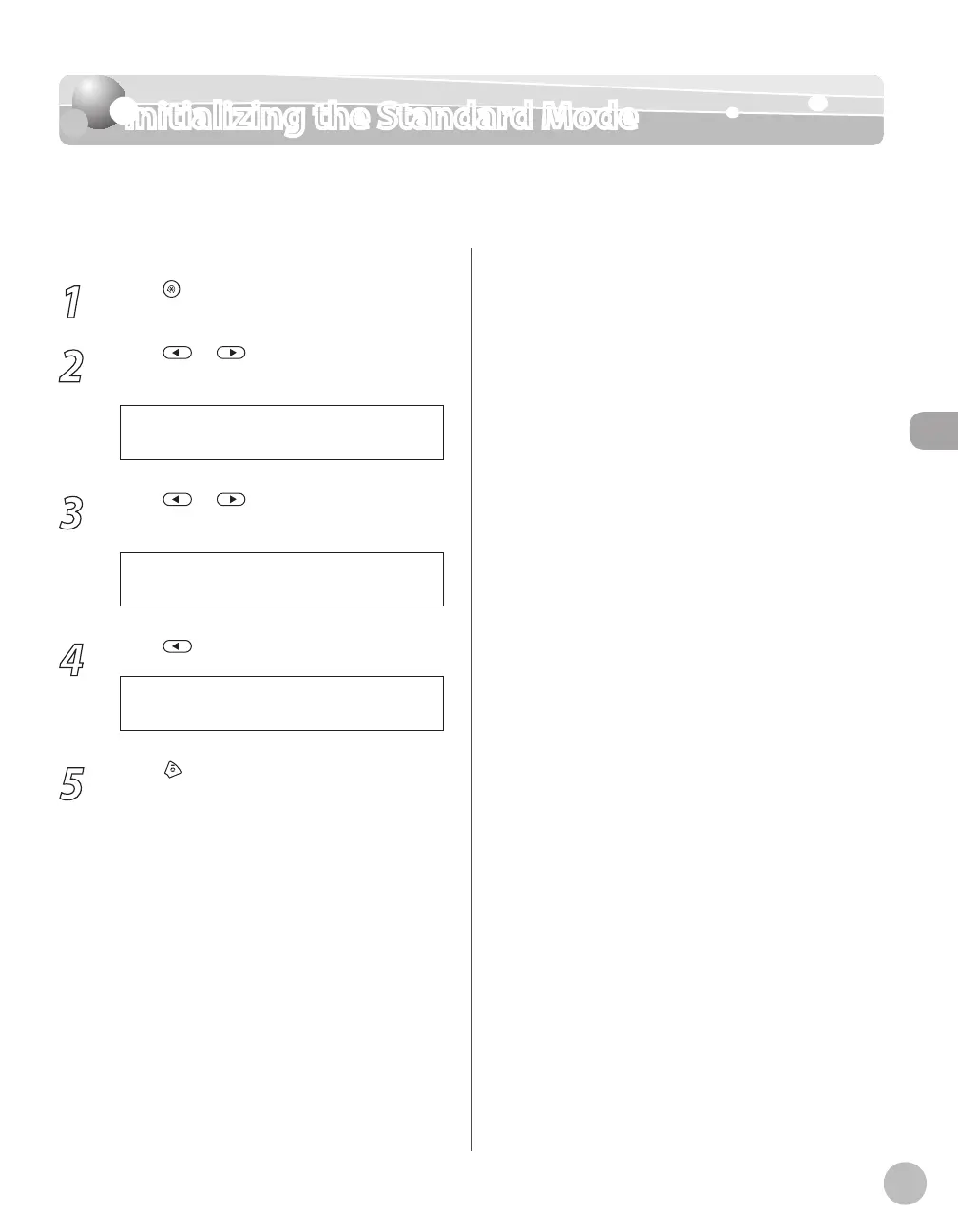
Initializing the Standard Mode
Initializing the Standard Mode
This section describes how to initialize the current copy setting mode including standard
mode.
1
Press [Menu].
2
Press or to select <COPY
SETTINGS>, then press [OK].
3 . C O P Y S E T T I N G S
M E N U
3
Press or to select <INIT. COPY
SET.>, then press [OK].
4 . I N I T . C O P Y S E T .
C O P Y S E T T I N G S
4
Press to select <YES>.
< Y E S N O >
O K T O I N I T I A L I Z E ?
5
Press [Stop/Reset] to return to the
standby mode.















 To Next Page