Fax (D1180/D1170/D1150)
6-54
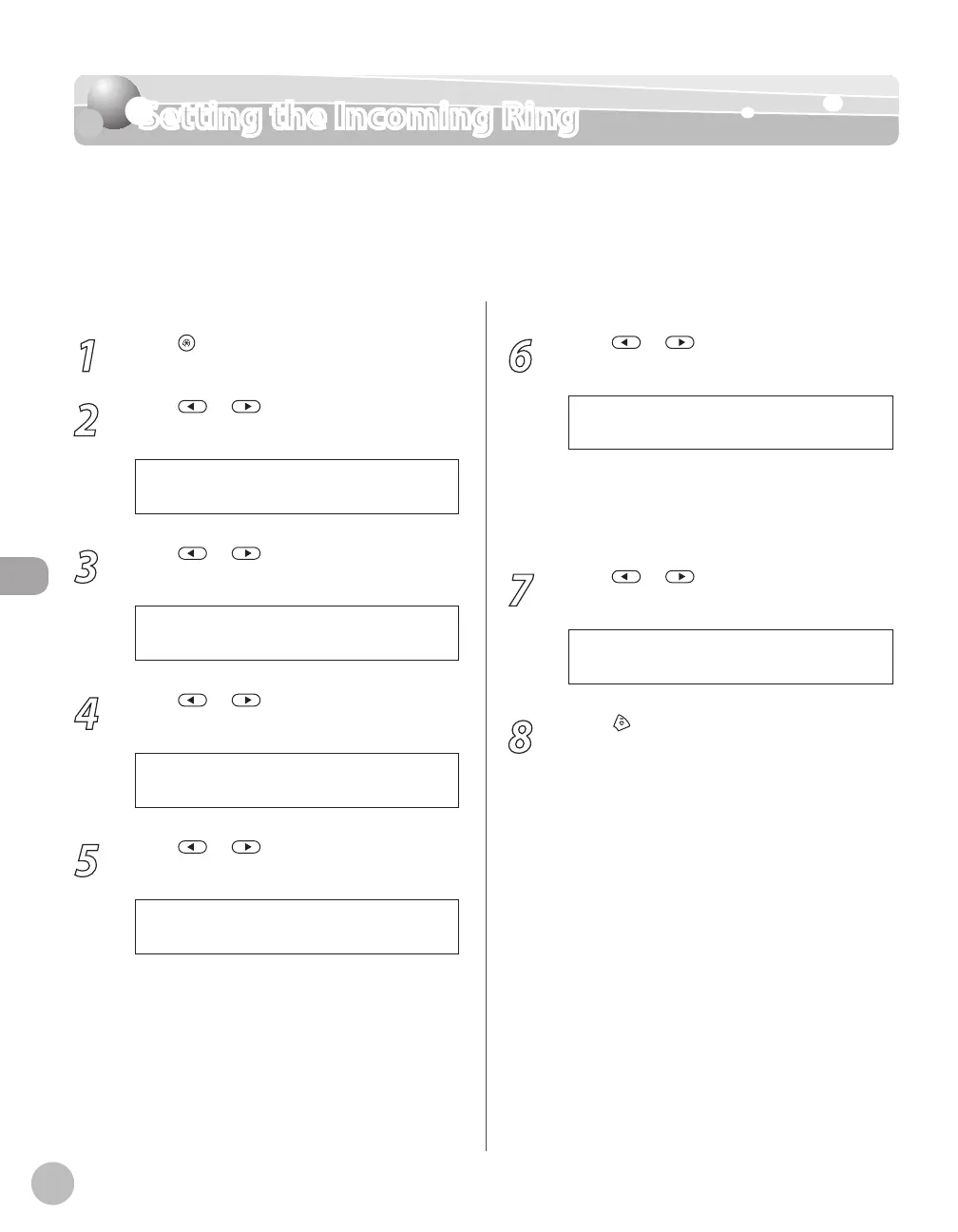
Setting the Incoming Ring
Setting the Incoming Ring
This function enables you to activate the ring alert of the external telephone if <RX MODE>
is set to <FaxOnly> or <FaxTel>. Selecting <ON> enables you to distinguish between the fax
reception and answer voice calls when you pick up the external telephone while it is ringing.
The default setting is <ON>.
1
Press [Menu].
2
Press or to select <TX/RX
SETTINGS>, then press [OK].
4 . T X / R X S E T T I N G S
M E N U
3
Press or to select <FAX
SETTINGS>, then press [OK].
3 . F A X S E T T I N G S
T X / R X S E T T I N G S
4
Press or to select <RX SETTINGS>,
then press [OK].
4 . R X S E T T I N G S
F A X S E T T I N G S
5
Press or to select <INCOMING
RING>, then press [OK].
4 . I N C O M I N G R I N G
R X S E T T I N G S
6
Press or to select <OFF> or <ON>
then press [OK].
O N
I N C O M I N G R I N G
<OFF>: Incoming tone does not ring. If you
select <OFF>, skip to step 8.
<ON>: Incoming tone rings. If you select
<ON>, go to the next step.
7
Press or to set the number of ring
times (1 to 99 times), then press [OK].
2 T I M E S
R I N G C O U N T
8
Press [Stop/Reset] to return to the
standby mode.
–
–















 To Next Page