Fax (D1180/D1170/D1150)
6-42
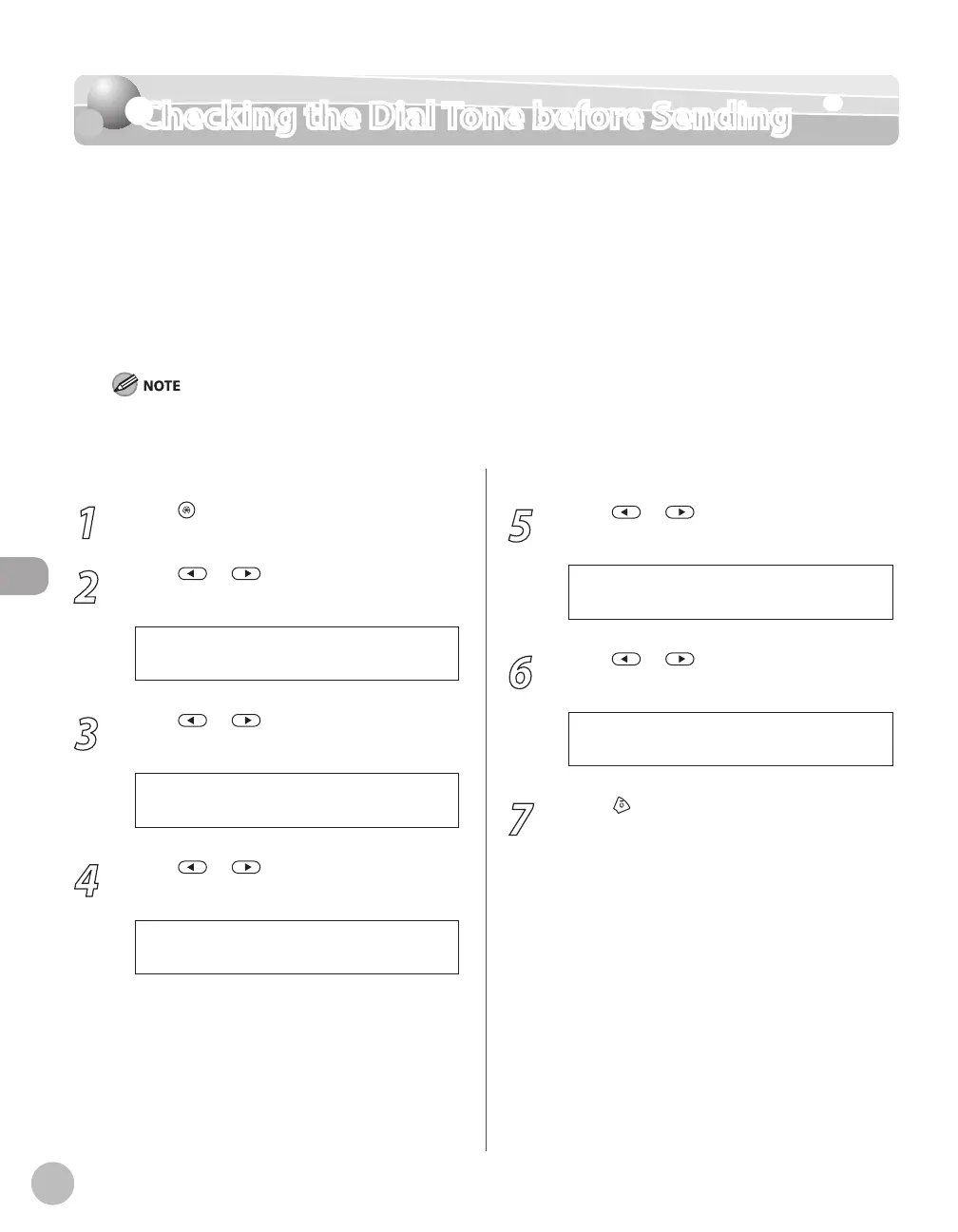
Checking the Dial Tone before Sending
Checking the Dial Tone before Sending
The following redirection problem may happen with certain kinds of fax machines on the
market made by companies other than Canon. The DIALING LINE CHCK mode prevents this
rare occurrence from happening. If you are sending a fax document from your machine at
the same time another fax machine (made by a company other than Canon) is trying to send
you a fax, your fax document may end up being redirected to that fax machine, instead of
the original destination you had intended. Setting <DIALING LINE CHCK> to <ON> enables
you to avoid such sending problems. The default setting is <OFF>.
The DIALING LINE CHCK mode is enabled only after you turn OFF the main power and turn it back ON again. For more information
on how to turn the main power ON and OFF, see “Connect Power Cord and Turn on the Machine,” in the Starter Guide.
1
Press [Menu].
2
Press or to select <TX/RX
SETTINGS>, then press [OK].
4 . T X / R X S E T T I N G S
M E N U
3
Press or to select <FAX
SETTINGS>, then press [OK].
3 . F A X S E T T I N G S
T X / R X S E T T I N G S
4
Press or to select <TX SETTINGS>,
then press [OK].
3 . T X S E T T I N G S
F A X S E T T I N G S
5
Press or to select <DIALING LINE
CHCK>, then press [OK].
5 . D I A L I N G L I N E C H C K
T X S E T T I N G S
6
Press or to select <ON> or
<OFF>, then press [OK].
O N
D I A L I N G L I N E C H C K
7
Press [Stop/Reset] to return to the
standby mode.














 To Next Page