Fax (D1180/D1170/D1150)
6-41
Time Out Mode
Time Out Mode
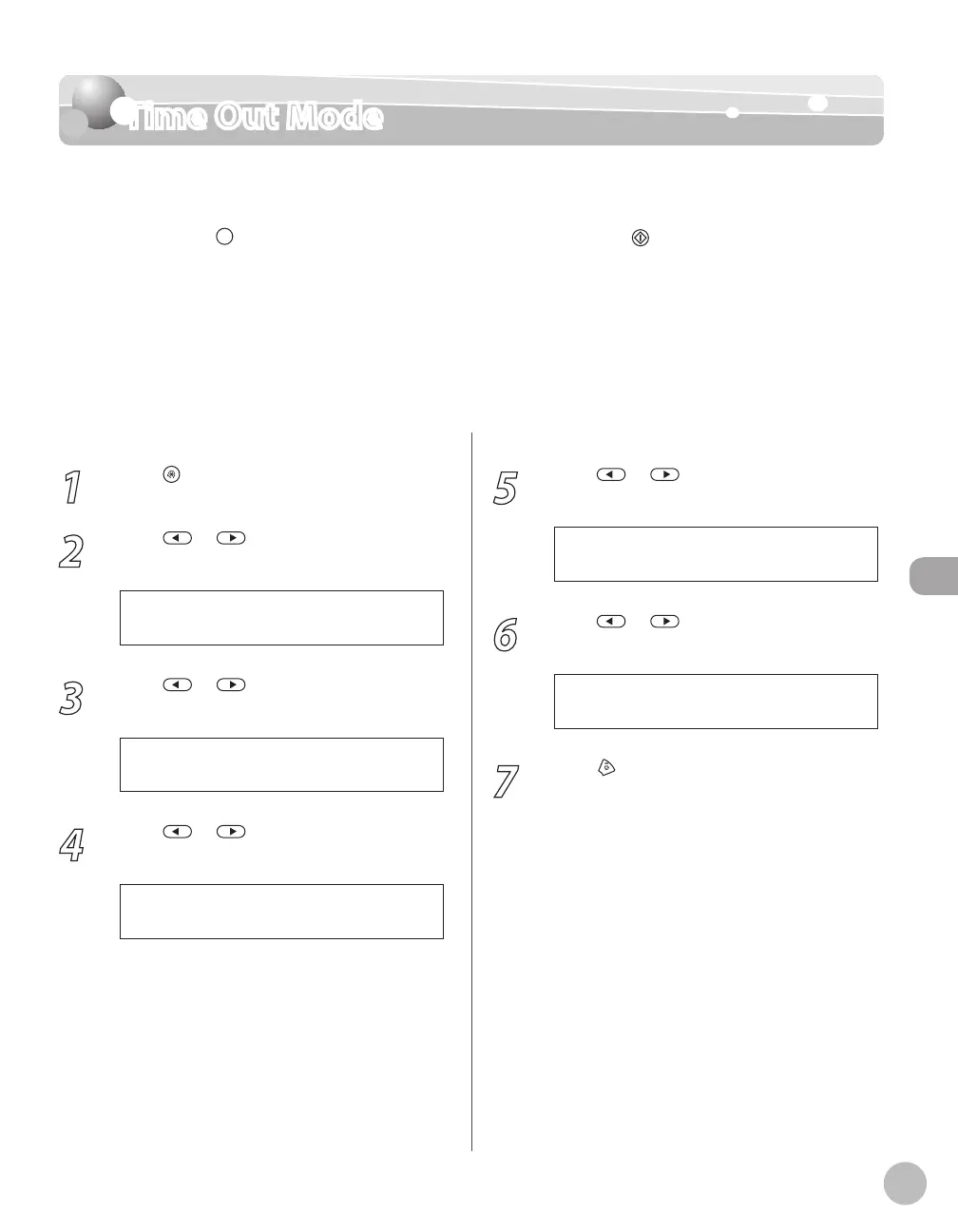
The Time Out mode enables you to set the machine to automatically start scanning
documents after you specify the destinations using the one-touch keys or coded dial codes,
or by pressing
[Recall/Pause]/[Redial/Pause], without pressing [Start]. If you set the
Time Out mode to <ON>, the machine pauses for five seconds after you specify a
destination before starting to scan.
If you are using sequential broadcasting to send your document to more than one location,
you must dial the second fax number within five seconds of dialing the first fax number. All
subsequent numbers must be dialed within 10 seconds. If you wait longer than the specified
time out interval before dialing the next number, the machine starts to scan your
document. The default setting is <OFF>.
1
Press [Menu].
2
Press or to select <TX/RX
SETTINGS>, then press [OK].
4 . T X / R X S E T T I N G S
M E N U
3
Press or to select <FAX
SETTINGS>, then press [OK].
3 . F A X S E T T I N G S
T X / R X S E T T I N G S
4
Press or to select <TX SETTINGS>,
then press [OK].
3 . T X S E T T I N G S
F A X S E T T I N G S
5
Press or to select <TIME OUT>,
then press [OK].
4 . T I M E O U T
T X S E T T I N G S
6
Press or to select <ON> or
<OFF>, then press [OK].
7
Press [Stop/Reset] to return to the
standby mode.















 To Next Page