12-18
Troubleshooting
Error Codes (D1180/D1170/D1150)
Error Codes (D1180/D1170/D1150)
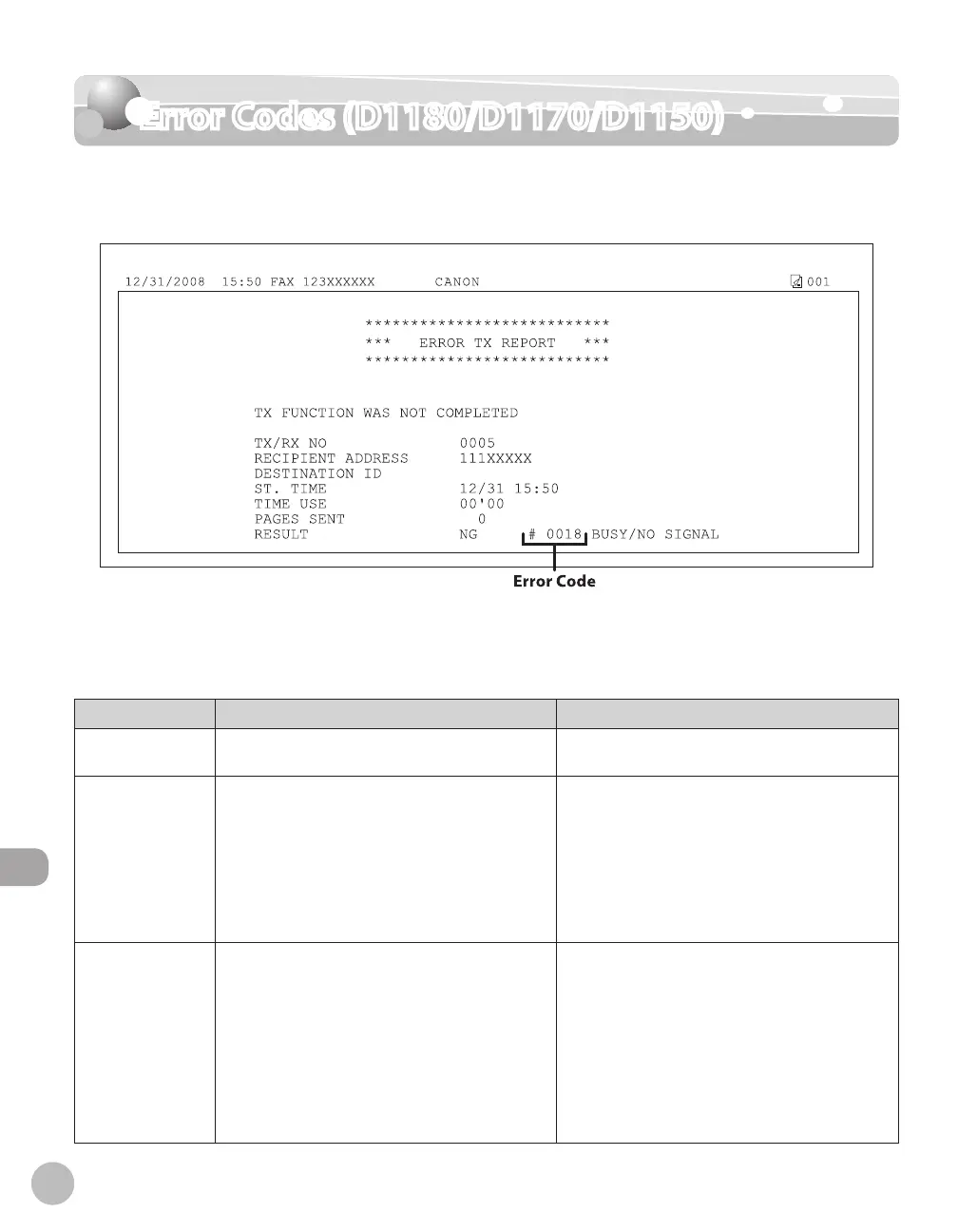
An error code is a four-digit code shown on an ERROR TX REPORT or an RX ERROR REPORT
when an error occurs.
For details on reports, see “Summary of Reports and Lists,” in the e-Manual.
See the table below for individual error codes.
Error Code Description Action
0001
A document may be jammed. Remove the jammed document. (See “Clearing
Jams,” on p.
12-2.)
0003
An attempt was made to send a document of
24 7/8" (630 mm) or longer from the ADF.
– Divide the document into smaller parts and
send from the platen glass.
–
A document takes a long time to send
because it contains too much data.
– Reduce the scanning resolution before
sending.
–
A document takes a long time to receive.– Contact the other party and ask them to
reduce their scanning resolution or divide the
document into smaller parts for sending.
–
0005
The other fax machine did not respond within
35 seconds.
– Send the document again. Contact the other
party and have them check their fax machine.
If you are making an overseas call, add a
pause to the number.
–
The other party may not be using a G3 fax
machine.
– Check with the other party and send the
document to a G3 fax machine. If the other
party does not have a G3 fax machine, try
sending your document using a transmission
mode the other party’s fax machine supports.
–















 To Next Page