Fax (D1180/D1170/D1150)
6-18
Canceling Sending Fax Documents
Canceling Sending Fax Documents
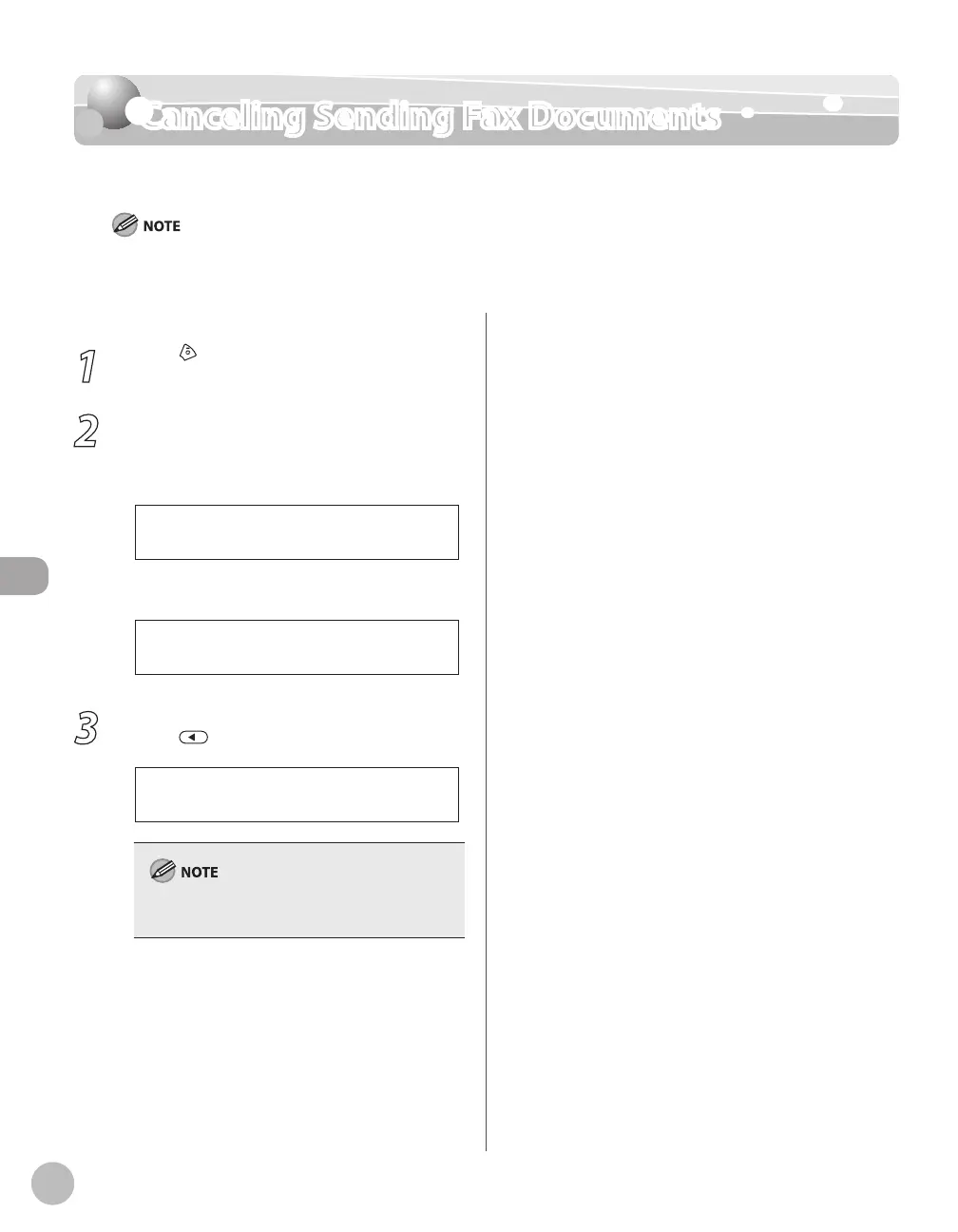
Follow this procedure to cancel a transmission in progress.
You can also cancel a transmission from the Status Monitor screen. (See “Checking/Deleting Fax Transmission Documents,” on p. 6-
62.)
1
Press [Stop/Reset].
2
When the <STOP KEY PRESSED> message
appears, press [OK].
■When scanning using the ADF:
P R E S S O K K E Y
S T O P K E Y P R E S S E D
■When scanning using the platen glass:
S T O P K E Y P R E S S E D
3
When the <CANCEL?> message appears,
press to select <YES>.
< Y E S N O >
C A N C E L ?
For sending jobs, remove any unscanned
documents from the ADF.














 To Next Page