Fax (D1180/D1170/D1150)
6-22
Specifying Destinations
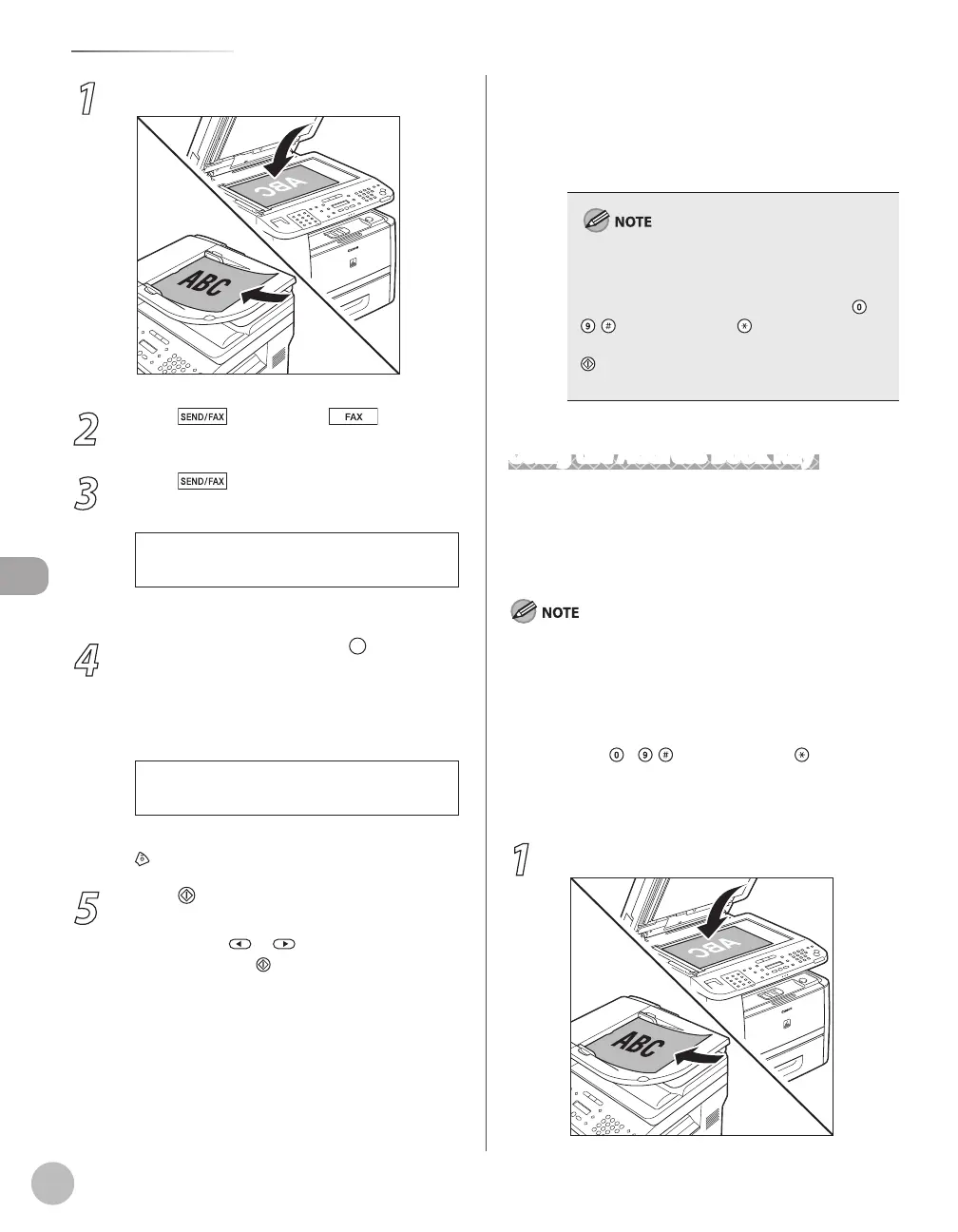
1
Place documents.
2
Press [SEND/FAX]/ [FAX].
3
Press [SEND/FAX] repeatedly to
select <FAX>, then press [OK].
For the D1150, skip this step.
4
Press the one-touch key or [Coded
Dial] followed by the three-digit code
under which the desired address group is
registered.
[ 0 3 ] C a n o n
G R O U P D I A L
Ex.
If you pressed a wrong key or code, press
[Stop/Reset], then try again from step 3.
5
Press [Start].
When you place the documents on the platen
glass, press
or to select the document
size, then press
[Start] for each document.
When scanning is complete, press [OK] to
start sending.
You can also adjust the following scan
settings as necessary, using the keys on the
operation panel, after specifying the
destination in step 4.
–
–
Density: See “Adjusting Density,” on p. 6-29.
Image Quality: See “Selecting Image Quality,”
on p
. 6-30.
2-Sided: S
ee “2-Sided Documents,
” on p. 6-
31.
When <TIME OUT> is set to <ON> in <TX
SETTINGS> in <FAX SETTINGS> in <TX/RX
SETTINGS>, and if you have specified the
destination by any other method than using
–
, [numeric keys] and [Tone], the machine
starts scanning automatically without pressing
[Start], after the preset time for this setting is
elapsed. (See “Time Out Mode,” on p. 6-41.)
Using the Address Book Key
[Address Book] search enables you to search for a
recipient registered in the machine. This is useful
when you forget which one-touch key or coded dial
code the recipient you want is registered under.
To use this feature, you must register destinations in the one-
touch keys or coded dial codes beforehand. (See “Storing/
Editing One-Touch Keys,” on p. 5-3 or “Storing/Editing Coded
Dial Codes,” on p. 5-12.)
A maximum of 201 destinations can be specified at the same
time. (Out of the 200 destinations, a number or address can be
specified with – , [numeric keys] and [Tone].) If you
specify a group, which is made up of several destinations,
each destination in the group is counted as a separate
address.
1
Place documents.
•
•
•
–
–















 To Next Page