Copying
3-17
Enlarge/Reduce Images
4
Press or to select the copy ratio,
then press [OK].
7 8 % L G L L T R
P R E S E T R A T I O
<200% MAX.>
<129% STMT → LTR>
<100%>
<78% LGL → LTR>
<64%>
<50% MIN.>
When <PAPER SIZE GROUP> in the <COPY
SETTINGS> menu is set to <A> or <AB>, the
preset copy ratios change as follows:
A: 50%, 70%, 100%, 141%, 200%
AB: 50%, 70%, 81%, 86%, 100%, 115%, 122%,
141%, 200%
5
Use
– [numeric keys] to enter the
desired copy quantity (1 to 99).
T E X T / P H O T O
7 8 % L T R
0 1
6
Press [Start].
If you want to copy multiple documents using
the platen glass, place a document and press
[Start] once for each page.
Custom Copy Ratio
You can enlarge or reduce images by any copy ratio,
in 1% increments. The available copy ratios are from
50% to 200%.
–
–
–
–
–
–
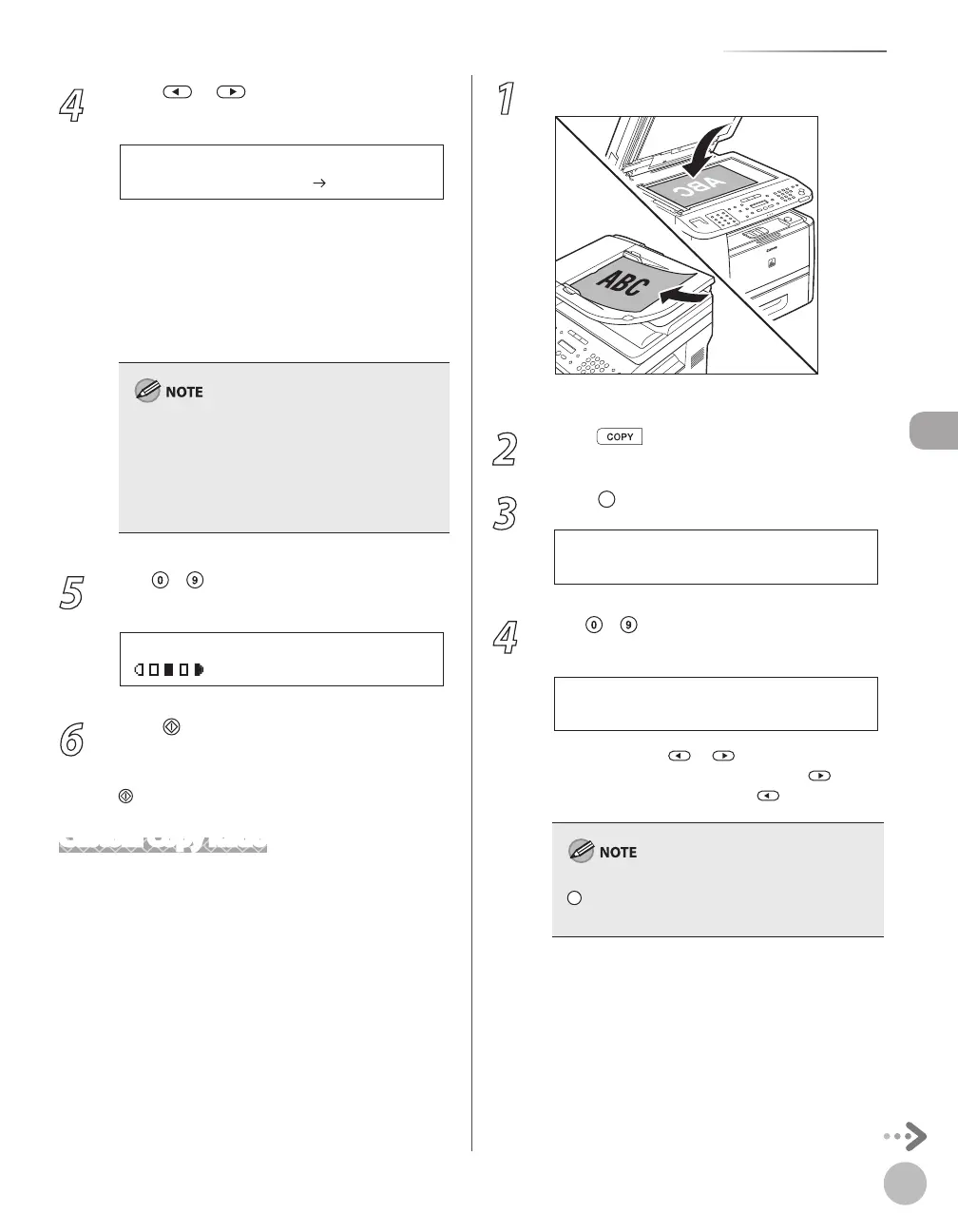
1
Place documents.
For details, see “Placing Documents,” on p. 2-4.
2
Press [COPY].
3
Press [Enlarge/Reduce] twice.
- 1 0 0 % +
Z O O M 5 0 - 2 0 0 %
4
Use – [numeric keys] to enter the
copy ratio, then press [OK].
- 9 5 % +
Z O O M 5 0 - 2 0 0 %
You can also use or to adjust the copy
ratio. To increase the copy ratio, press
. To
decrease the copy ratio, press
.
To return the copy ratio to 100%, press
[Enlarge/Reduce] repeatedly to display
<100%>, then press [OK].















 To Next Page