Scanning
8-4
Introduction to Using Scanner Functions
Introduction to Using Scanner Functions
This section describes what you must do before using the scanner functions.
Make sure to set the following items first:
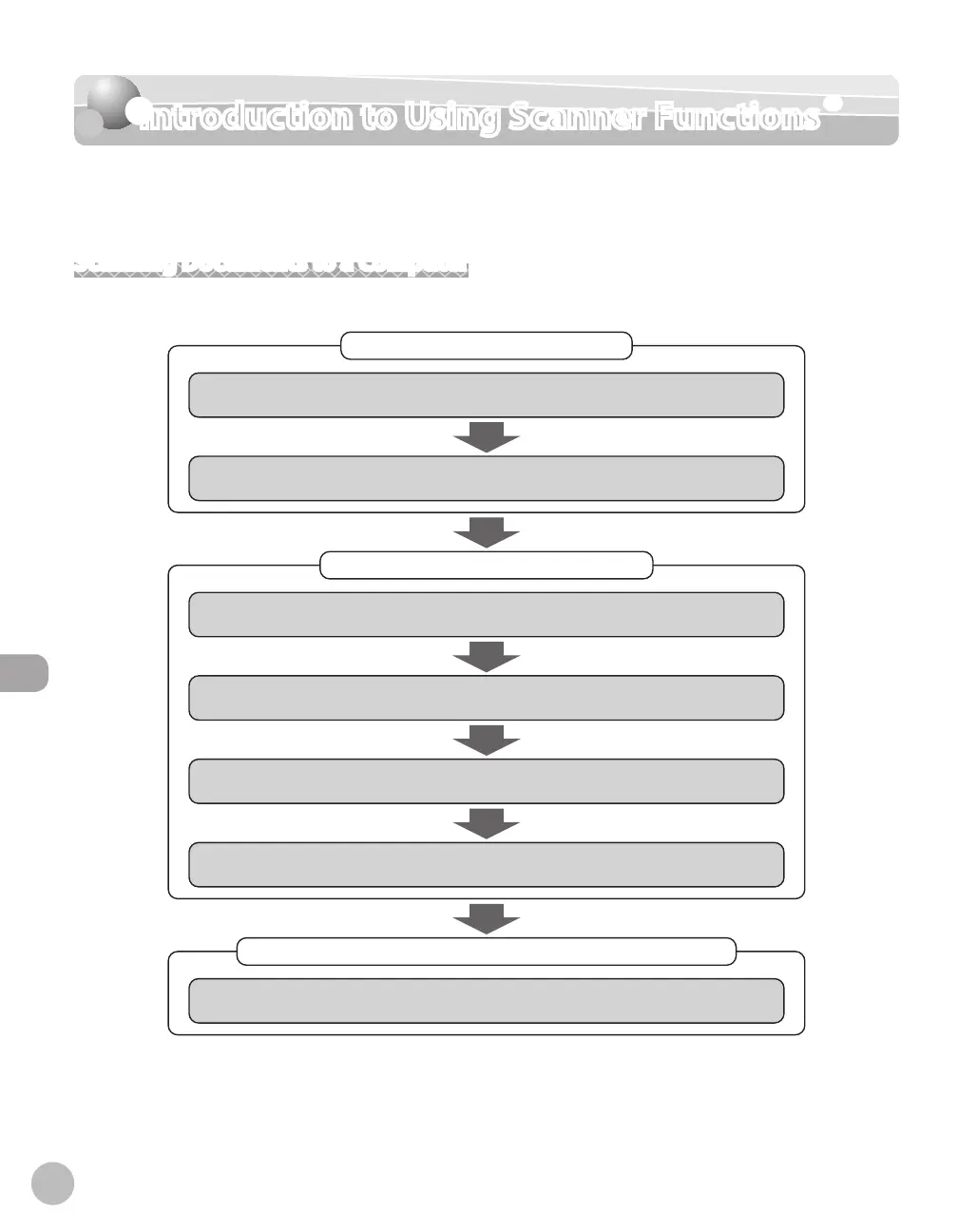
Scanning Documents to a Computer
The necessary settings for sending scanned documents to a file server are shown below.
Connecting a Network Cable
Basic Network Settings
Connect the machine to the network environment.
Sending Documents to the File Server
Basic Method for Scanning Documents to a File Server
Try to send scanned documents to the shared folder.
Setting the IP Address
Make sure that the correct IP address is set.
Conrming Necessary Information
Scan to File Server Settings
Check the computer name and necessary components for le sharing.
Setting up a File Server
Set up a shared folder in which to store documents.
Setting up the Machine*
Set up the machine to use the Scan to File Server function.
Specifying Destinations
Register addresses, user names, and passwords in the one-touch keys or coded dial codes.
* You can set up the Scan to File Server function easily by using the Send Function Setting Tool. (See “Use Send
Function Setting Tool,” in the e-Manual.)














 To Next Page