11-18
Maintenance
Transporting the Machine
Transporting the Machine
This section describes the required procedures before transporting the machine.
Follow this procedure to avoid vibration damage to
the machine when transporting it over a long
distance.
Do not lift the machine by any of its attachments. Dropping
the machine can cause personal injury.
If you are using the Cassette Feeding Module-U1 (optional),
transport the machine and the Cassette Feeding Module-U1
separately. If you transport the machine with the Cassette
Feeding Module-U1 being installed, you may drop the
machine.
If you have a back problem, make sure to check the weight of
this machine before carrying. (See “Specifications,” on p. 14-2.)
1
Turn OFF the main power switch.
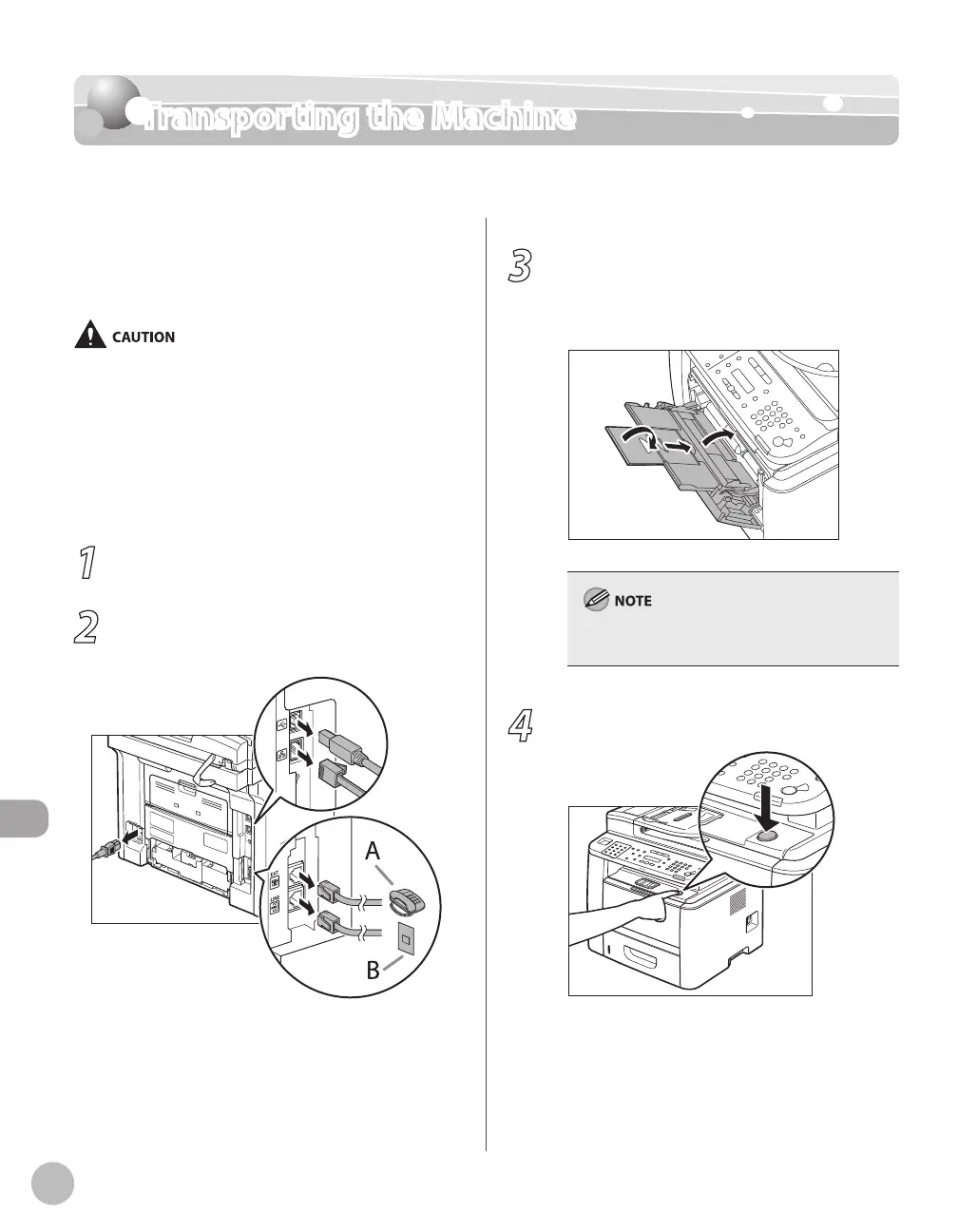
2
Disconnect the power cord and all the
cables from the back of the machine.
–
–
–
3
If you are using the multi-purpose tray,
fold multi-purpose tray extension, push
back the auxiliary tray into place, and
then close the multi-purpose tray.
If you are using the sub-output tray, close the
sub-output tray.
4
Push the open button.















 To Next Page